
Participating Frequently
May 29, 2024
Question

Apply adjustments to multiple artboards

  • May 29, 2024
  • 2 replies
  • 1178 views

I want to apply various adjustments to multiple artboards and am using this method:
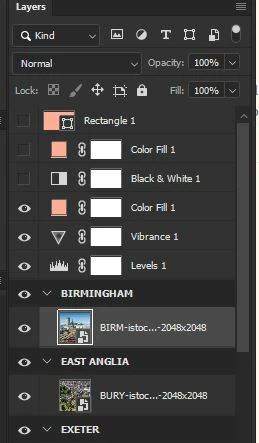
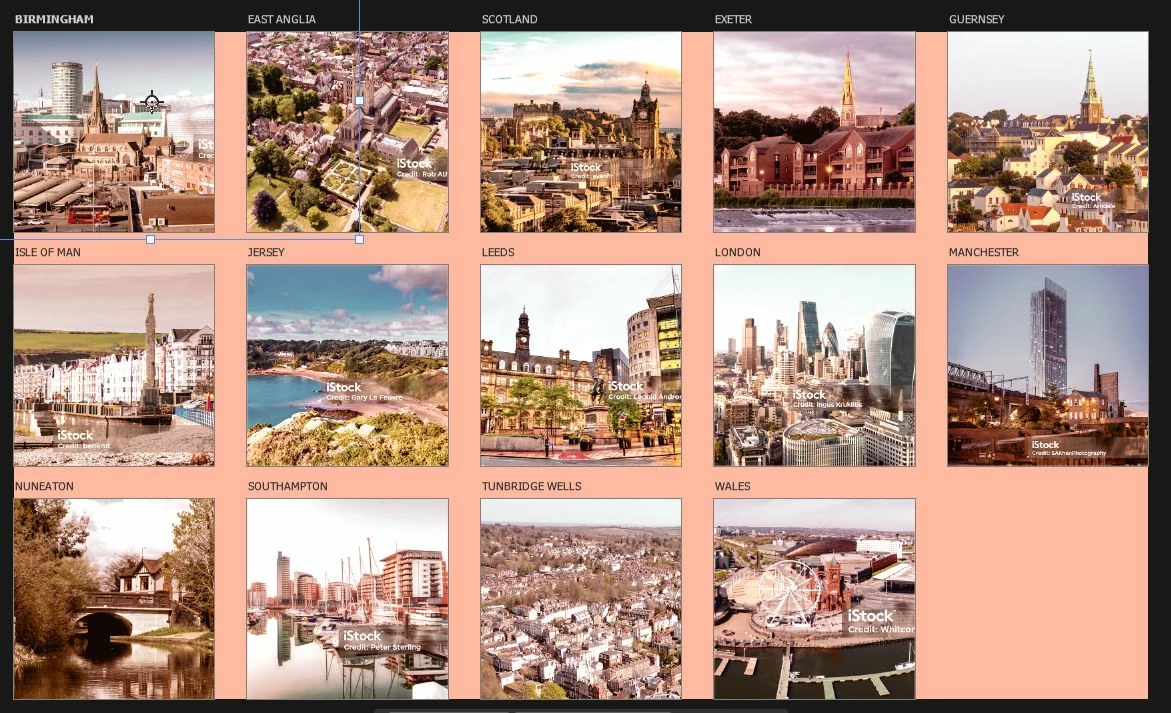
The adjustments appear to be applied on the canvas:
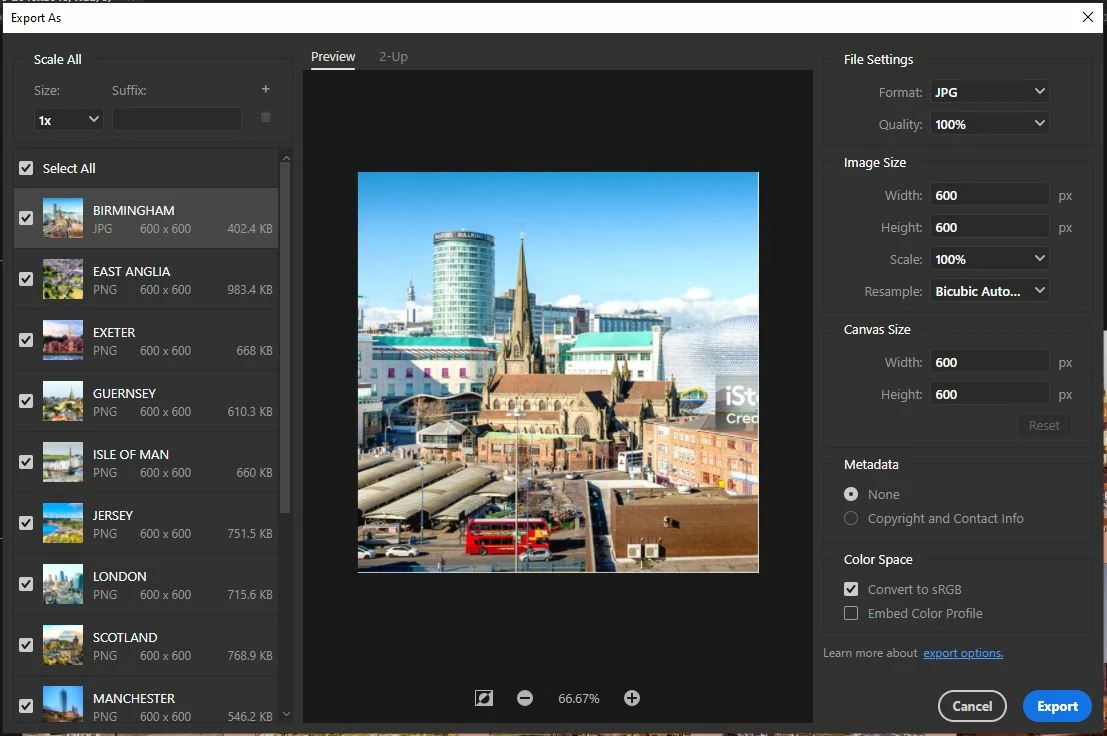
But when I use 'Export as' the adjustments aren't there:
Have done some googling but can't find anything helpful so hoping someone has some tips.

Using 25.9.0 on windows 10

This topic has been closed for replies.

2 replies

c.pfaffenbichler
Community Expert
Community Expert
June 4, 2024

Sorry, I had missed your second post. (»I should clarify that it seems that it's just the color fill that doesn't work.«)

Edit: And that Fill Layres and Adjustment Layers are treated differently in this context does indeed seem like it might be an inadvertent effect. 


Try using a Gradient Map Layer with only one Color Stop instead of the Fill Layer. 

Stephen Marsh
Community Expert
Community Expert
June 4, 2024

@c.pfaffenbichler 


Thats a creative idea!

didiermazier
Community Expert
Community Expert
May 29, 2024

It seems rather normal that "Export as" shows only the artboards. But the question is : Are the overall settings applied or not to the exports?

PDW-BMAuthor
Participating Frequently
May 29, 2024

I should clarify that it seems that it's just the color fill that doesn't work. I've also tried using a coloured shape but that doesn't work either.

Stephen Marsh
Community Expert
Community Expert
May 30, 2024
quote

I should clarify that it seems that it's just the color fill that doesn't work. I've also tried using a coloured shape but that doesn't work either.


By @PDW-BM


Ah, I tested with adjustment layers and it worked as expected, but I didn't test with a color fill layer.


Artboards are like a "group with a mask" isolating a specific area of the canvas.


It looks like you might have to dupe the fill and place it within each artboard.