Inspiring
February 28, 2025
Answered

applying a gradient to one adjustment layer only

  • February 28, 2025
  • 1 reply
  • 698 views

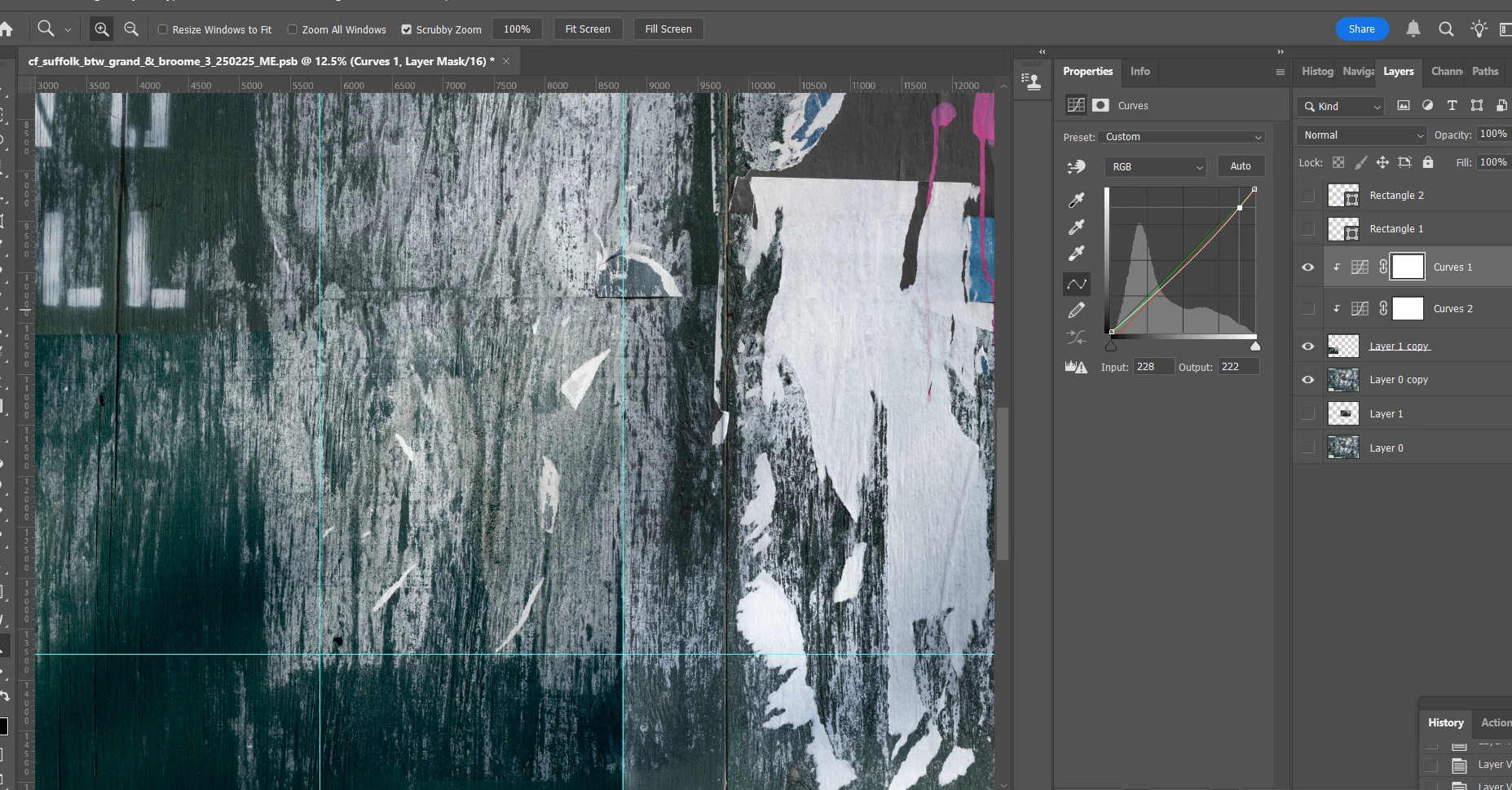
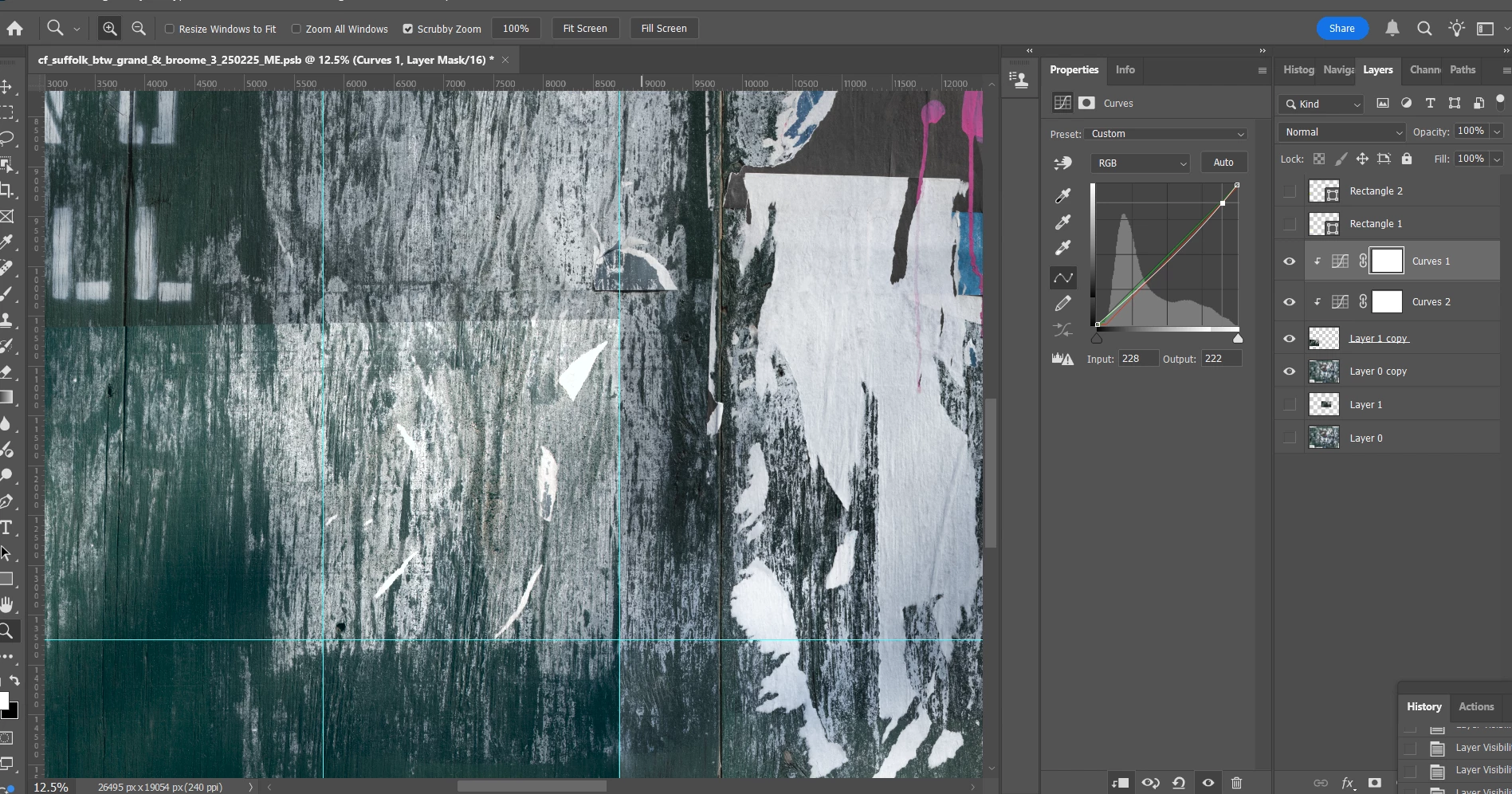
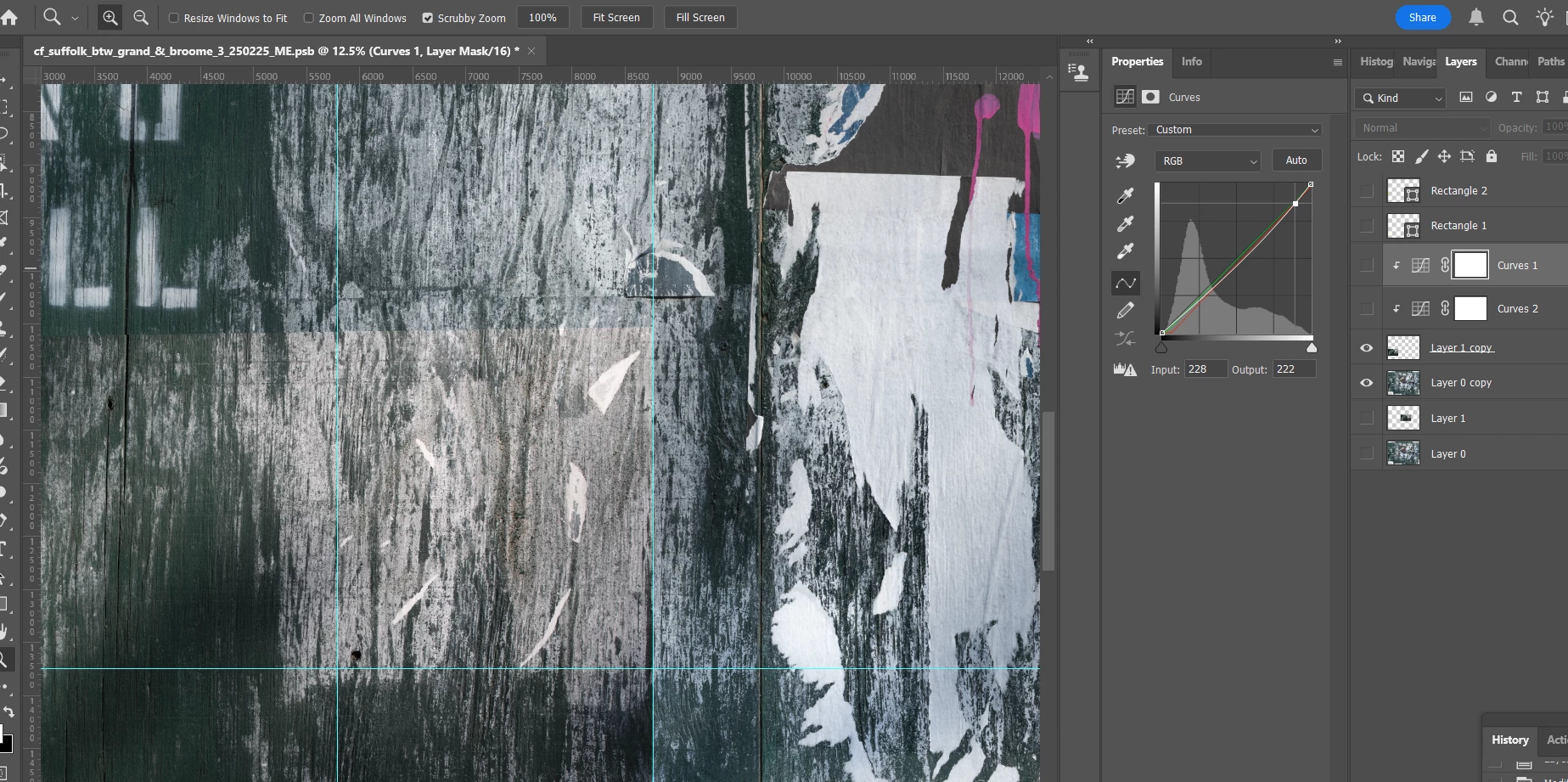
Screen shot 1 below shows a layer with 2 adjustment layers turned off.  Screen shot 2 shows 1 of the 2 adjustment layers turned on, addressing the top portion of the layer, making the transition with the bottom layer seamless.  Screen shot 3 shows the other adjustment layer turned on, addressing the bottom part of the layer, making the transition with the bottom layer seamless.  But with that layer (Curves 2) turned on, the top portion of "Layer 1 copy" is now too bright.  Can I apply a gradient to the Curves 2 layer only to bring down the brighter upper part while keeping the adjustment intact in the lower part?  Thanks.  


Correct answer barbara_a7746676

I think you could accomplish what you want by using a black and white gradient in the layer mask for the adjustments. Black hides the adjustment, white shows the adjustment and gray with partially show/partially hide the adjustment.

1 reply

barbara_a7746676
Community Expert
barbara_a7746676Community ExpertCorrect answer
Community Expert
February 28, 2025

I think you could accomplish what you want by using a black and white gradient in the layer mask for the adjustments. Black hides the adjustment, white shows the adjustment and gray with partially show/partially hide the adjustment.

Inspiring
February 28, 2025

Yes, you're right.  I was overthinking this and did not try to apply a gradient before writing my post - which was unfortunate.  I was thinking that with 2 adjustment layers, a gradient would perhaps affect both layers.  As it was, it was the bottom adjustment layer that needed the gradient and applying it achieved the desired result.  Just curious, but when I was still figuring it out and tried to apply the gradient to the upper of the 2 adjustment layers, I got a message saying "program error".  Is there a particular reason why this would be?  Can you not apply a gradient to an adjustment layer above another one, or to more than 1 adjustment layer per pixel layer (or where both are clipped to that layer)?  Thank you.  

Bojan Živković11378569
Community Expert
Community Expert
February 28, 2025

There isn't any limitation based on my testing; you can clip two Curves adjustment layers to single pixel-based layers and restrict adjustments using layer masks. What program error are you seeing?