
Participant
December 5, 2022
Pregunta

Applying an image on a curved wall via smart object

  • December 5, 2022
  • 1 respuesta
  • 5006 visualizaciones

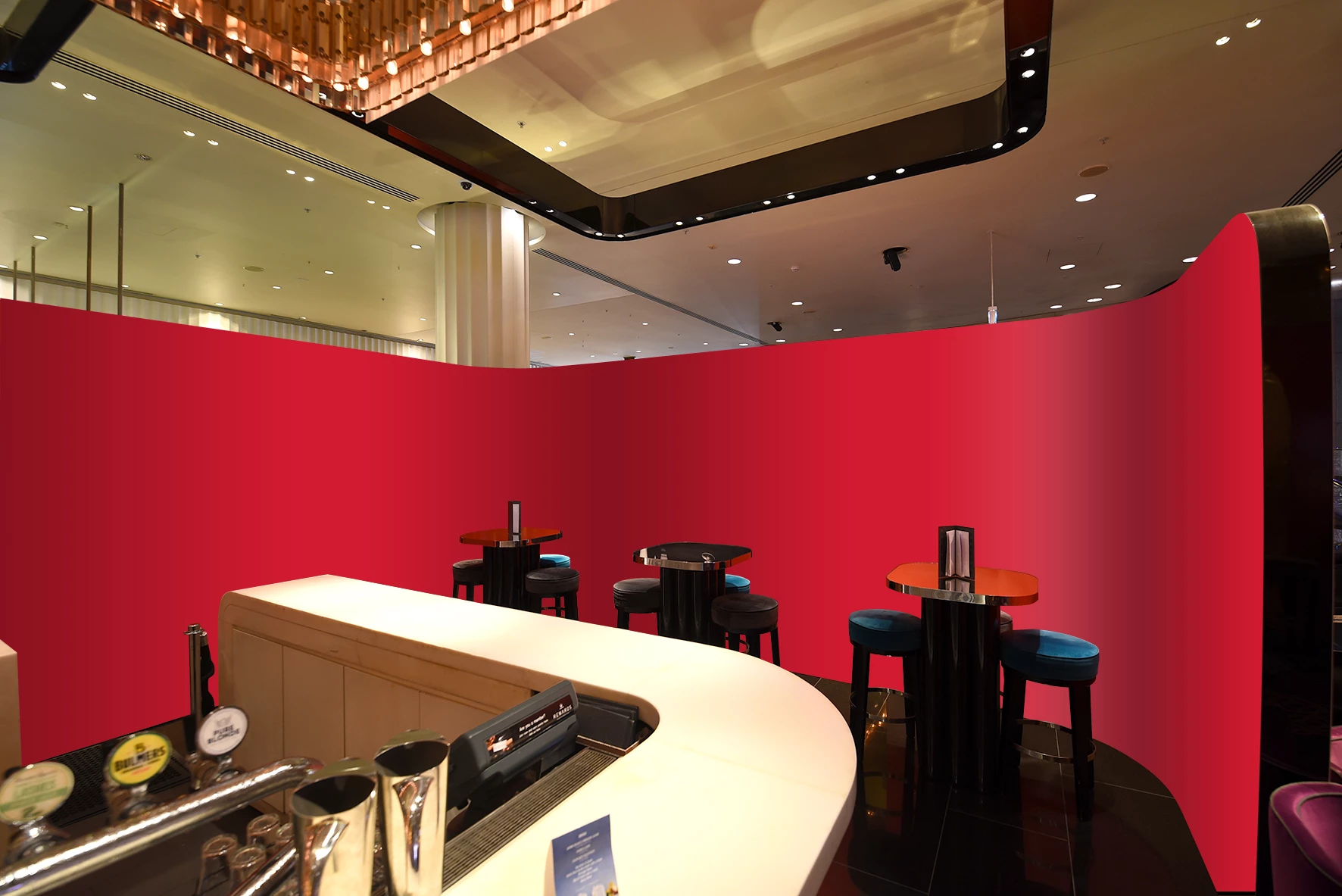
Hi, Just wondering if you can easily apply a graphic to a curved wall via a smart object in Photoshop? I've tried the warping tool and it's impossible to get it right. (See the wall reference image attached, red section.)
1 respuesta

Bojan Živković11378569
Community Expert
Community Expert
December 5, 2022

There isn't any automated built-in option, if thats what you want to ask. Things must be done manually by you or someone else.

Participant
December 5, 2022

Thanks Bojan, This is the best I can do using the warping tool, but very hard to get the image looking right. 

melissapiccone
Community Expert
Community Expert
December 6, 2022

Thanks Melissa, perspective warp is what I have already used, those lines are impossible to get right as shown in my previous image. I've already tried vanishing point, unfortunately it doesn't support curved corners.


Have you tried vanishing point indivisually on each wall? It looks like each graphic is on the flat part, not hitting the curve. 


Melissa Piccone | Adobe Trainer | Online Courses Author | Fine Artist