
Answered
Arabic font is being mirrored
Hello!
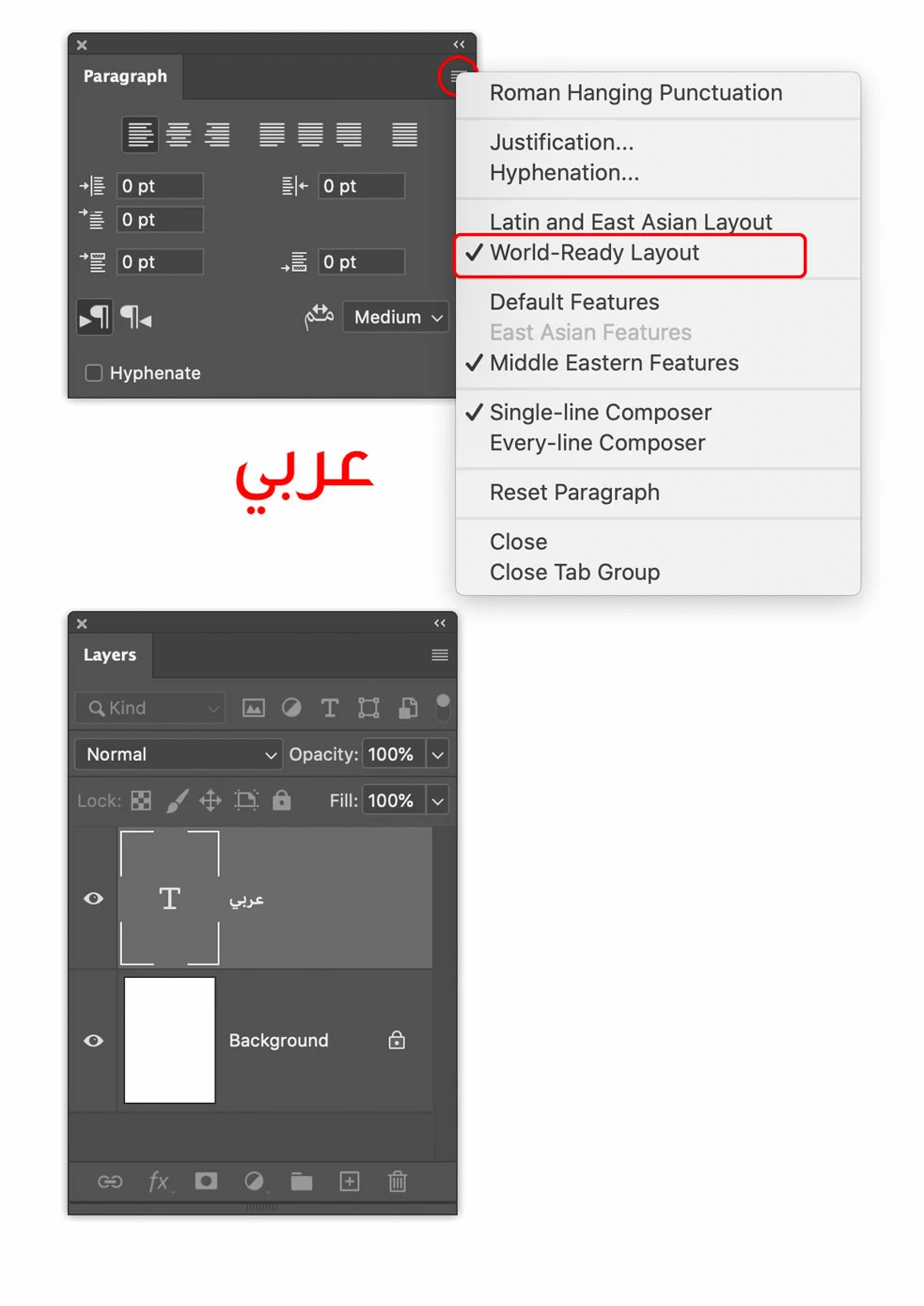
I have Ps 21.1.0 for Mac. I am having problems with Arabic. I have set my Ps to East- Asian under language, Middle -East seems to be an option I can not choose. When I import Arabic words in to the document the writing is mirrored. When I look at the layers the writing seems to be in the write direction, but in my picture, in the text box it is mirrored. I tryed updating photo shop, but the problem wasn't fixed. I have the Ps through work so probably I can't choose the latest update for myself, or I don't know. Any ideas what to do?
 AdChoices