
Answered
Arbitrary rotation of an image (4deg) with color fill
Hi all,
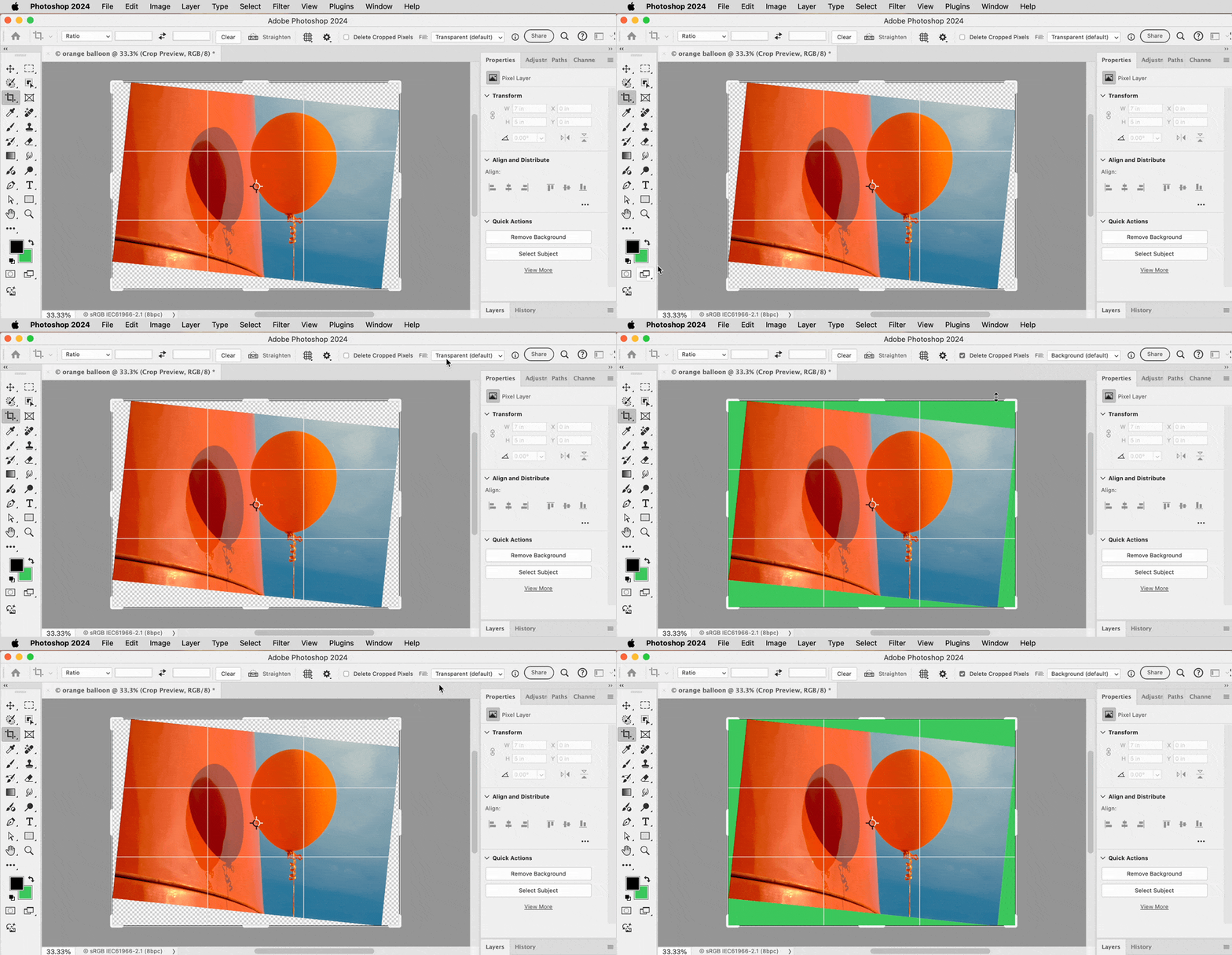
I used to be able to open an image and do the following steps....crop it to appropriate dimensions, resize and then rotate the image to an arbitrary 4 degree rotation and the rotated space would automatically fill with my preselected background color.
Now, when I do these same steps it does a transparent rotated space. And, my only work around has been to save the image after the resize step, close it, then reopen that image to rotate it and the rotated area will then fill with my background color. Really time consuming. Is there a way to get it to work as it used to?
Thank you in advance! Mac os
 AdChoices