Participant
September 3, 2023
Question

Aspect ratio

  • September 3, 2023
  • 2 replies
  • 253 views
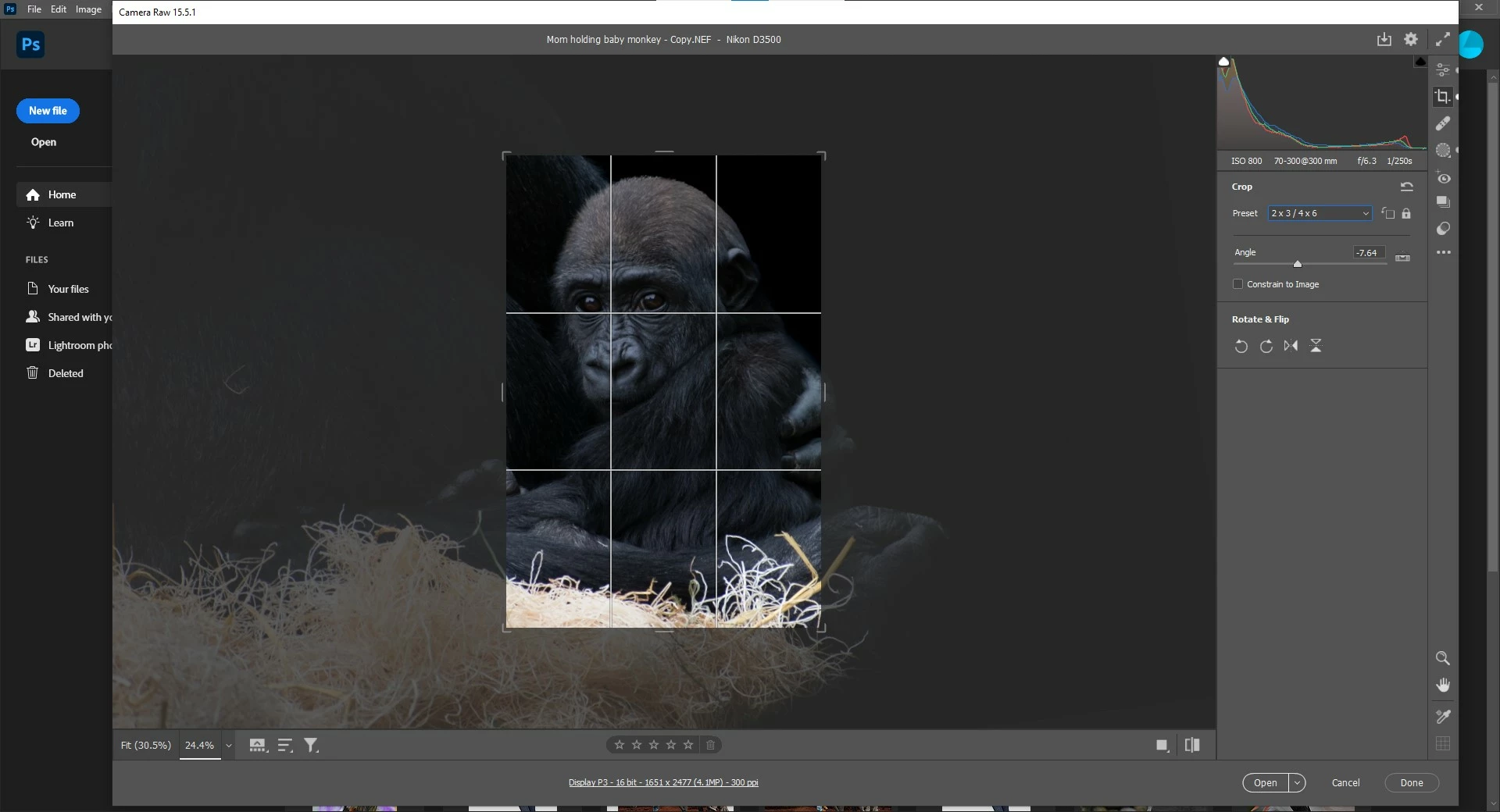
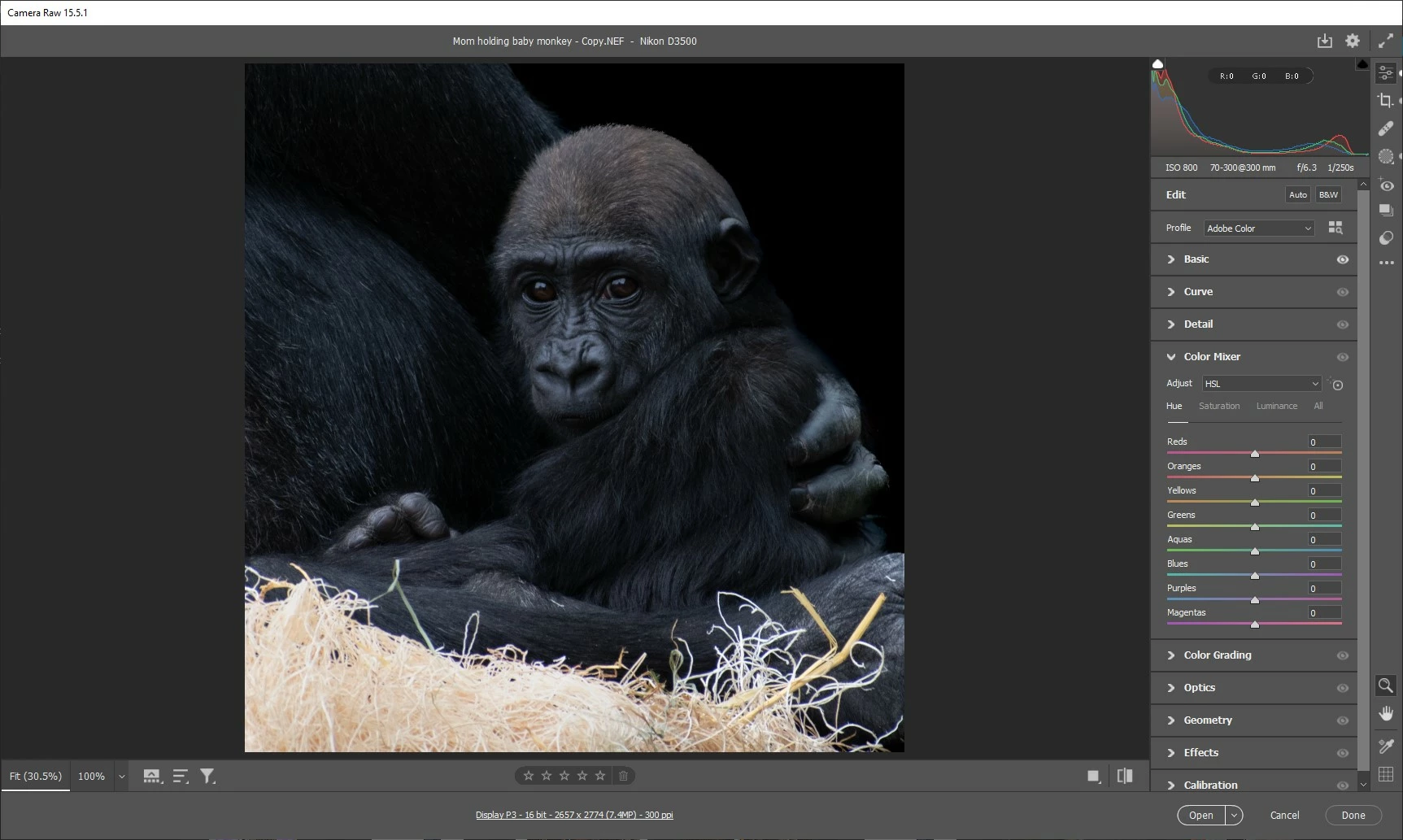
The first picture is how I like the cropping, but when I try to change the aspect ratio to a different setting parts of the gorilla that I want in the picture are cut off (second picture).
In PS I saw that you can zoom in and out on the picture to make everything you want included in the frame fit into each aspect ratio, I'm just not sure where I saw the video on how to do it, and Googling it has been no help.
Can anyone help show me the steps?
TIA!!
This topic has been closed for replies.

2 replies

Bojan Živković11378569
Community Expert
Community Expert
September 4, 2023

I’m not sure I understand your question. Are you trying to fit more of the original image within the cropping frame? If so, one way to do this is by distorting the image slightly while protecting important parts, such as the baby’s head, from distortion. This can be achieved using Content-Aware Scale. To do this, create a selection of the baby’s head and save it as an Alpha channel. When scaling, choose the Alpha channel from the Protect drop-down list in the Options bar.


Suzanne Mathia
Community Expert
Community Expert
September 3, 2023

Generative Expand is maybe what youre thinking of. Thats available only in Photoshop Beta right now 

https://helpx.adobe.com/photoshop/using/generative-expand.html


.....Suzanne Mathia
Participant
September 4, 2023

Thank you!