
Question
Auto-Blend Not Working As Desired...
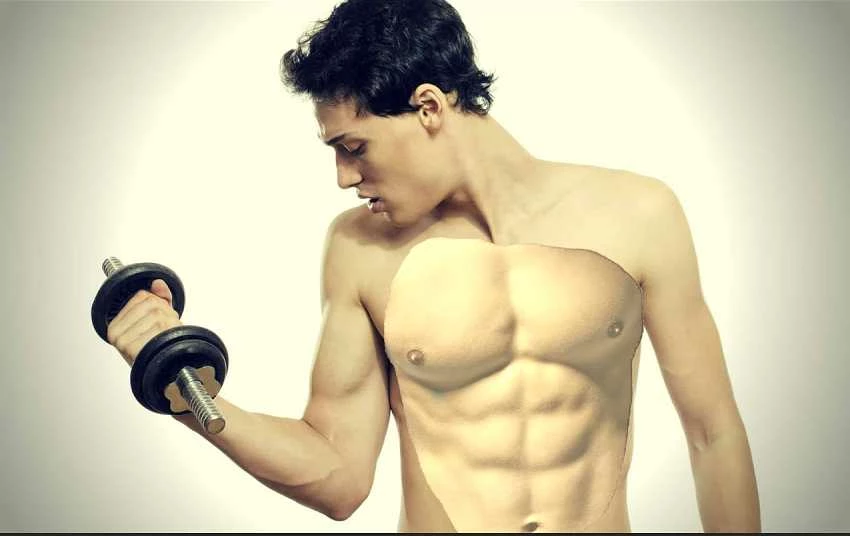
I am trying to use Auto-Blend to see if I can realistically place ab muscles onto a thin figure. I am using Photoshop 2020.
However, when I do this, it doesn't seem to blend, but the only real change I see happen, is the area inside the marching ants (the ab muscles), just becomes very bright.
After activating the selection for the abs, I use the Select>Modify> Contract and select a number of pixels in. Then, I shift-click both the abs and the full-body layer (minus the cut-out in the stomach/chest region). Then I go to Edit> Auto-Blend> Panorama (also tried Stacked option) and both checkboxes in this window are checked.> OK.
Not sure what I am doing wrong. Please help.
Please see attached file. I appreciate your help! Thanks!
 AdChoices