
'Available Space' drastically change when I open PS
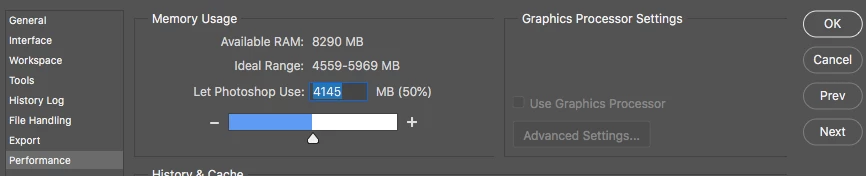
Hi, my snag is when I try to do anything simple little thing in Photoshop I get the error that my 'Scratch discs are full'.
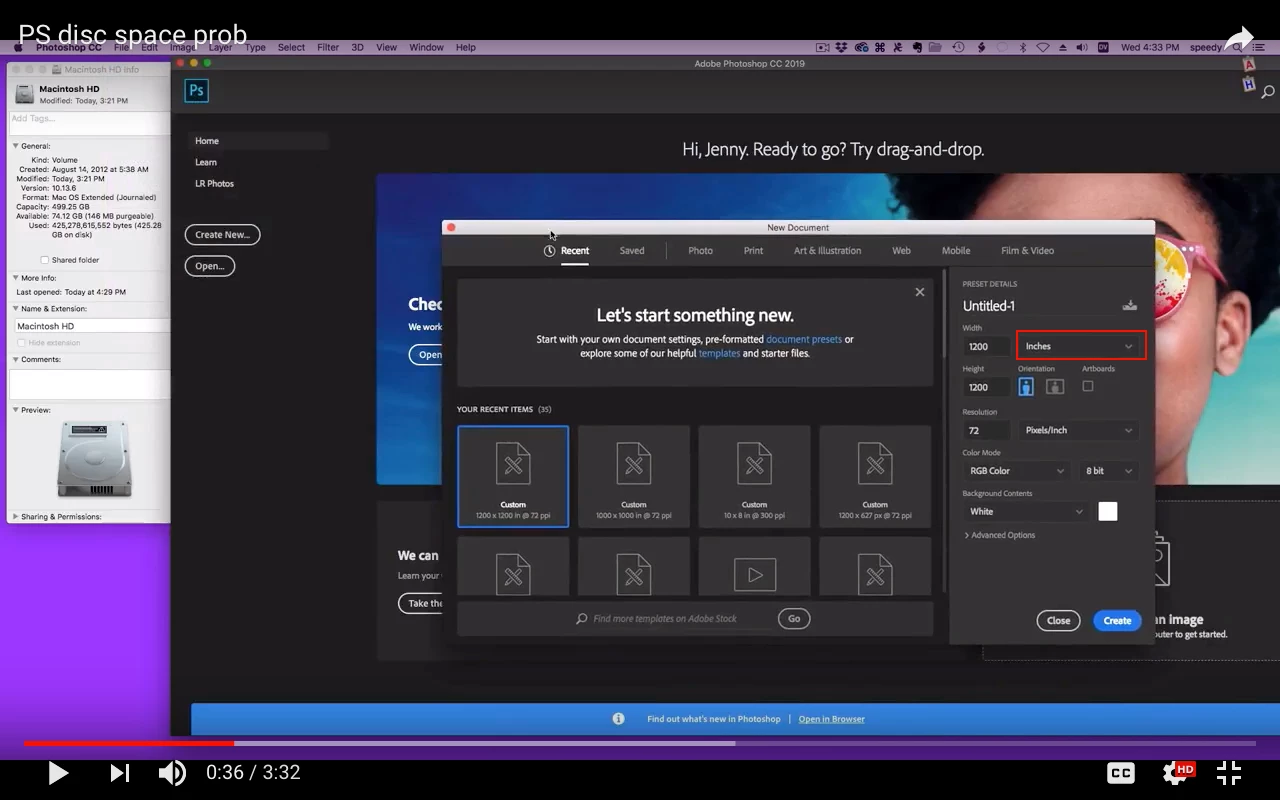
It looked like I had about 24 GB of free space on a 500 GB drive so I spent a couple of happy hours moving big files to an external drive and had about 88 GB of free space but it didn't make any difference to the performance of Photoshop.
I tried adding an external drive an an additional scratch disc to no effect.
To day I downloaded a few videos, prob. not more than 2 GB and now when I check 'get info' for HD Macintosh it shows I have only 6.2 GB of available space.
Actually right after moving all those files I got a similar result but when I closed the 'get info' window and opened it again it showed 88 GB again. But today back to 6.2 GB
Photoshop still not able to play even though I have added another scratch disc with over 300 GB of spare space.
I ran 'repair disc' using First Aid from the recovery drive but it did not find any problem to repair and said the drive appears to be fine.
Incase it helps a few days ago it was hard to wake my Mac from sleep.
I had to hold the power button for over 5 secs about 6 times before it would wake.
Restarting fixed that but maybe there is some problem somewhere with use for the space.
Oh Wow while I was writing this the available space just went back to 81.28 GB when I closed Photoshop.
I was only trying to add text to a small image, couldn't possible take up so many GBs of space.
I just opened Photoshop again and the available space went down to 5.37 GB and it fluctuates a bit even though I don't do anything except type here.
Closed PS again and available space is up to 80.72 GB.
I have no problem editing a video in Screenflow with PS closed...
I have Mac Mini running 10. 13.6
500 GB drive. 2.5 GHz processor.
Any idea what is going on?
How to fix it so i can use PS?
I have the photographers CC plan and am up to date with Creative Cloud and PS.
plmk? Thanks.
 AdChoices