
Backgound Printing when I try to print without - Photoshop HELP
Hello,
I am having a terrible time trying to understand various settings an profiles to achieve my aim.
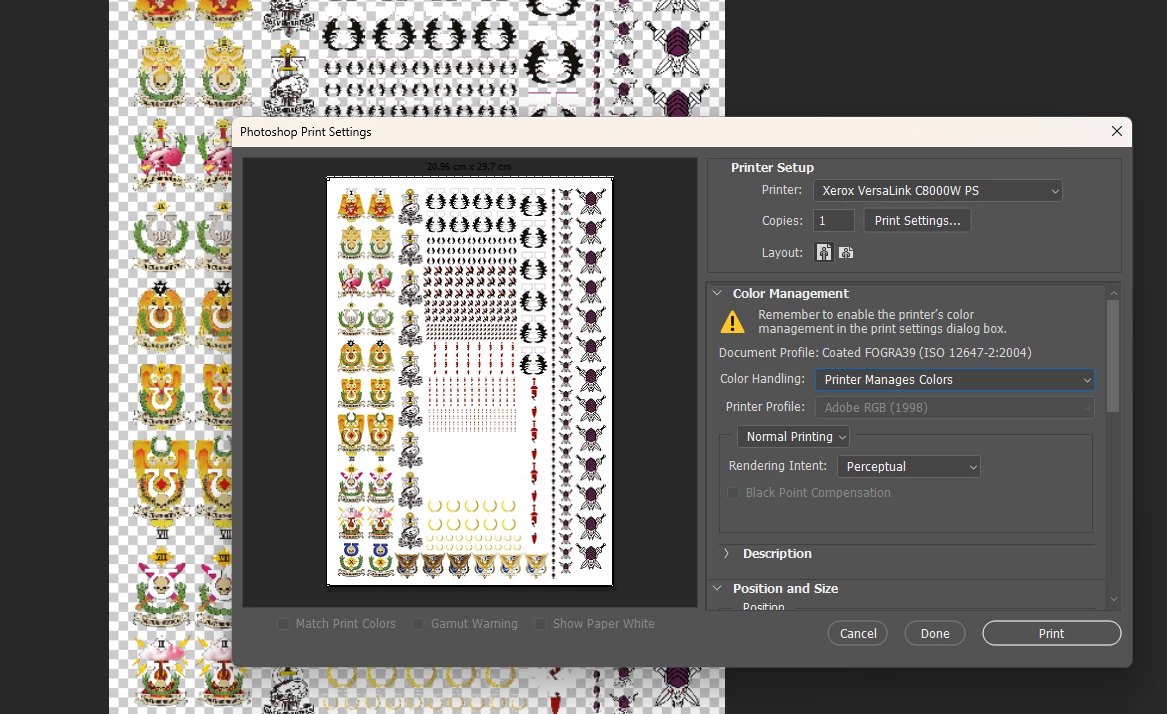
I am trying to print a .psd in photoshop but with the background removed so that only the visable layers actually print.
My printer is a XEROX C8000W, which is a white toner printer with CMY. Black is made from CMY.
When I send to print, ther preview shows the image with a white background, despite me removing this from the layers list. This then prints a white background and spoils the image.
I have tried both the printer managing colours and PS managing. I have changed the printer profiles to not include backgrounds and yet no success.
Does anyone know what setting may be automatically adding a white background to my image when I have no background selected?
 AdChoices