
Question
Basic New Document Presets not Appearing
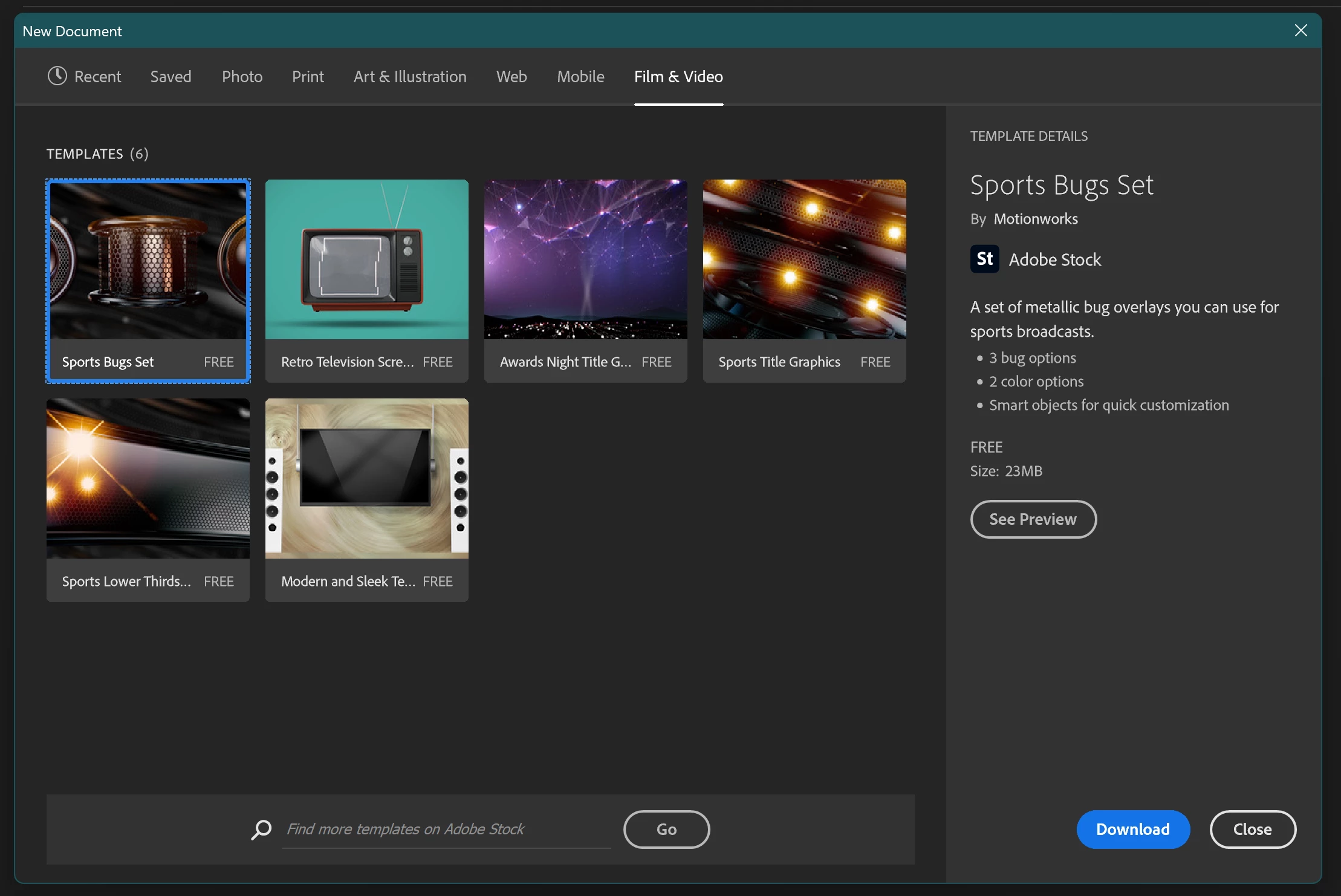
So I'm using Adobe Photoshop 25 in Windows 11 and when I go to start a new document, none of the basic presets are present. For example, this window under 'Film and Video' should have the presets for Standard HD, 4K screen size, and many others, but all it manages to pull up are the Adobe Stock options:
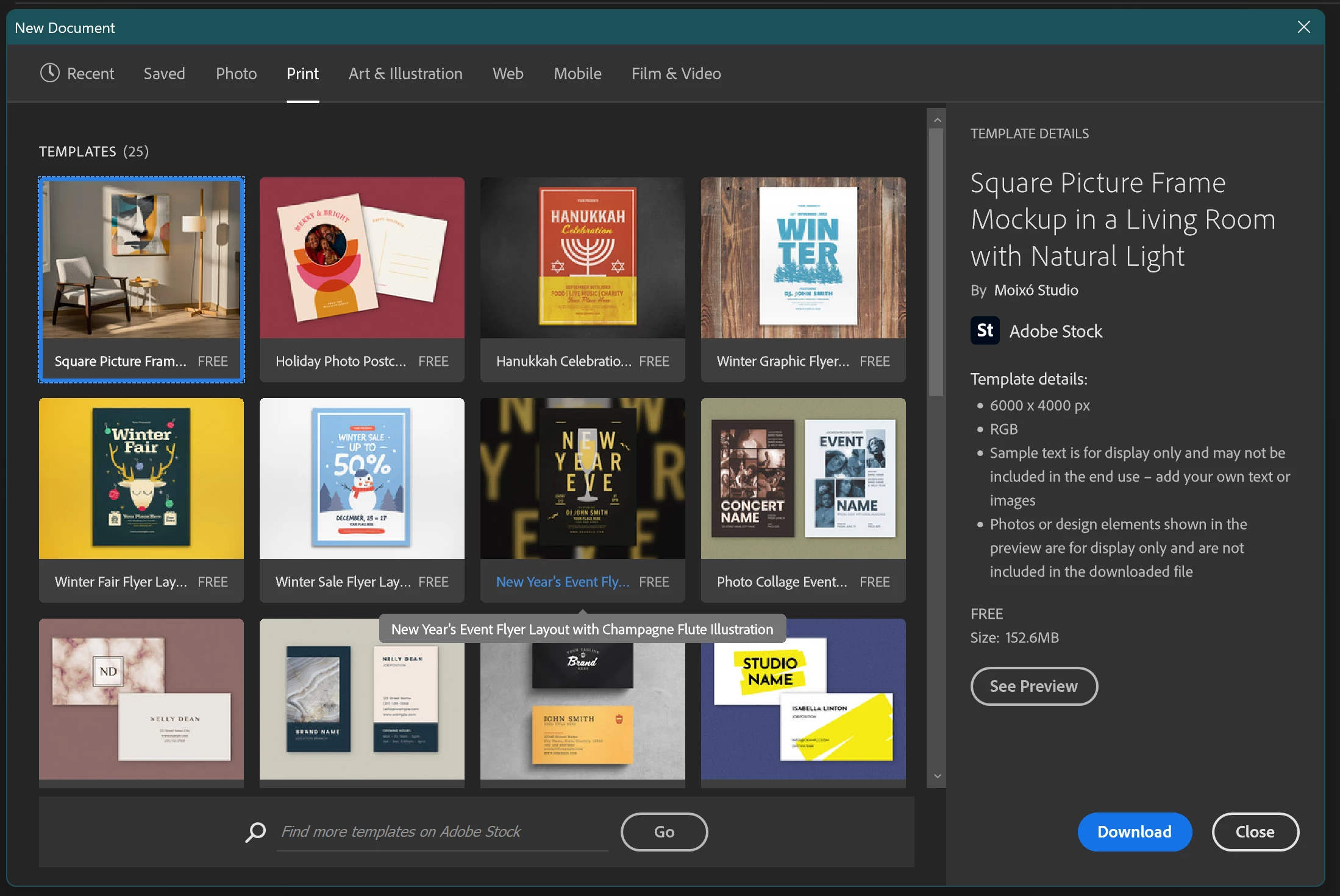
Likewise, I can't even get a standard 8.5'' x 11'' paper off the print presets menu:
I've seen other posts about this from months or even years ago, suggesting to reset the Preferences. I've done this several times (this problem has been recurring for months) and while it helps one time, the problem inevitably crops up again. Has anyone found a permanent solution?
 AdChoices