Batch edit text in hundreds of png images
I have hundreds of .png images of different sizes, they all show some text against a mostly monochromatic background. I have to change all the text in all these images to another font.
I know how to do it individually (use a Mask to cover the original text and add a new Type object), but I have hundreds of these pictures that need to be edited. Is there anything, a script, an automation process, or just a simpler way that can make this task even a little bit easier? Every little thing counts.
One problem is that photoshop does not have OCR, but I can maybe find a python script that automatically extracts the text from the png files into txt files using OCR.
The next step will probably be using a photoshop script or Actions that creates a new Type object using the text from the txt file, but how do I make sure the Type object has the correct font size and position (similar to that of the original text)? Is there some quick operation that can take care of that?
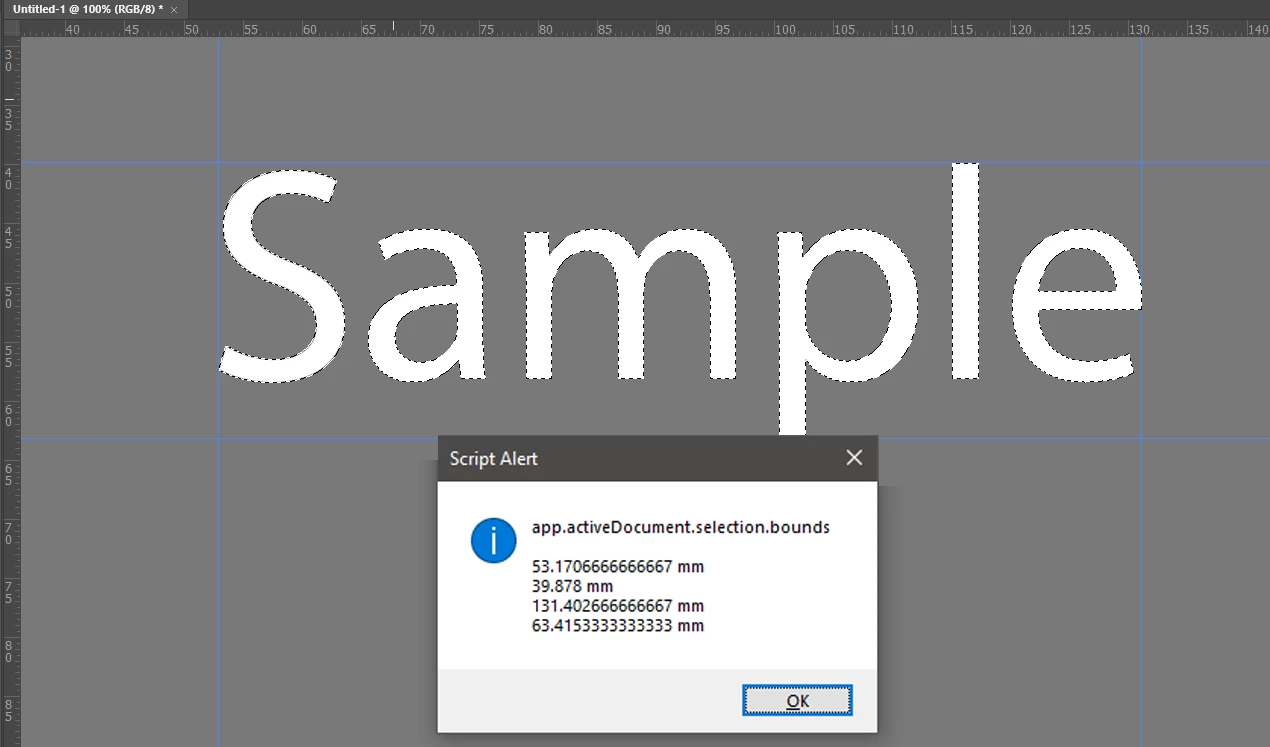
Also, is there a way to make sure the center of a Type object in Photoshop aligns with a specific (X,Y) coordinates?
Even if the process cannot be completely automated, any method and suggestion that can make this task a little bit easier is welcome. I am at my wit's end. Thank you in advance!
 AdChoices