
Participant
January 5, 2023
Answered

Batch Pasting Layer to Bottom Left of Images

  • January 5, 2023
  • 2 replies
  • 448 views

Hi all,


I'd like to find a way to batch paste a scale bar created in photoshop to the bottom left of images. I know I can batch process paste the scale bar to a specific X, Y but not all images have the same dimensions, leading to it being pasted off the canvas. I thought I could potentially change the ruler origin to the bottom left but it seems I can't make this a setting for all images and would have to manually adjust. Any ideas on how I could change the ruler origin for all images or maybe align the scale bar to the bottom left? 


I've attached an example of the end-product I'm trying to get to below. The black scale bar in the bottom left corner. 
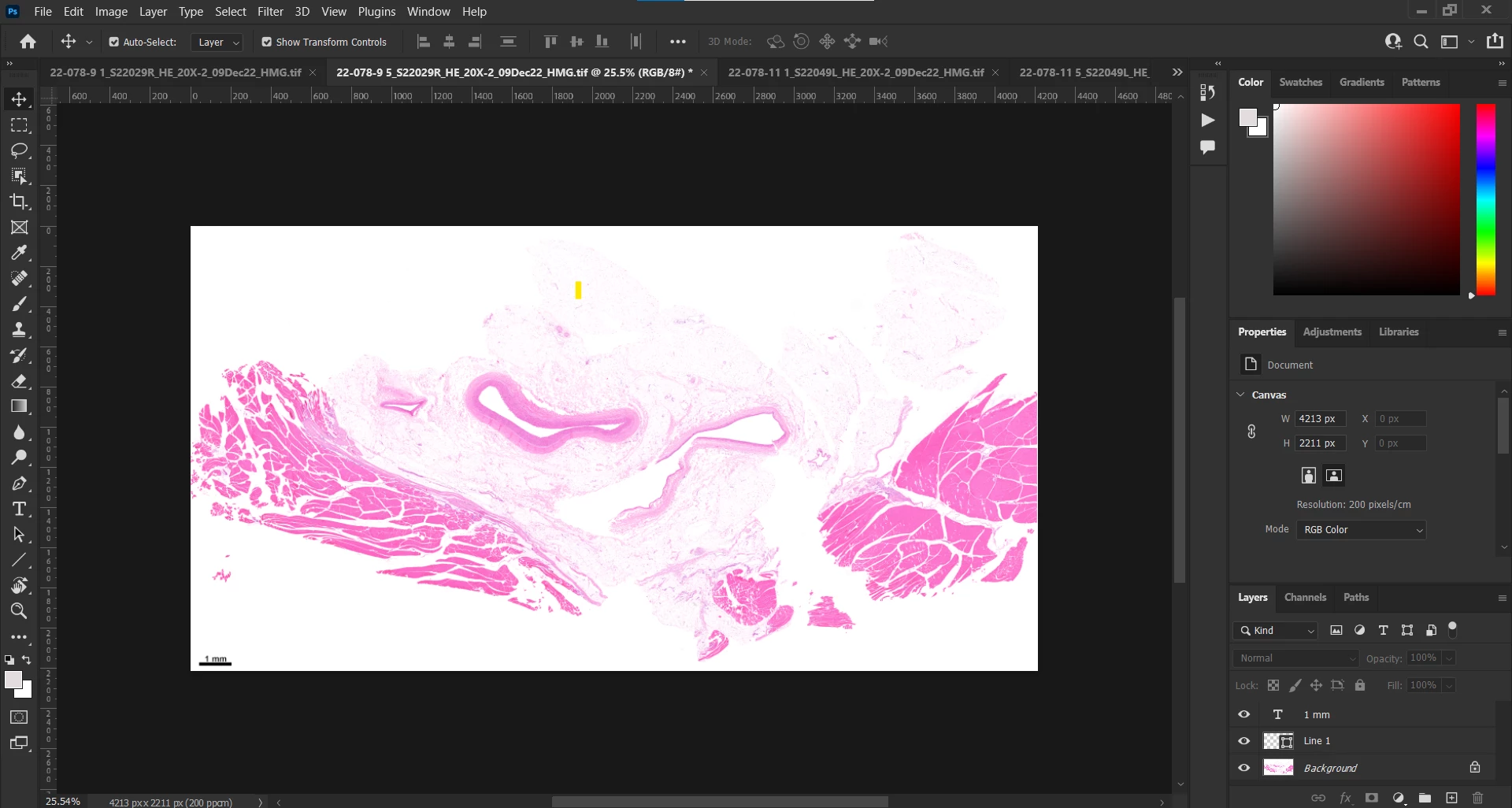
Any ideas would be greatly appreciated!

This topic has been closed for replies.
Correct answer Julian27818213be5o

http://www.thinkoholic.com/2009/03/28/place-copyright-notice-bottom-corner-photoshop-actions/


My colleague found a solution, here is a link to how to do it through recorded actions. The trick was through the use of aligning layers, much simpler than I thought it'd be!

2 replies

Stephen Marsh
Community Expert
Community Expert
January 5, 2023
quote

... I thought I could potentially change the ruler origin to the bottom left but it seems I can't make this a setting for all images and would have to manually adjust...


By @Julian27818213be5o


That is correct, one can't record ruler origin point changes in Actions, which requires a script that can be recorded into an action.


As you have found, using a select all and then move tool align option is the answer (as long as there is no layer mask to mess up the alignment, which then requires further work-arounds).

Julian27818213be5oAuthorCorrect answer
Participant
January 5, 2023

http://www.thinkoholic.com/2009/03/28/place-copyright-notice-bottom-corner-photoshop-actions/


My colleague found a solution, here is a link to how to do it through recorded actions. The trick was through the use of aligning layers, much simpler than I thought it'd be!