
Answered
Batch process query
Hi.
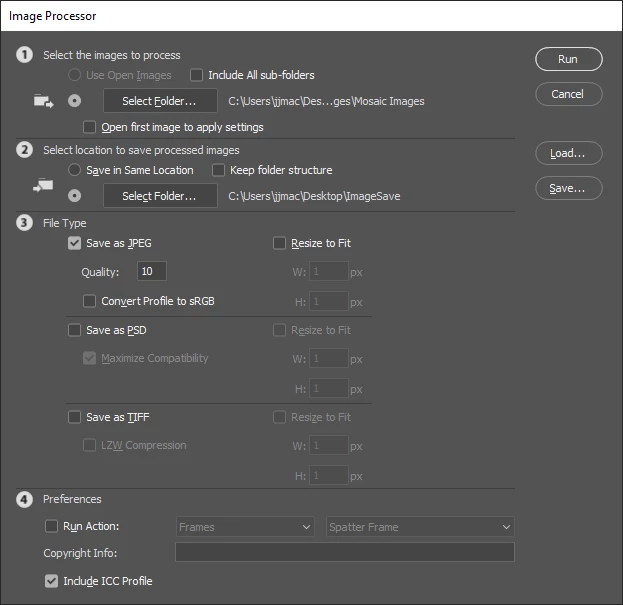
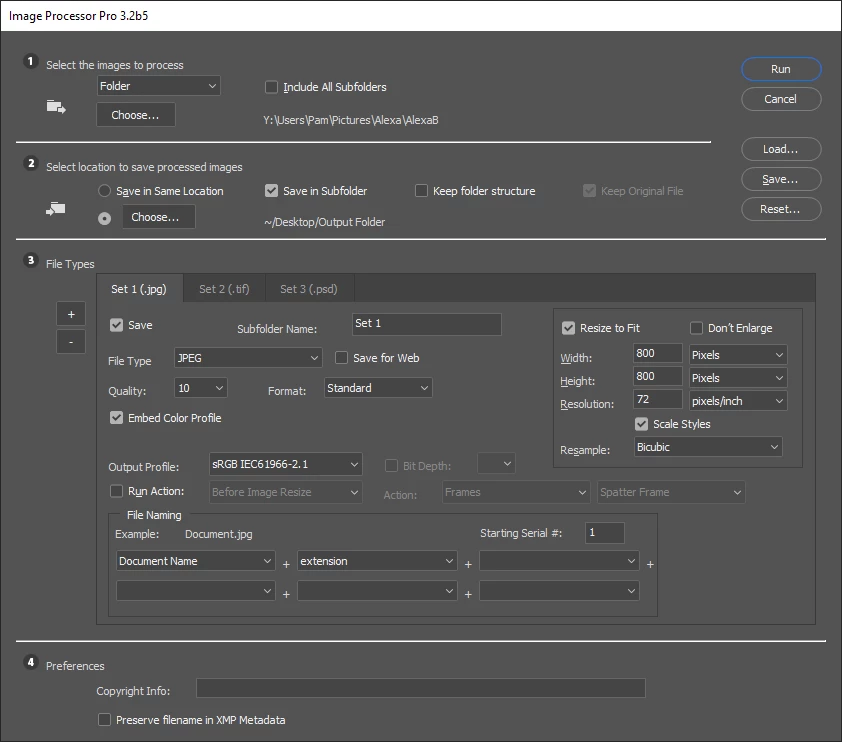
I am using Photoshop CC 2019. I have a folder called BIRDS. Within that folder are around 100 folders each containing specific birds, with each folder named for that specific bird type. I know how to use image processor to run an action to convert all images from tiff to jpg and save in a new folder called jpg. However, all the files are saved in the one folder. Is there a way to convert the images so that I end up with the 100 folders specifically named as before, within the jpg folder?
Thanks for any help
Cheers,
Paul
 AdChoices