
Question
Bend 3D text onto a 3D bottle model
Hello,
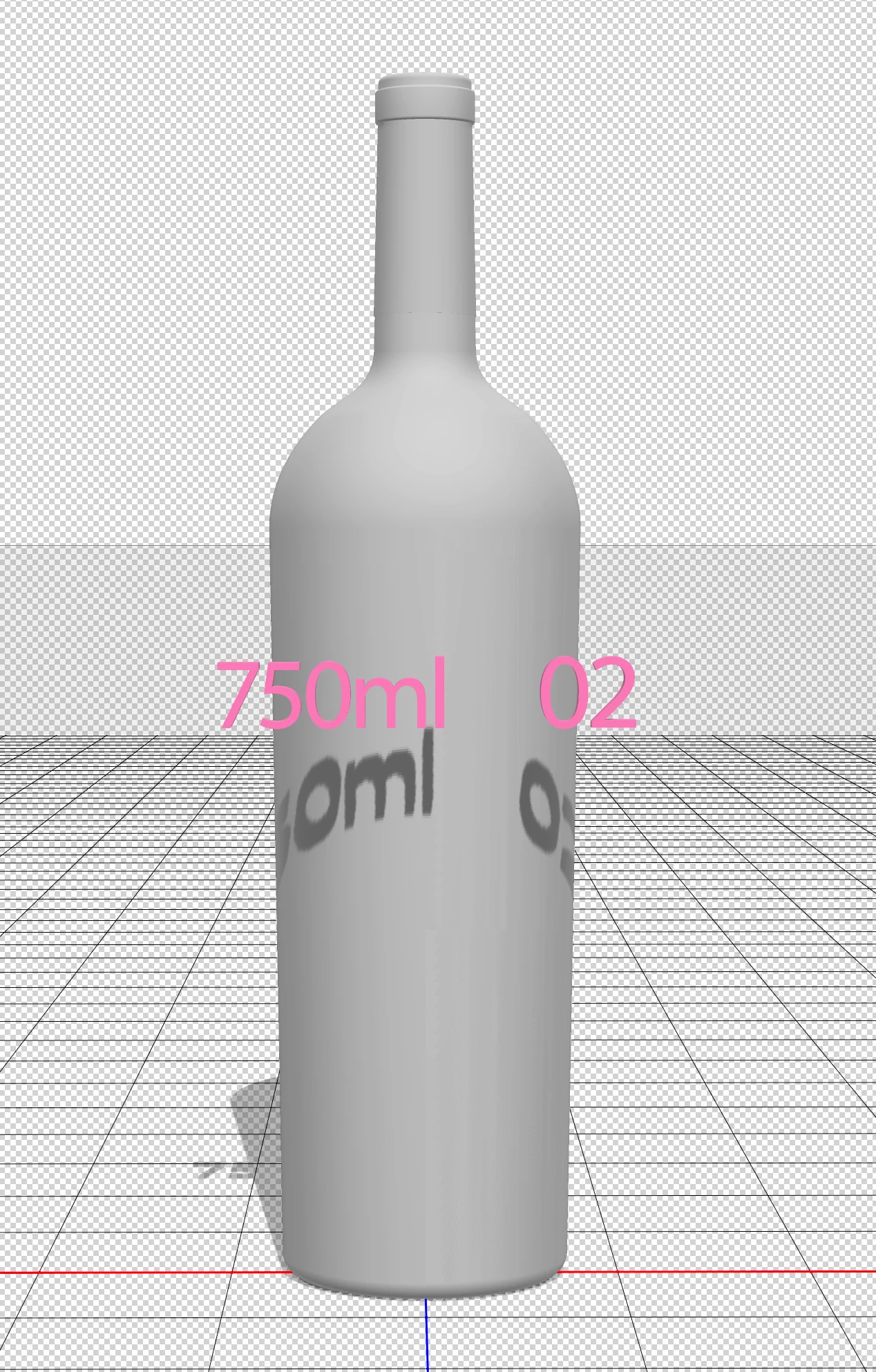
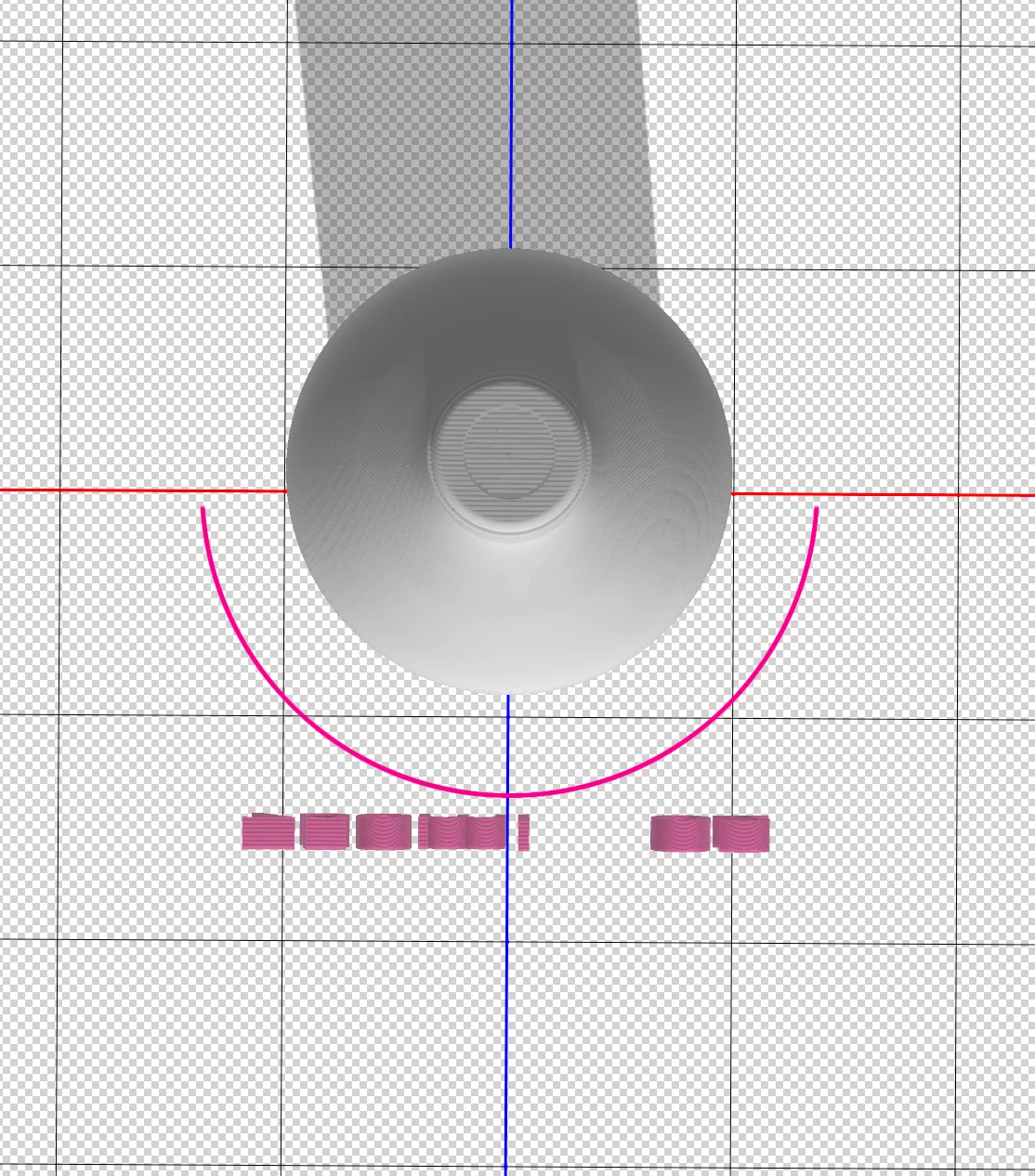
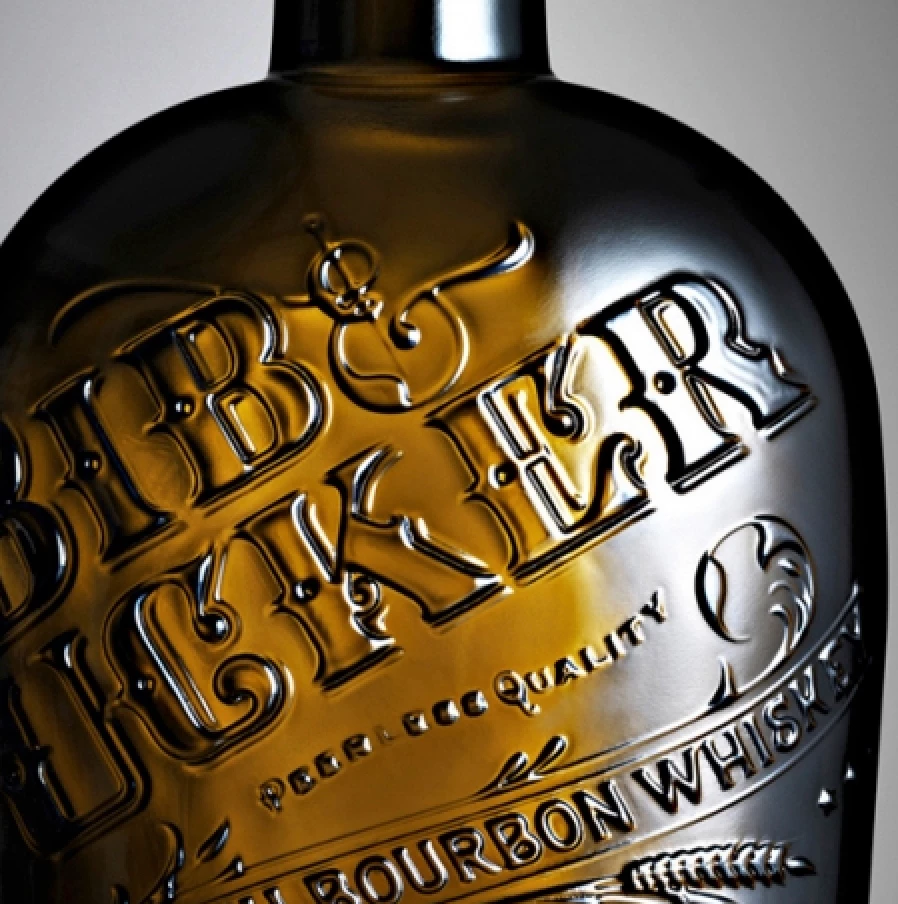
I building a 3D wine bottle and want to created embossed text and a logo into the glass. I have the bottle built, but I can't figure out how to wrap or bend the 3D extruded text around the curve of the bottle. My example images show a front view of the bottle and sample 3D text floating infront of the bottle. The next image is a top down view. I indicated with a pink link the curve I want the 3D text to wrap around the bottle. The last image is an example of the final look I am tryin to achieve. Does anyone have suggestions how to achieve this?
Once built, I am going to export this as an .obj to use in Dimension.
 AdChoices