best way to remove background from this photo
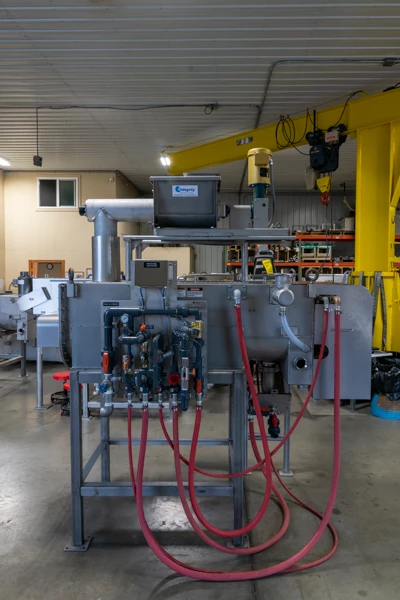
I work almost exclusively in lightroom, so my photoshop skills are very weak. I tried removing the background from this image in PS using the Select and Mask function. But the quick selection tool does a very rough job of it. There's a lot of stuff in the background that's similar in color to the foreground object. But some things I thought it should be able to do fairly easily would be to select the red hoses since there's nothing in the foreground matching those colors. But it does a really horrible job of those as well. For example, the right most red hose, if i drag the quick select tool down that hose, it will select the entire floor once i get towards the bottom of the hose.
Is there a better method to do this? or some way to make the quick selection more accurate? I've watched a couple of tutorial videos on doing this, but so far all of those start with a much easier subject, usually a person against a sky or some other background.
 AdChoices