
Question
Best way to select a standard object in an image
Hi!
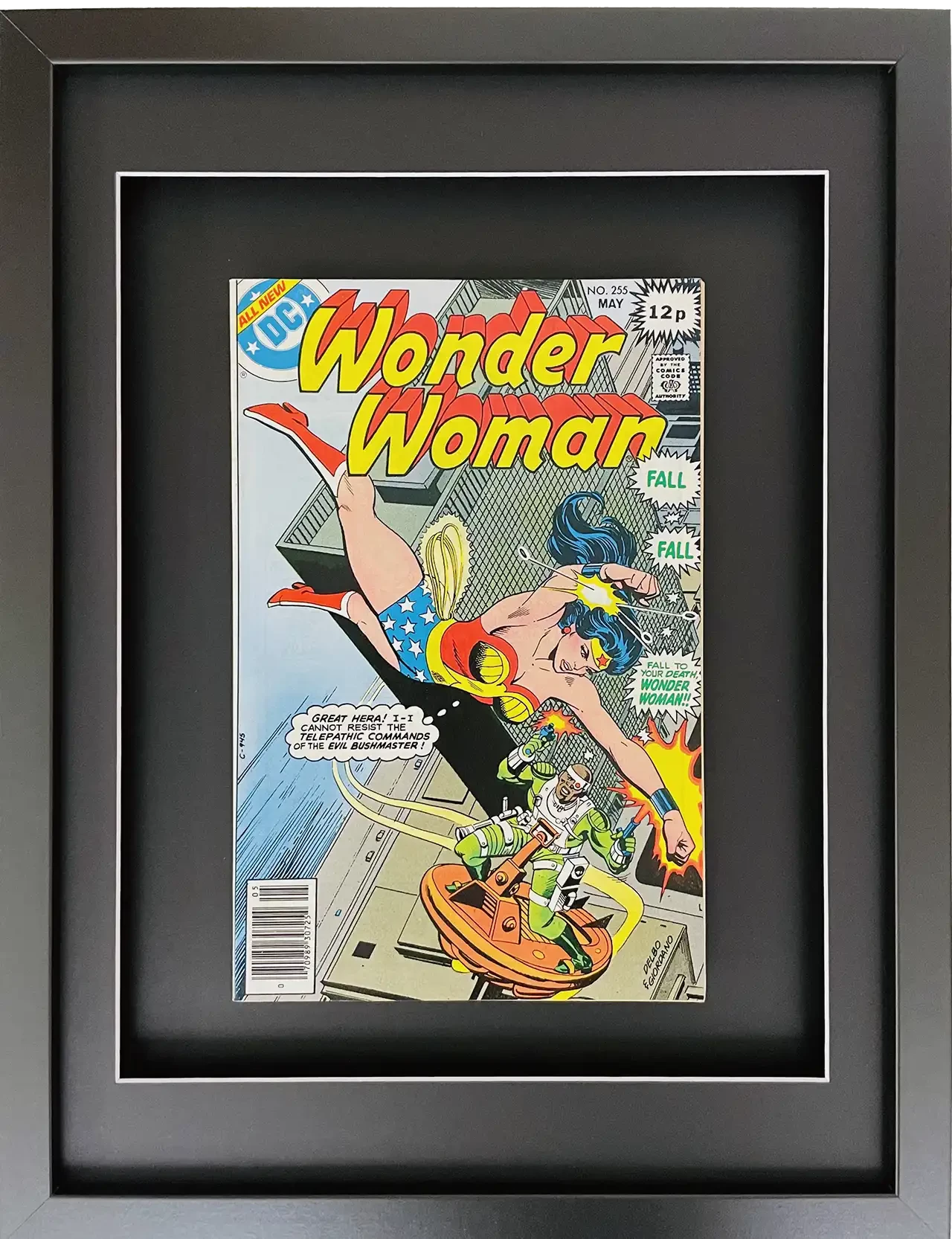
I have an automation that removes the background of a photo of a framed comic, straightens the image and then resizes to a standard size. This generally works ok - see below before and after.
On a few of the photos the selection doesn't always sucessfully select the frame outline depending on the shadows/lighting. I can fix this by tweaking the tolerance and sampling but then it then works on some and not the others. I have tried "subject select" and "removed background" but neither of these works reliably.
Is there a more robust way to select the frame e.g. using the fact it's always a simple 4 sided polygon
Thanks!

 AdChoices