
Knight3158
Participant
October 5, 2020
Question

Black and White, no grayscale

  • October 5, 2020
  • 3 replies
  • 2872 views

I am trying to make this image Black and White with no grayscale. Over the last 4 days, I have tried everything I could possibly think of or could learn from online. It seems to be too many colors on too many colors to not have some grayscale. Am I missing something?
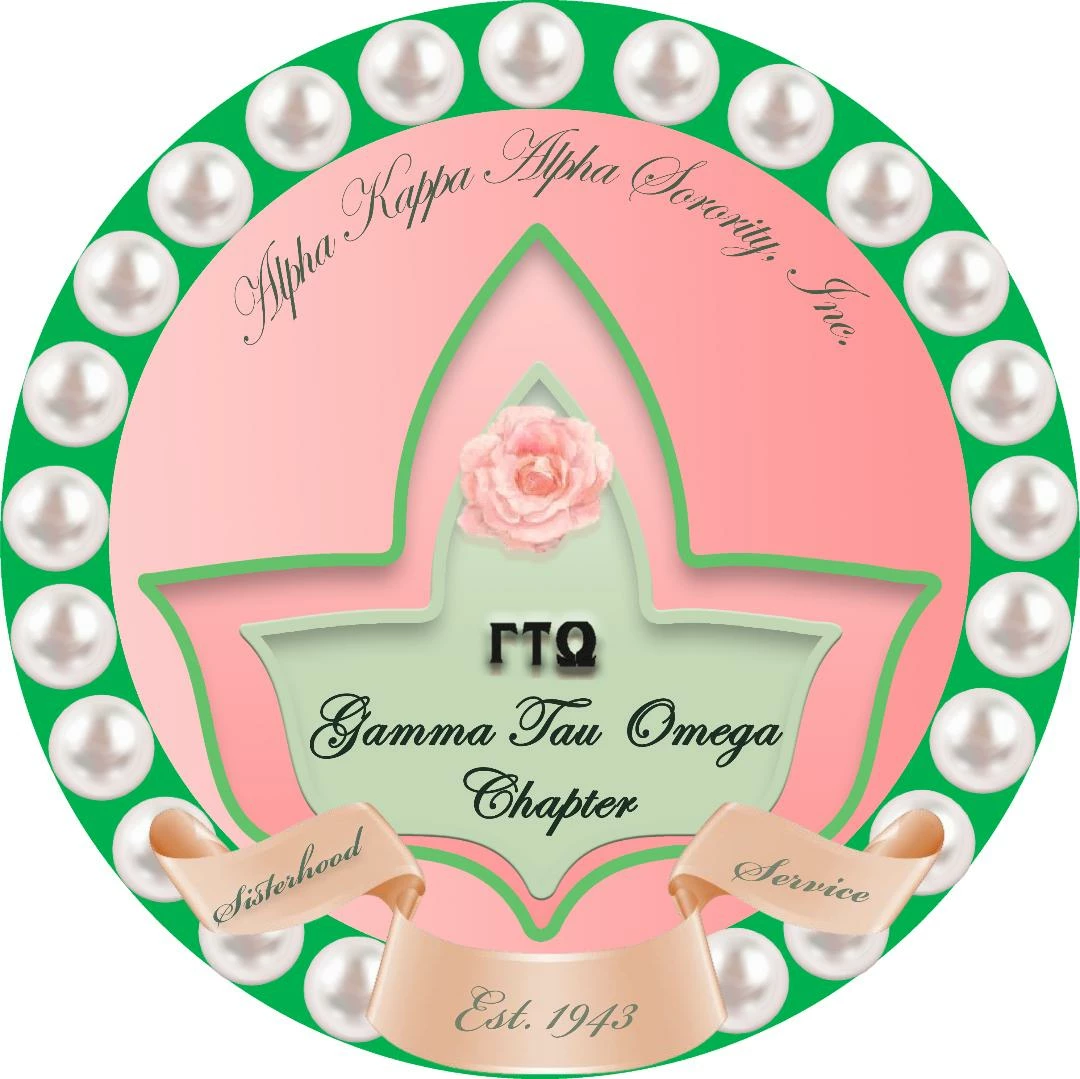
This topic has been closed for replies.

3 replies

NB, colourmanagement
Community Expert
Community Expert
October 6, 2020

Your image would lose an immense amount of feel if it was either just solid areas black or white with no grey between. There's a solution to that - 

in monochrome printing [like a newspaper] the situation is the same, there is no grey ink, so tones between black and white must be represented by larger or smaller black dots [or it could be lines but that’s a different type of screening]. Have a look at a monochrome newspaper image under magnification, you'll see that tone is represented by larger and smaller dots, all those dots are black.

That's called a "halftone screen" https://en.wikipedia.org/wiki/Halftone

If that result is what you're after then you'll want to convert the image to a halftone screened version.

this video gives an idea how to do that

https://www.youtube.com/watch?v=usDDwwraaRk


I hope this helps


if it solves your problem please mark this answer as correct
thanks
neil barstow, colourmanagement.net :: adobe forum volunteer
[please do not use the reply button on a message within the thread, only use the blue reply button at the top of the page, this maintains the original thread title and chronological order of posts]


Marja de Klerk
Inspiring
October 5, 2020

You will probably get the best results when you simplify the image before you make the adjustment to black and white. At least by making the background colors white. 

c.pfaffenbichler
Community Expert
Community Expert
October 5, 2020

And some elements might benefit from being traced as distinct linework, the thin texts for example possibly with white outlines. 

c.pfaffenbichler
Community Expert
Community Expert
October 5, 2020

One can translate images’ brightness changes into purely black and white pixels with Adjustment Layers and Hard Mix-Pattern Layers. 

What is the purpose of this? Textile printing, stamps, …? 

Knight3158
Participant
October 8, 2020

It will be printed out on a banner.