
Inspiring
July 18, 2022
Answered

black artifacts in my PNG image and how to correct them.

  • July 18, 2022
  • 2 replies
  • 1028 views

Hi community. 


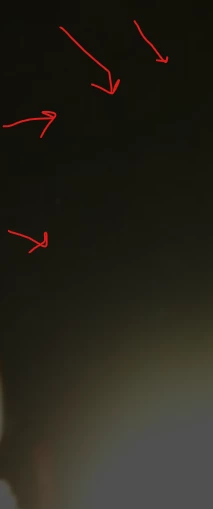
Which method can I use in PS to eliminate these blocky artifacts? (I tired adding noise to it.) Also when I'm in front of the screen its less obvious, when I see the image from the sides of my monitor its more obvious. 


Also what method can I use so that PS just targets the black areas on my image? and doesnt tamper with the rest of the colours?


This topic has been closed for replies.
Correct answer Kevin Stohlmeyer

I dont see the banding on my screen which again leads me to believe this is a monitor resolution issue. The image appears smooth and fluid with no banding.

2 replies

Kevin Stohlmeyer
Community Expert
Community Expert
July 18, 2022

The image you provided is not clear what you are pointing out. If you are seeing blocks/pixelization on that screen shot, it may be a monitor resolution issue - it did not translate in to the screenshot provided.

c.pfaffenbichler
Community Expert
Community Expert
July 18, 2022

Can you please provide the image? 

Inspiring
July 19, 2022

Here's the image, Its imported from Blender 3D,  my exporting settings are 16bit channel, 0 compression png to get high quality. I do see from my 3D viewport some sort of banding, and even worse when imported into PS. I do add some noise filter which does help, but loses its smoothness. 


Kevin Stohlmeyer
Community Expert
Kevin StohlmeyerCommunity ExpertCorrect answer
Community Expert
July 19, 2022

I dont see the banding on my screen which again leads me to believe this is a monitor resolution issue. The image appears smooth and fluid with no banding.