So are you saying it will work? And the rendering intent is screwing with it? You are saying it shows the separations as K only which is what I want. And even rasterizing the PDF will show a K only shadow.
This Is atleast the right idea,
ONE IMPORTANT NOTE: You can take the saved RGB file and convert it back to CMYK, normally this would make the black turn 4 color, it does not it retains the org K only shadow through the conversion. So even a Save as RGB it retains the org smart object CMYK values. SO.... Theoretical or not YOU CAN Have a CMYK In a RGB document that does not change when changing color modes....enclosed is a screen grab and link below of the smart object opened from within the RGB file notice the header says CMYK and it reads CMYK values when you read actual color. I wouldnt have believed you if you told me BUT I REALLY WANT TO USE IT.
I also know Indesign will only change the RGB object to CMYK but if it had the info stored ( via smart object) as we know the file does could use it
I will get infront of Indesign tomorrow and try it....I will update with results.
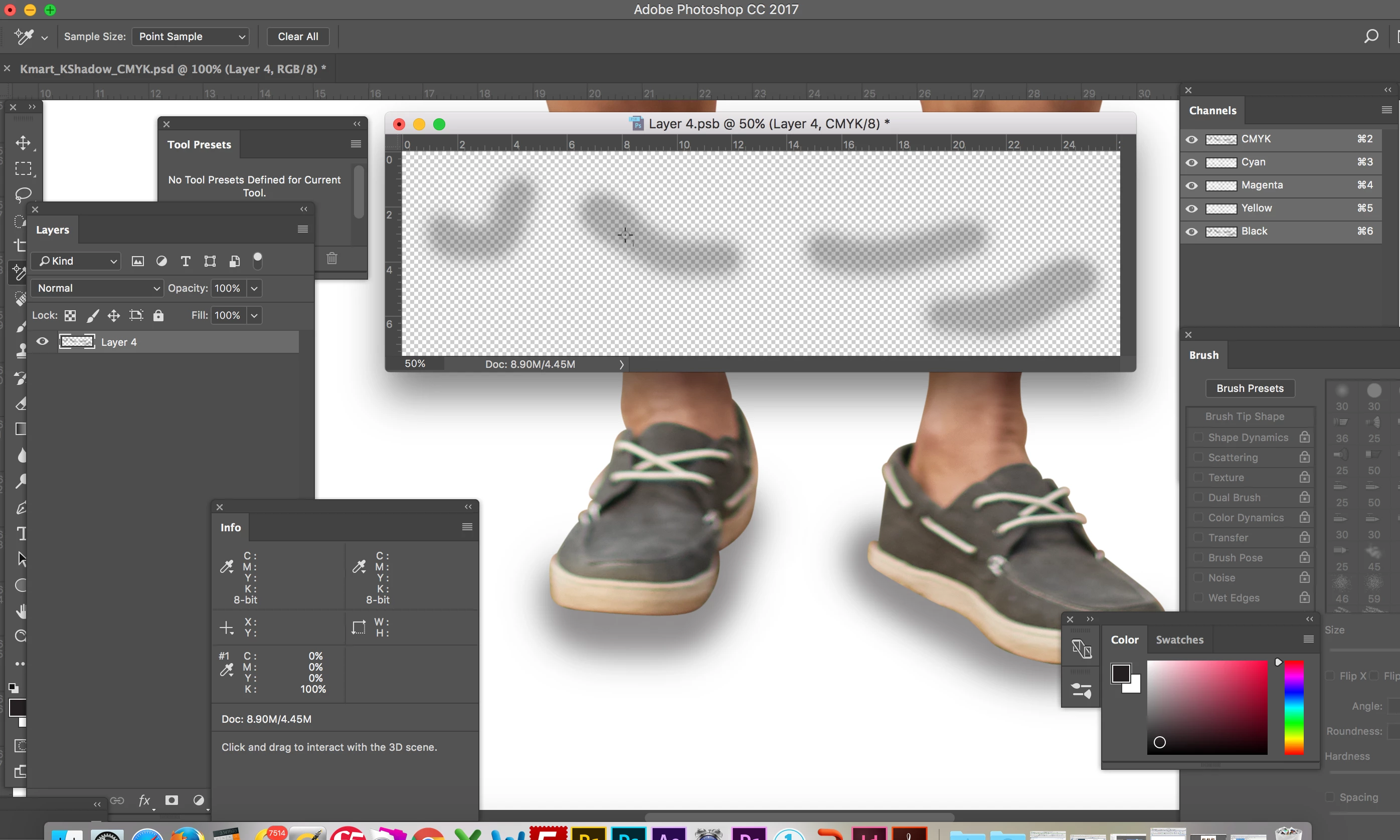
Excuse me I haven't looped back to test this today (12 hours is enough work for one day) but I will tomorrow. link to the RGB PSD file that shows the CMYK Smart object in a RGB Document....."
DOGS AND CATS LIVING TOGETHER - MASS HYSTERIA!!"
- Bill Murray
Test_KShadow.psd - Google Drive
So are you saying it will work? And the rendering intent is screwing with it? You are saying it shows the separations as K only which is what I want. And even rasterizing the PDF will show a K only shadow. This Is atleast the right idea, |
Only if your Test_KShadow document in also CMYK.
If you convert that document without merging or rasterizing the smart object, the smart object itself doesn't change, but it will change when you output or export the document holding the smart object. Check the Info>Actual Color for the Test_KShadow document and you will see that it is RGB.
So your document saved as PDF/X-4 in Acrobat confirms that the shadow is in fact RGB which would have different CMYK values depending on the final print CMYK destination:
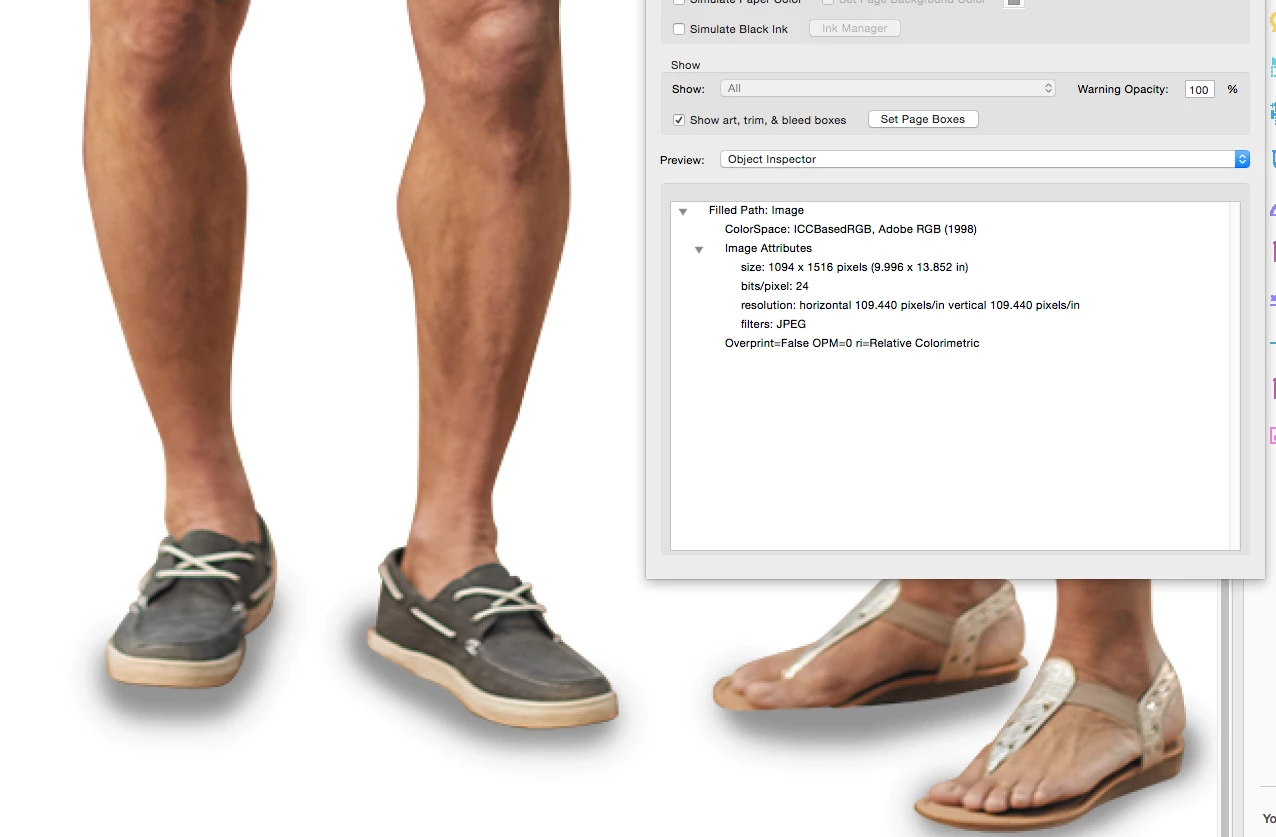
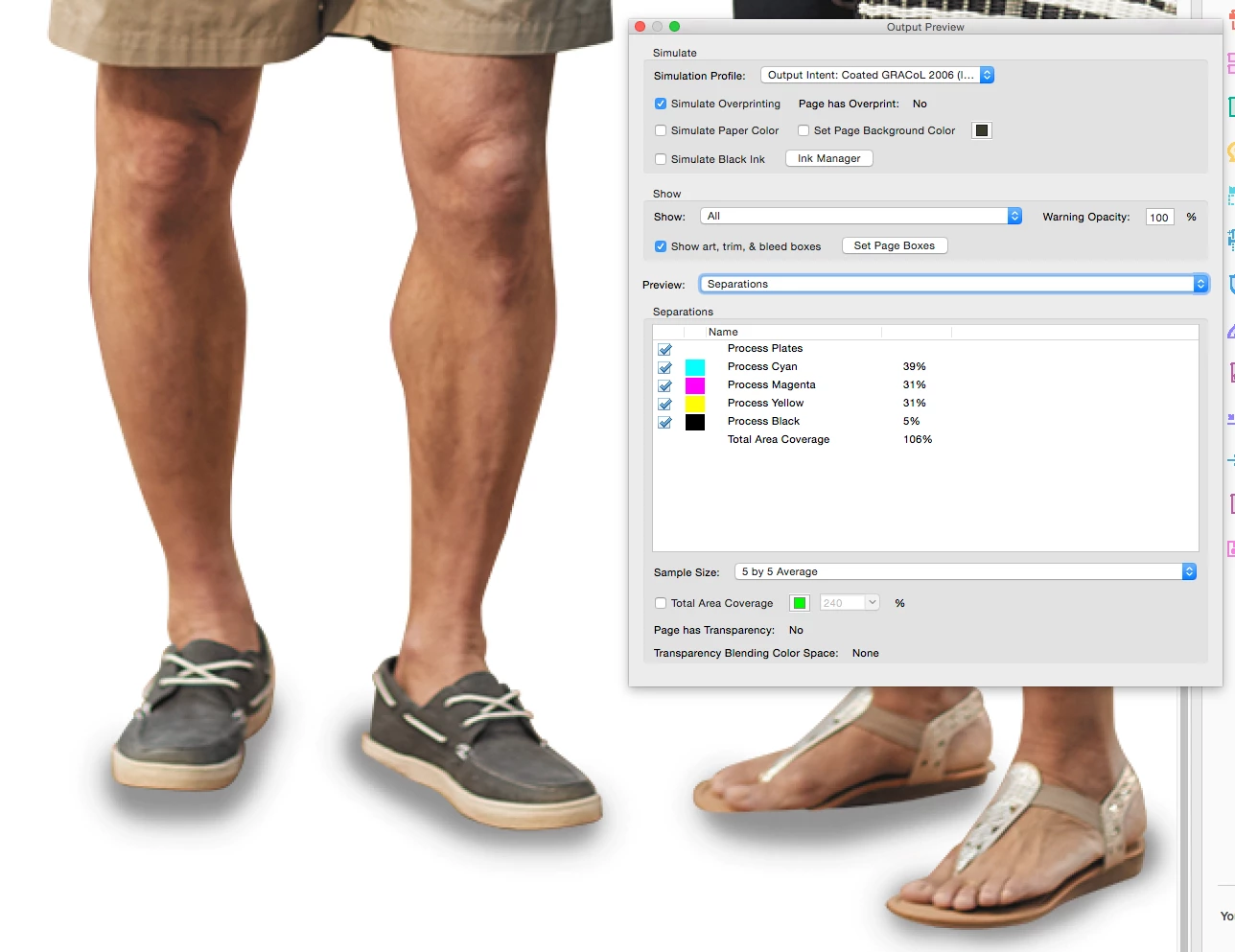
If you convert the holding document to CMYK you can have the K-only values in the smart object, but now there are no RGB objects. Saved as default PDF/X-4:
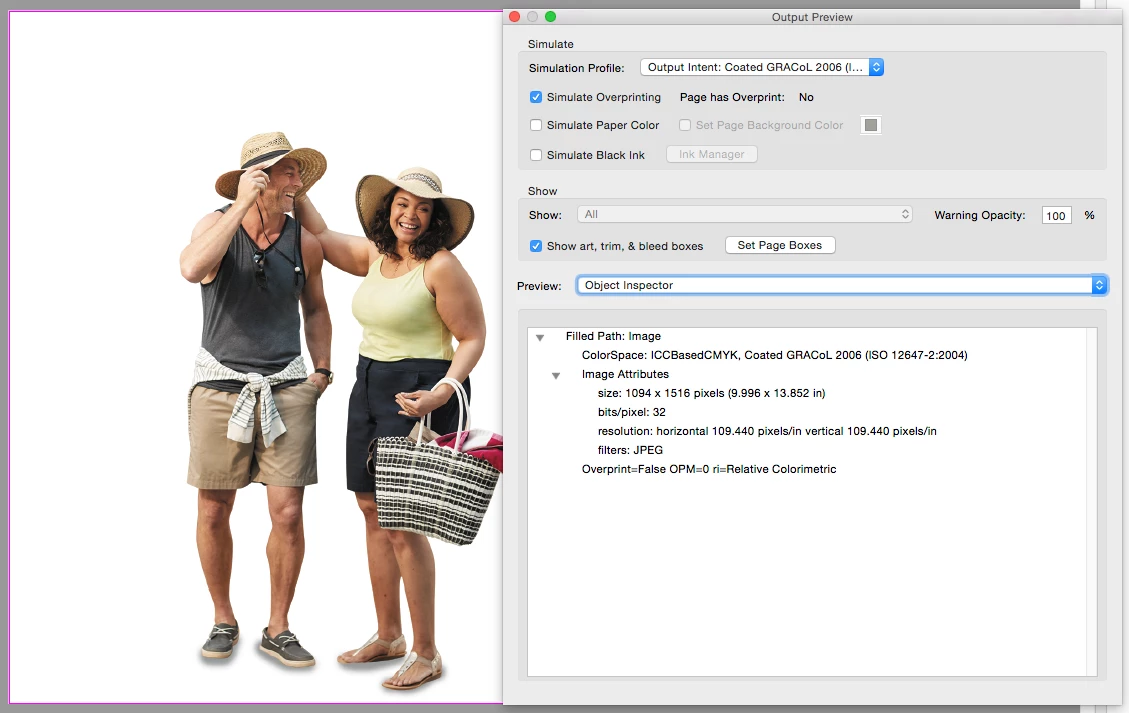
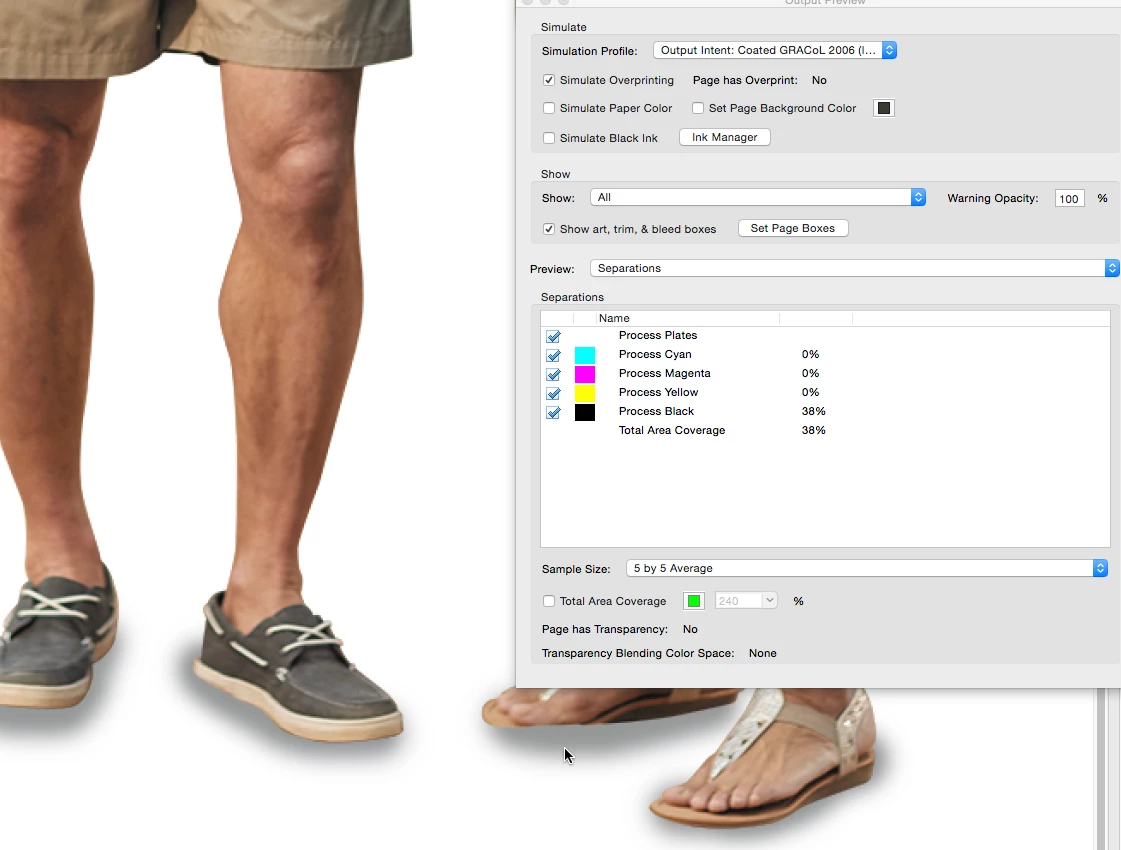
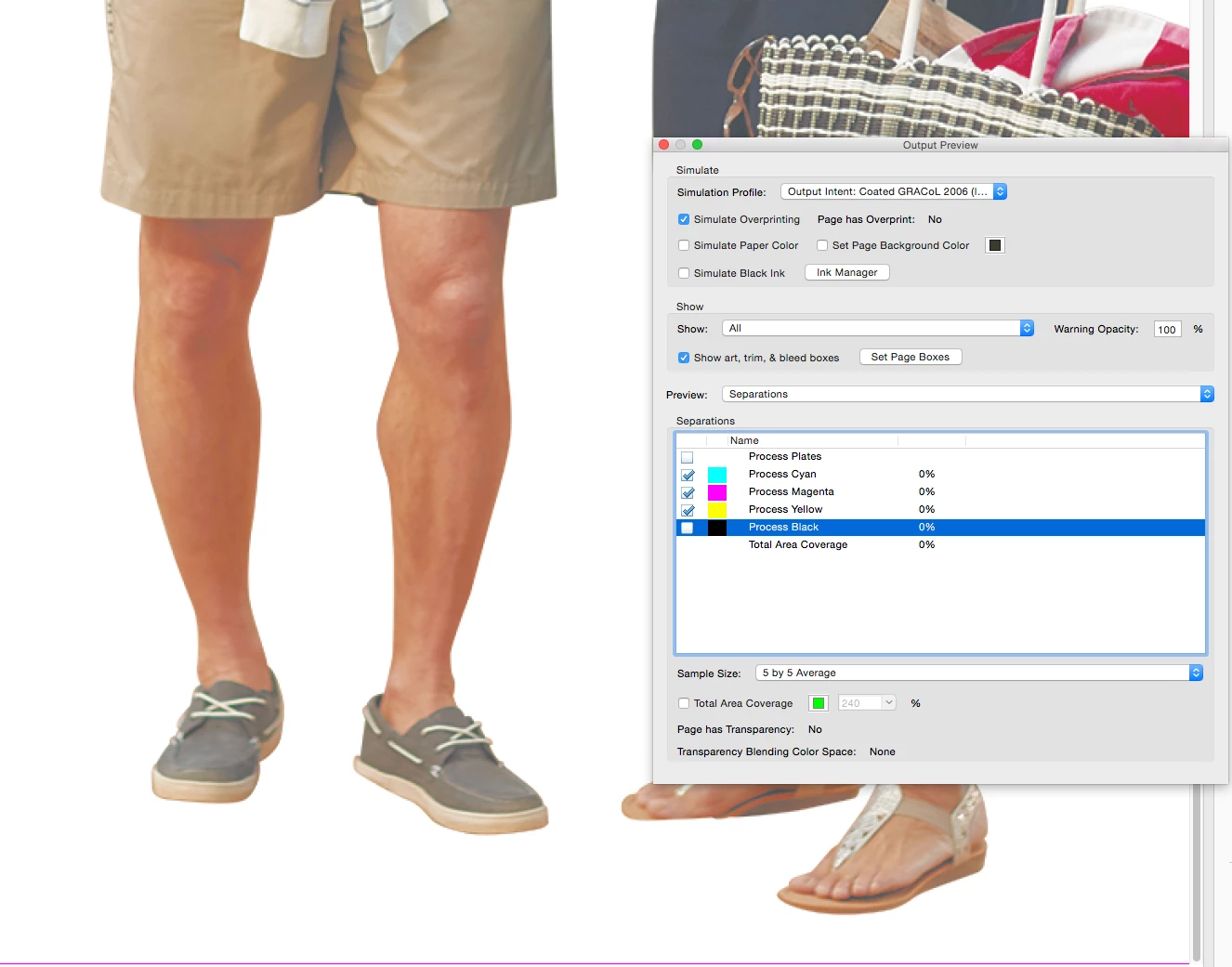
Note that Acrobat reports the image as ICCBasedCMYK so it has a profile. If the PDF is output to some other CMYK destination, the K-only shadow will get converted to 4-color. If you save as PDF/X1-a the image in the PDF will be DeviceCMYK and the K values should output unchanged even when there's a different destination.

 AdChoices