
Participant
November 19, 2019
Question

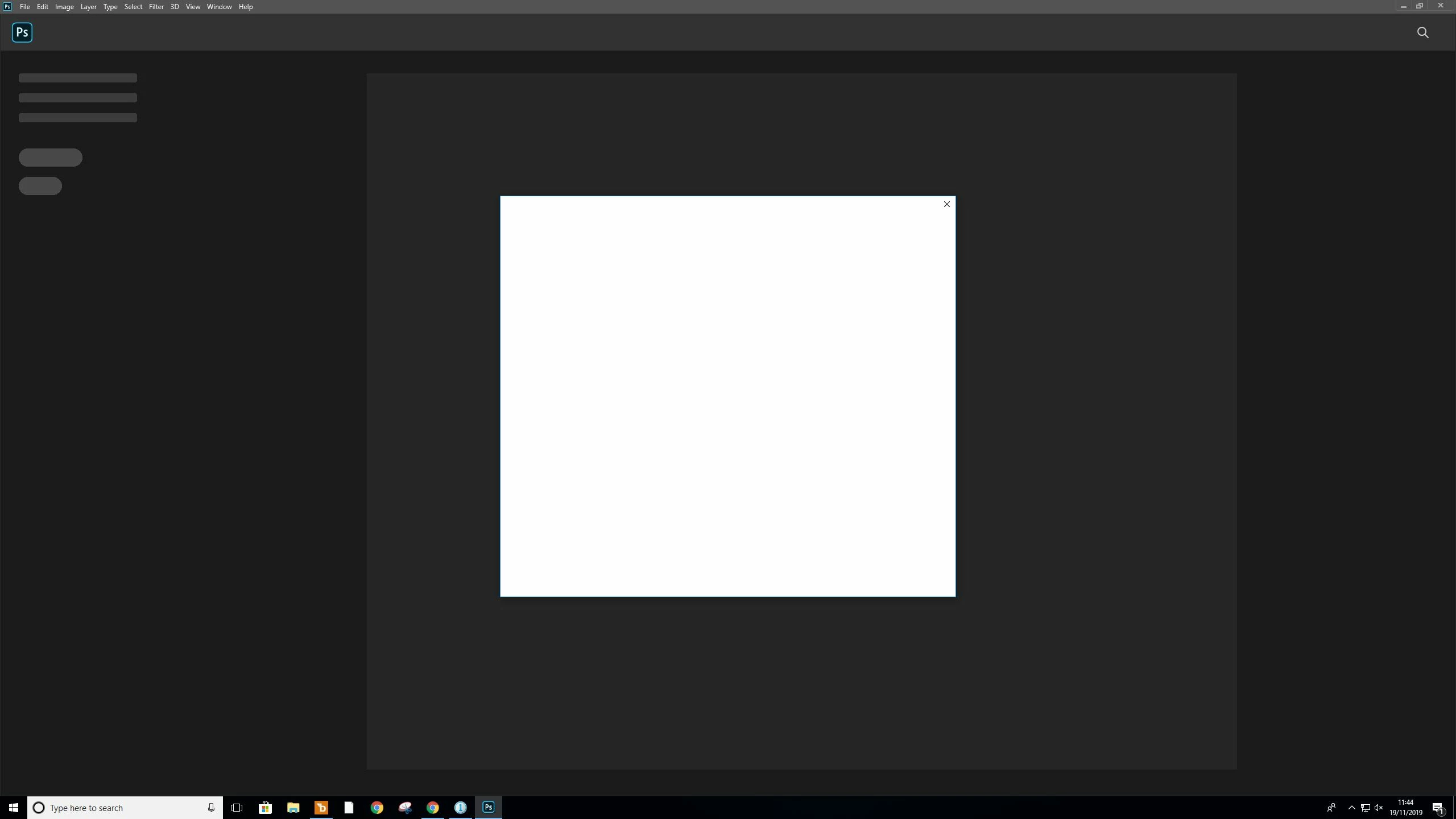
Blank window preventing Photoshop CC 2020 start up

  • November 19, 2019
  • 1 reply
  • 731 views

Hey,

So this problem has happened to me before and was solved by using the previous version of photoshop (at the time 2018 back to 2017) but now the same issue has arose again and rolling back to 2019 isnt working.


When I try to open Photoshop either from my desktop icon or from Adobe CC desktop app im always met with a blank window preventing me from doing anything. The only thing I can do is close the window which then in turn quits Photoshop. 


Ive tried multiple PCs and Laptops but so far no joy

Please see attached screen grab


Cheers 
 

Thanks 

This topic has been closed for replies.

1 reply

nikunj.m
Community Manager
Community Manager
November 19, 2019

Hi there,


We are sorry about the issue you are facing while trying to launch Photoshop 2020.


Would you mind going to adobe.com and sign in, then navigate to Manage Account > Plans > Manage Plan? Once you are on that page, scroll down to the bottom of the page and check how many computers does it show your account signed in to. If you see more than 2 computers, please deactivate all the computers by clicking on the Deactivate button, then sign out and sign back in to the Creative Cloud on the machine before launching Photoshop 2020 to check if that helps.


You can also try to reset the preferences of Photoshop by following the steps mentioned in the link below.

https://helpx.adobe.com/in/photoshop/using/preferences.html


Note: Please backup your actions, plug-ins, etc. before resetting the preferences.


Regards,

Nikunj

Participant
November 20, 2019

Hey there, thanks for your reply


I've tried ending all sessions but no success. I will follow the instructions in the link you provided and see how that goes


Thanks!