Participant
April 25, 2024
Answered

Blend if freeze

  • April 25, 2024
  • 1 reply
  • 357 views

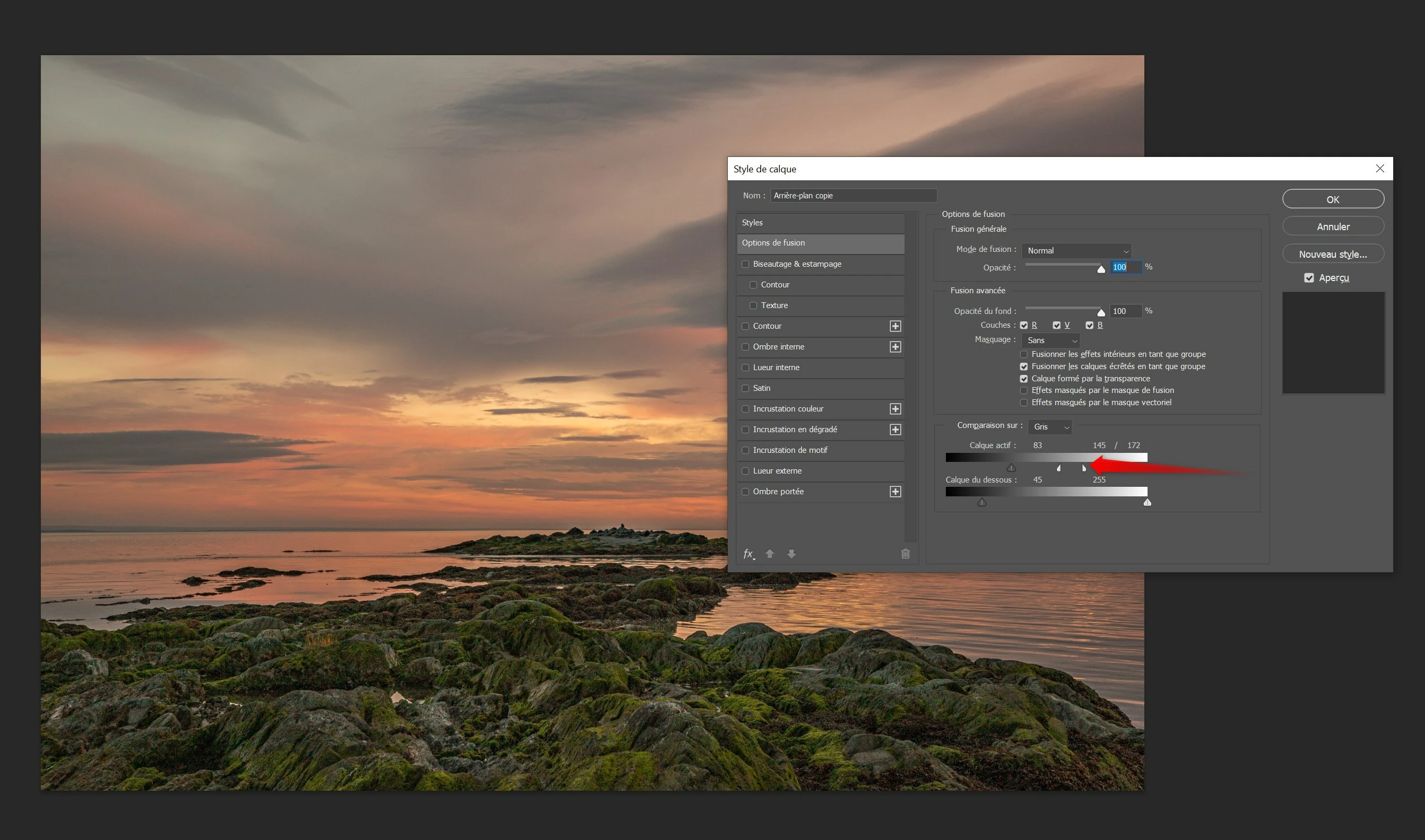
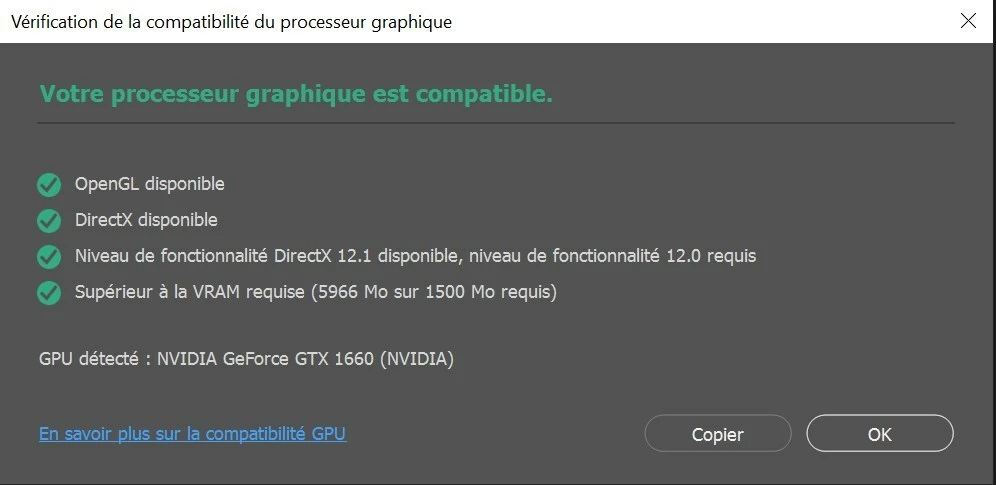
Photoshop freeze when I use "Blend if" function but only when I separate the cursor to smooth the selection. I am on windows 10 (version 22H2) the graphic card is working fine (all green).

This topic has been closed for replies.
Correct answer Rheal

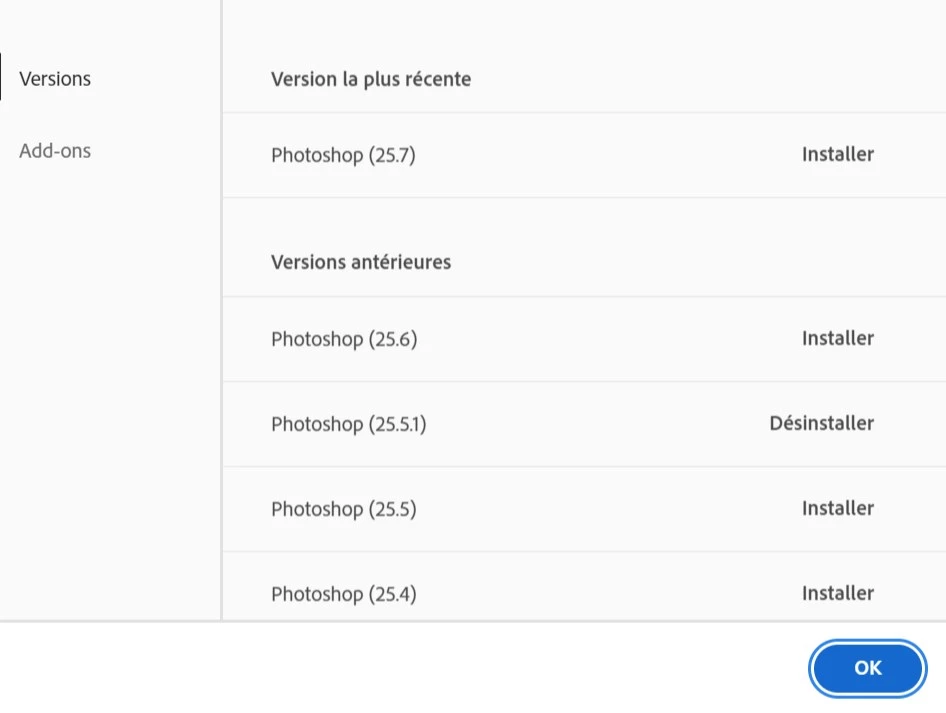
Problem disapear with version 25.5.1


1 reply

RhealAuthorCorrect answer
Participant
April 25, 2024

Problem disapear with version 25.5.1


Participant
May 20, 2024

I suddenly started experiencing this after updating to Photoshop 25.7.0 on Windows 10. Splitting the Blend-If sliders causes Photoshop to irrecoverably hang.

Participant
May 21, 2024

Does turning off »Use Graphics Processor« in the Performance Preferences (Photoshop > Preferences > Performance > Graphic Processor Settings) and restarting Photoshop have any bearing on the issue? 


Disabling "Use Graphics Processor" and restarting Photoshop did not affect the issue. Splitting the Blend If slider still cause Photoshop to hang. I also tried independently disabling "Multithreaded compositing", but the problem persists with that off, as well.


I was able to use Blend If on a project a few weeks ago.