So when I first apply the Action to the "Background layer" there is no issue. I am left with "Colour layer" blend set to "colour" and that colour is applied to "Monochrome layer" immediately below it.
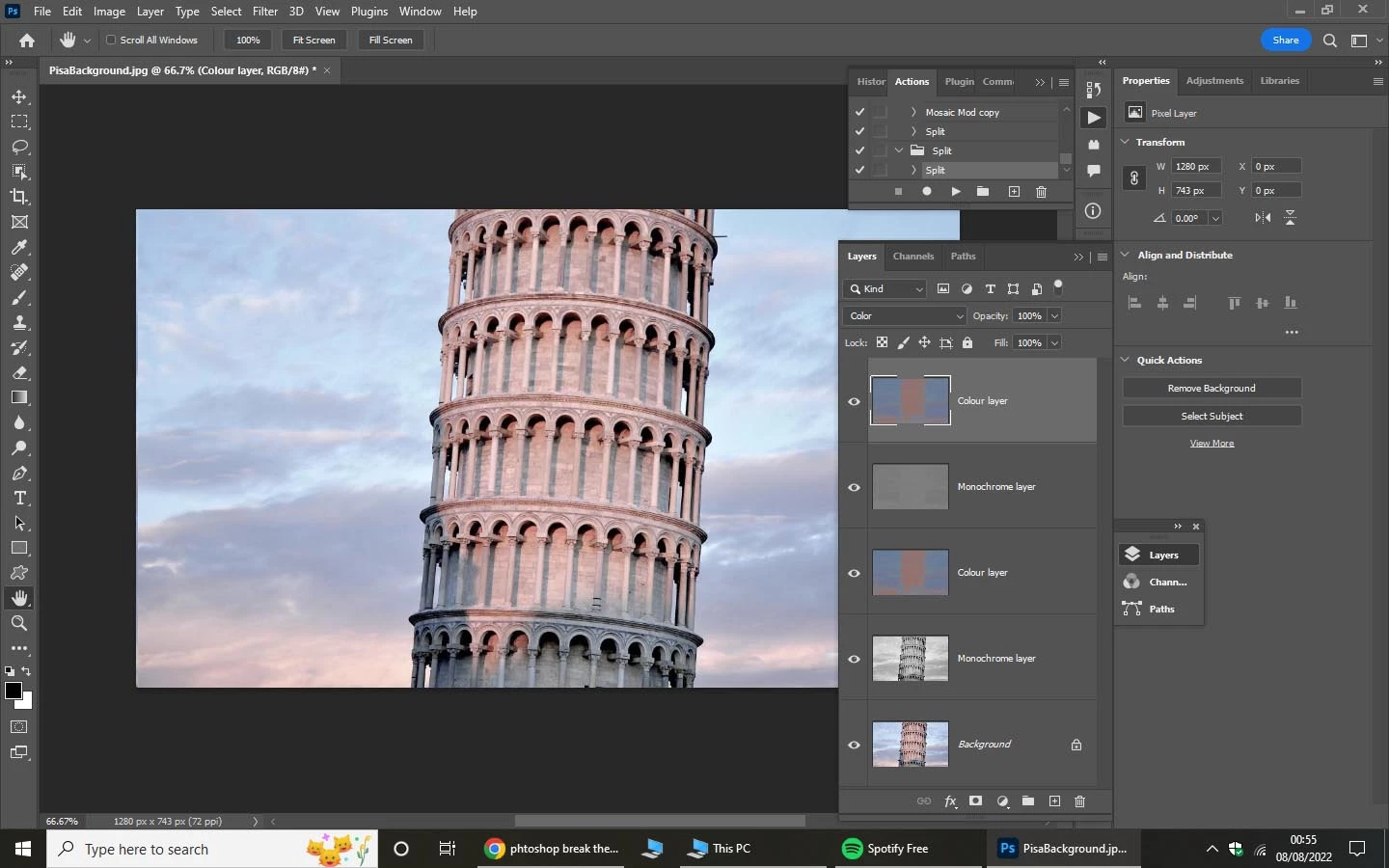
I run the Action again with "Colour layer" as the target for processing this time. I get a new 'Colour layer' and below it a new 'Monochrome layer'. (Below these are the previous 'Colour layer' and below that the previous 'Monochrome layer'.) The main display now shows the new colour layer but the 'colour' blend is applied to the old 'Monochrome layer' rather than applied to the new 'Monochrome layer' which is immediately below it.
I have now found that the cleanest way to address this is to toggle the blend state of the 'Monochrome layer' within the action (see red text below). This seems to clear any history of the Blend mode and when I subsequently set the Blend mode to 'colour' for the 'Colour layer' it applies that blend to whatever layer is immediately below it irrespective.
Set current layer
To: layer
Name: “Monochrome layer”
Set current layer
To: layer
Mode: hue
Set current layer
To: layer
Mode: normal
Select layer “temp3”
Without Make Visible
4
Set current layer
To: layer
Name: “Colour layer”
Set current layer
To: layer
Mode: color
I think you misinterpret the situation.
When you duplicate a Layer the copy has the Blend Mode of the original; that is as intended and has nothing to do with a History of Blend Modes.
A Background Layer cannot have a Blend Mode (other than Normal), so duplicating that will naturally result in the copy haveing Blend Mode Normal.
And when you apply the Blend Mode Color to a monochrome Layer it desaturartes the lower content and has no influence on the luminance.
Edit: To illustrate try hiding the second »Color Layer« (in the »bad« result); the result should be that the image is monochrome owed to the second »Monochrome Layer«.
So it was not that the »Color Layer« was »applied« to the first »Monochrome Layer« but that the second »Monochrome Layer« did not have the intended Blend Mode.

 AdChoices