

fionaw23
Known Participant
March 24, 2020
Question

Blend transparent light beam

  • March 24, 2020
  • 2 replies
  • 1189 views

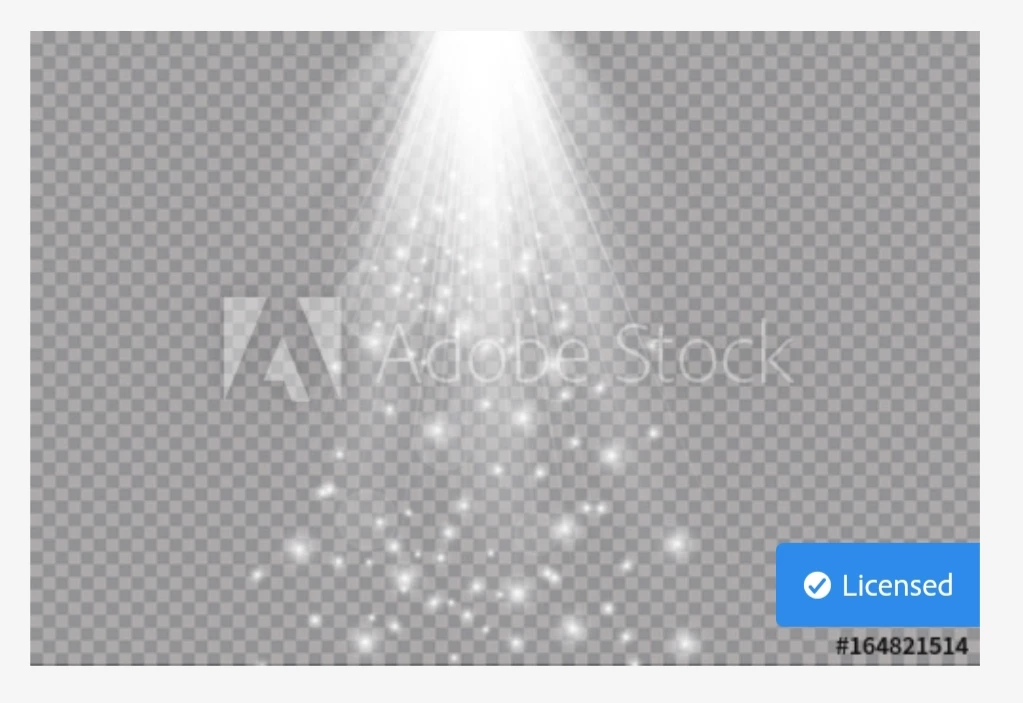
Hello, I have the following transparent light beam image and I'm trying to blend into another image but the transparent background is still visable. How do I edit to only see the light beam? I've tried all blending modes!
 

This topic has been closed for replies.

2 replies

March 25, 2020

Hi

What you're trying to download is a vector illustration with an .ai extension which is for Adobe Illustrator

fionaw23
fionaw23Author
Known Participant
March 25, 2020

That's gone straight over my head! Haha

I just want a light beam, can you suggest anything?

c.pfaffenbichler
Community Expert
Community Expert
March 25, 2020

When you purchase the image you should have access to a version without the »Adobe Stock« logo embedded. 

Please post a screenshot of that. 

davescm
Community Expert
Community Expert
March 24, 2020

Did you download it in jpeg format? If so, jpeg does not support transparency - so the checkerboard is built into the image. Check if a PNG, TIFF or PSD download is available


Dave

fionaw23
fionaw23Author
Known Participant
March 24, 2020

Hi dave I got it from adobe stock so not aware what format it is. Shall I save as one of the above? 

davescm
Community Expert
Community Expert
March 25, 2020

As Semaphoric says, you have to download it in one of those formats. Jpeg does not support transparency and changing a jpeg to another format later does not bring that transparency back. It looks like you might have downloaded the preview image rather than the stock file.

Dave