Participant
April 25, 2022
Answered

Blending mode set on brushes do not work

  • April 25, 2022
  • 1 reply
  • 652 views

Please help.


Whenever I use a brush or gradient with the mode set to a different blending mode, it doesn’t work. It just turns out opaque and works like a normal brush.


Eg. Setting brush to overlay does nothing.


The blending mode set on layers DO work.

It only does not work when it’s set on the brushes or gradient tool.


Thanks
This topic has been closed for replies.
Correct answer c.pfaffenbichler

I think what you are driving at is not how it works. 

You can lift content from other Layers with the Clone Stamp Tool for example, but the Brush Tool just paints – its Blend Mode determines how it interacts with Layers on the same Layer, but that’s about it. 


Depending on what you want to achieve you might be able to »reverse« the setup, though. 

So you could have 

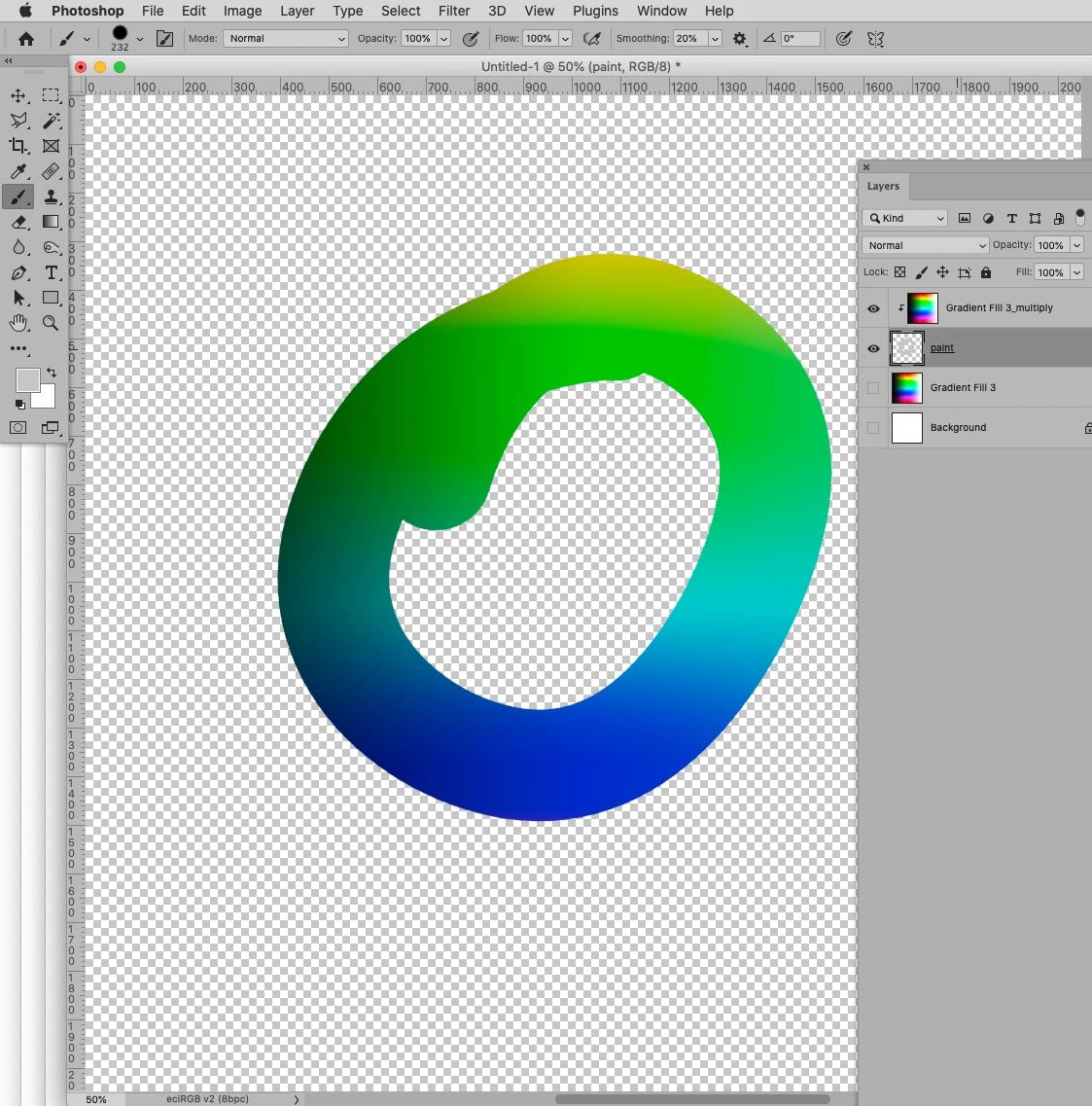
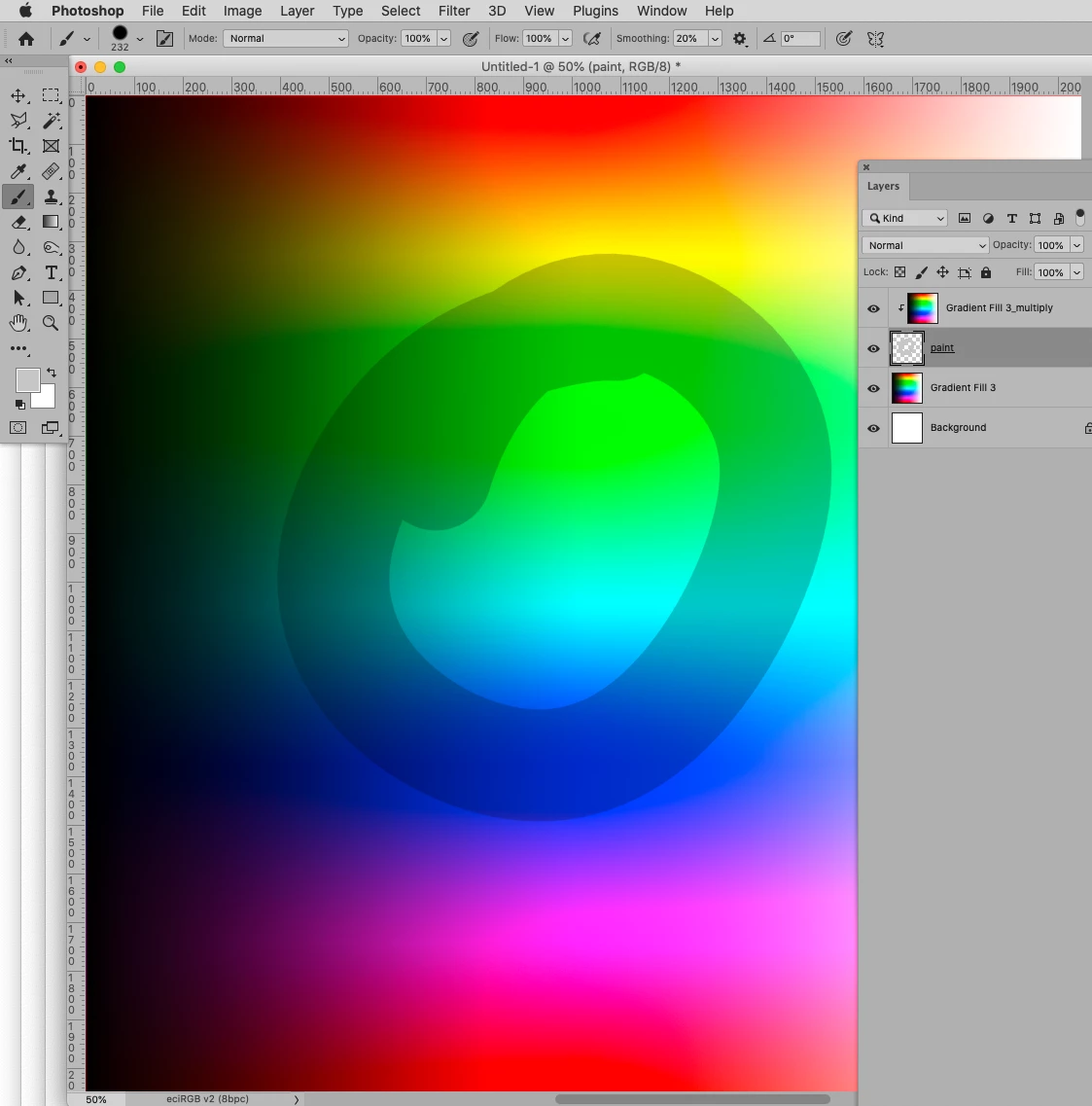
– duplicate of the lowermost layer set to some Blend Mode Other than Normal and Dissolve, clipping masked to the paint layer

– layer to paint on

– lowermost layer

and, if necessary, merge the Clipping Group later on. 

1 reply

c.pfaffenbichler
Community Expert
Community Expert
April 25, 2022

Could you please post screenshots with the pertinent Panels (Toolbar, Layers, Options Bar, …) visible? 


Are you actually painting on the Layer with the existing content or on a separate, empty Layer? 

In the latter case the Brush’s Blend Mode would naturally only take effect in relation to pixel content on the same Layer, like previous strokes. 

Participant
April 25, 2022

Ohh I see, thank you for explaining!
Yes I was not using the brush on a layer with pixels.

Is there a setting other than making a new blending mode layer which affects the layers below with a brush?

c.pfaffenbichler
Community Expert
c.pfaffenbichlerCommunity ExpertCorrect answer
Community Expert
April 25, 2022

I think what you are driving at is not how it works. 

You can lift content from other Layers with the Clone Stamp Tool for example, but the Brush Tool just paints – its Blend Mode determines how it interacts with Layers on the same Layer, but that’s about it. 


Depending on what you want to achieve you might be able to »reverse« the setup, though. 

So you could have 

– duplicate of the lowermost layer set to some Blend Mode Other than Normal and Dissolve, clipping masked to the paint layer

– layer to paint on

– lowermost layer

and, if necessary, merge the Clipping Group later on.