
Frage
Brush Management after Update
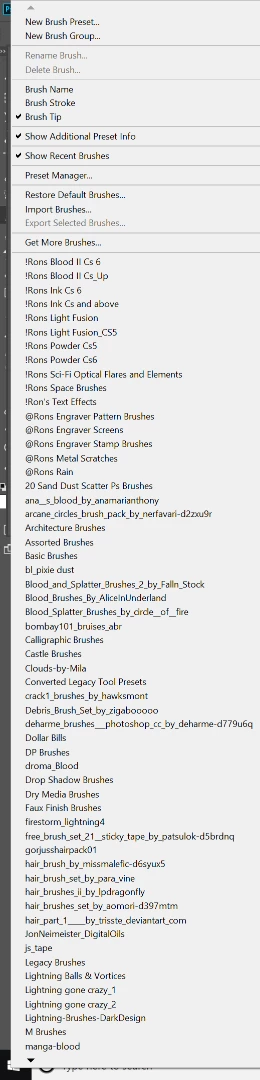
I just updated to 19.1.5. Prior to this, my brush preset would list out all my brushes from left to right. Now, there are arrows and a single list. This is a pretty annoying change, I have a lot of brushes and I'd rather see them all listed out in one place (that's why I have a 4k monitor).
This is what it looks like now. I've played with my preferences and such. Anyone know how to get my brushes to list without the scroll arrows?
Thanks.
 AdChoices