

Question
brush overlapping with settings all correct
Hi I am having issues with my brushes continuously overlapping even when I have changed the brush settings to multiply and have the layer settings to multiply. I am trying to paint in a solid color and it is showing up as such :
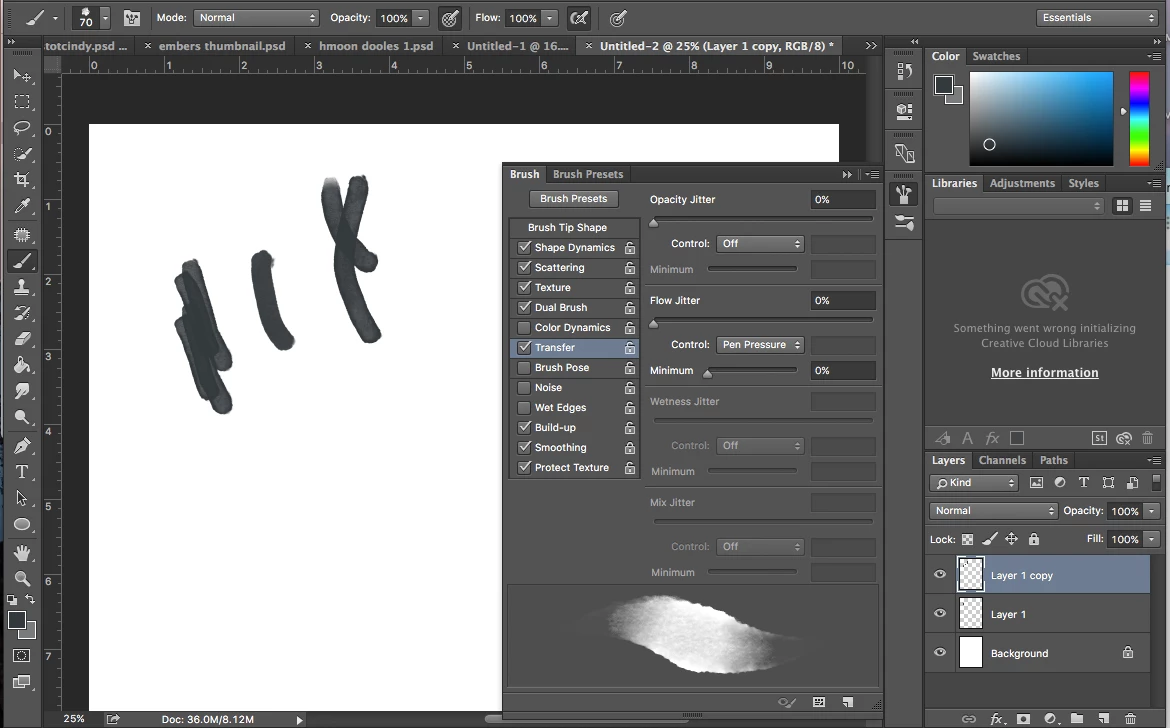
I am using kyle watercolor brushes if that is any help and I am using a Huion tablet. As far as I know everything is updated and I don't see why that would be an issue with this situation. I like the texture of the brush but I want a solid color without value changing overlap. Your help is appreciated!!
 AdChoices