B307
Participant
April 20, 2020
Answered

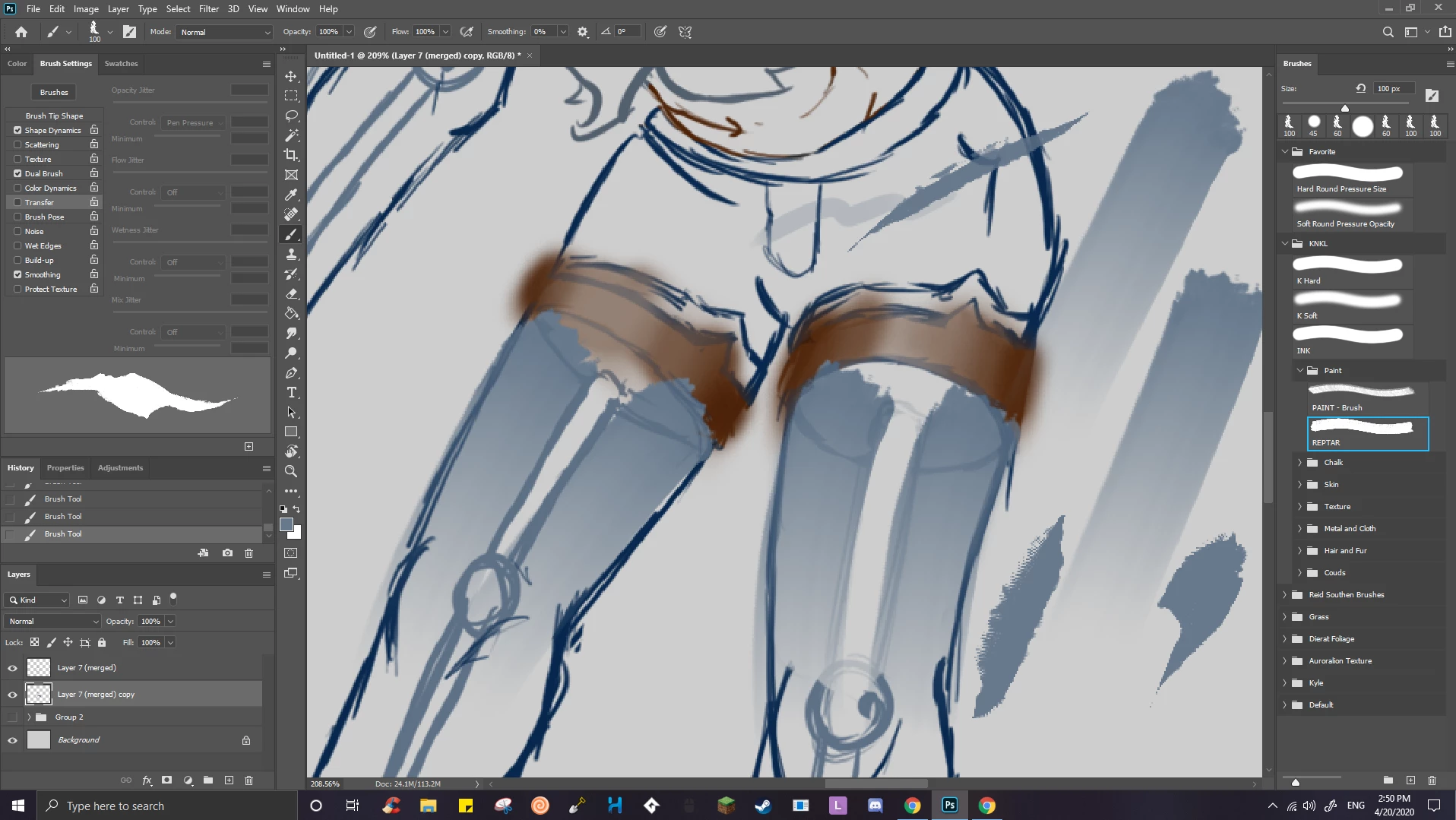
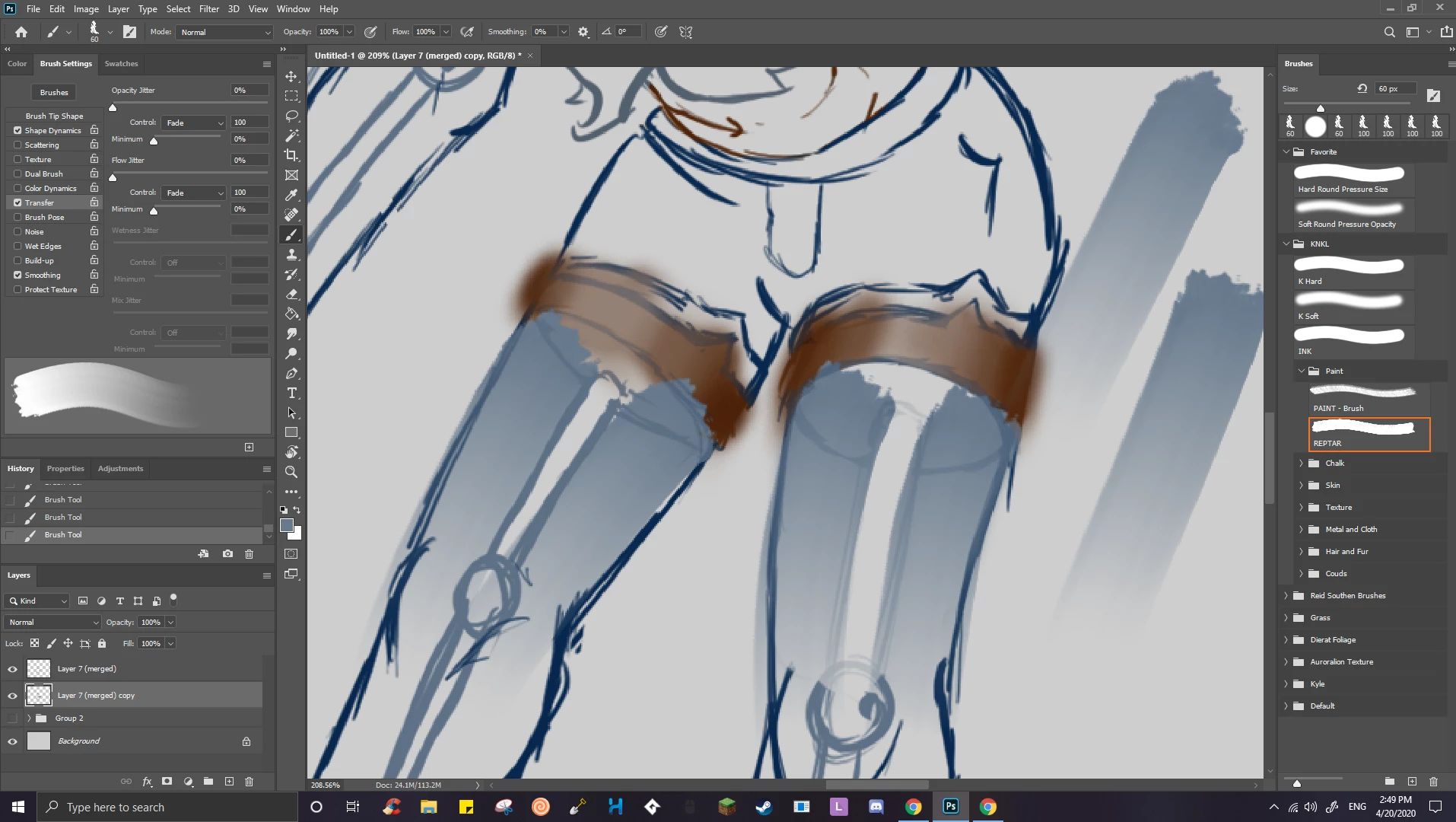
Brush Setting are editable but when I switch between brushes they reset to their defaults

  • April 20, 2020
  • 1 reply
  • 1108 views

(Photoshop 2020)
I have alot of downloaded brushes and I like to change the brush settings for some of them. Changing the brush settings works fine until the settings I just changed get reset while I switch back and forth between brushes. Which really slows me down alot.


And no the problem isn't that I change the pen pressure size/opacity while I have the buttons enabled.


----------------------------------------------------------------------------------------------------------- 

Resolved: How to edit a brush properly
This topic has been closed for replies.
Correct answer c.pfaffenbichler

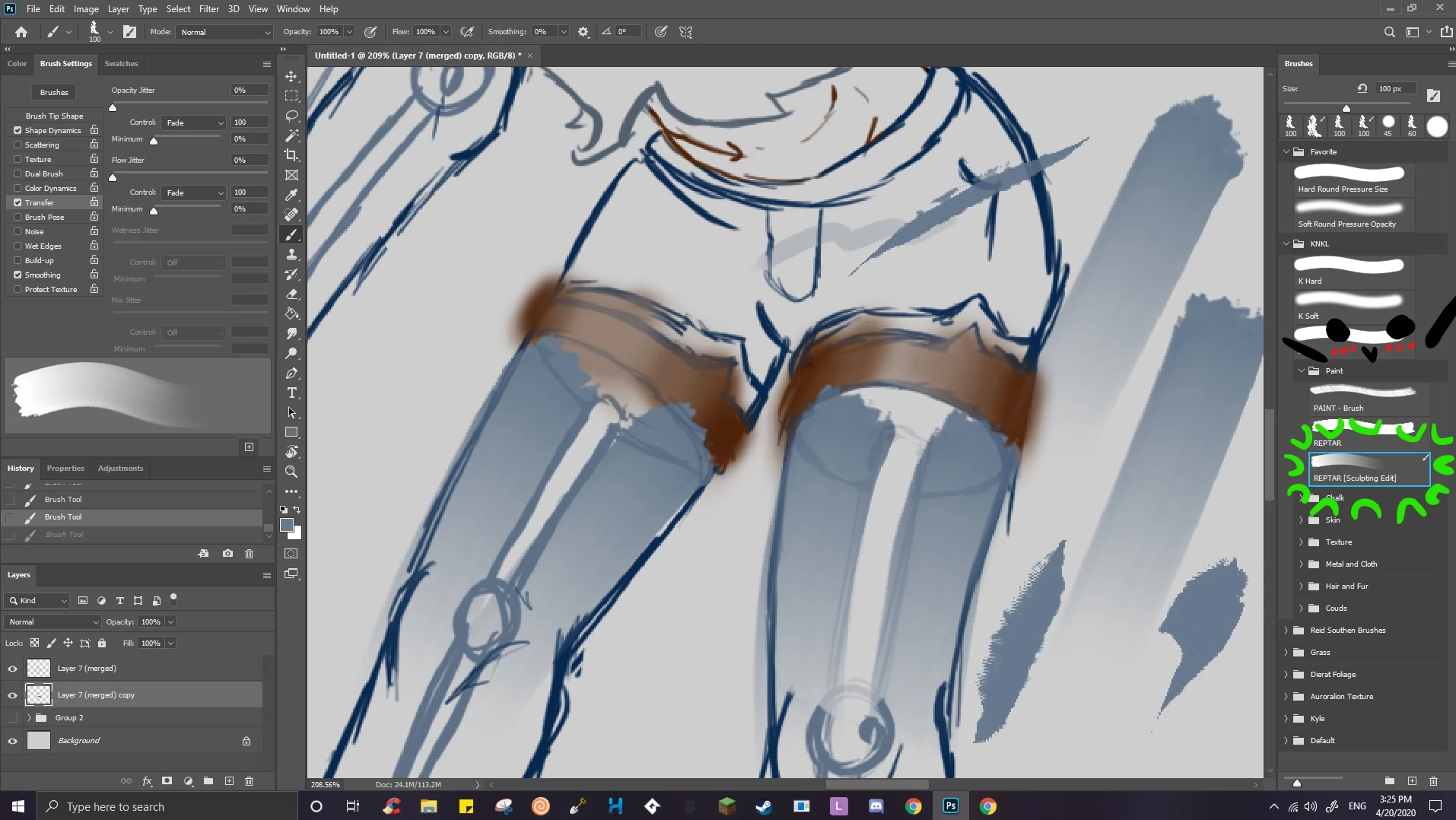
You didn’t actually change that Brush, you just made temporary changes, when you selected the Brush again it is loaded as it is (and was before) – the contour colors are the indicator (orange and blue). 

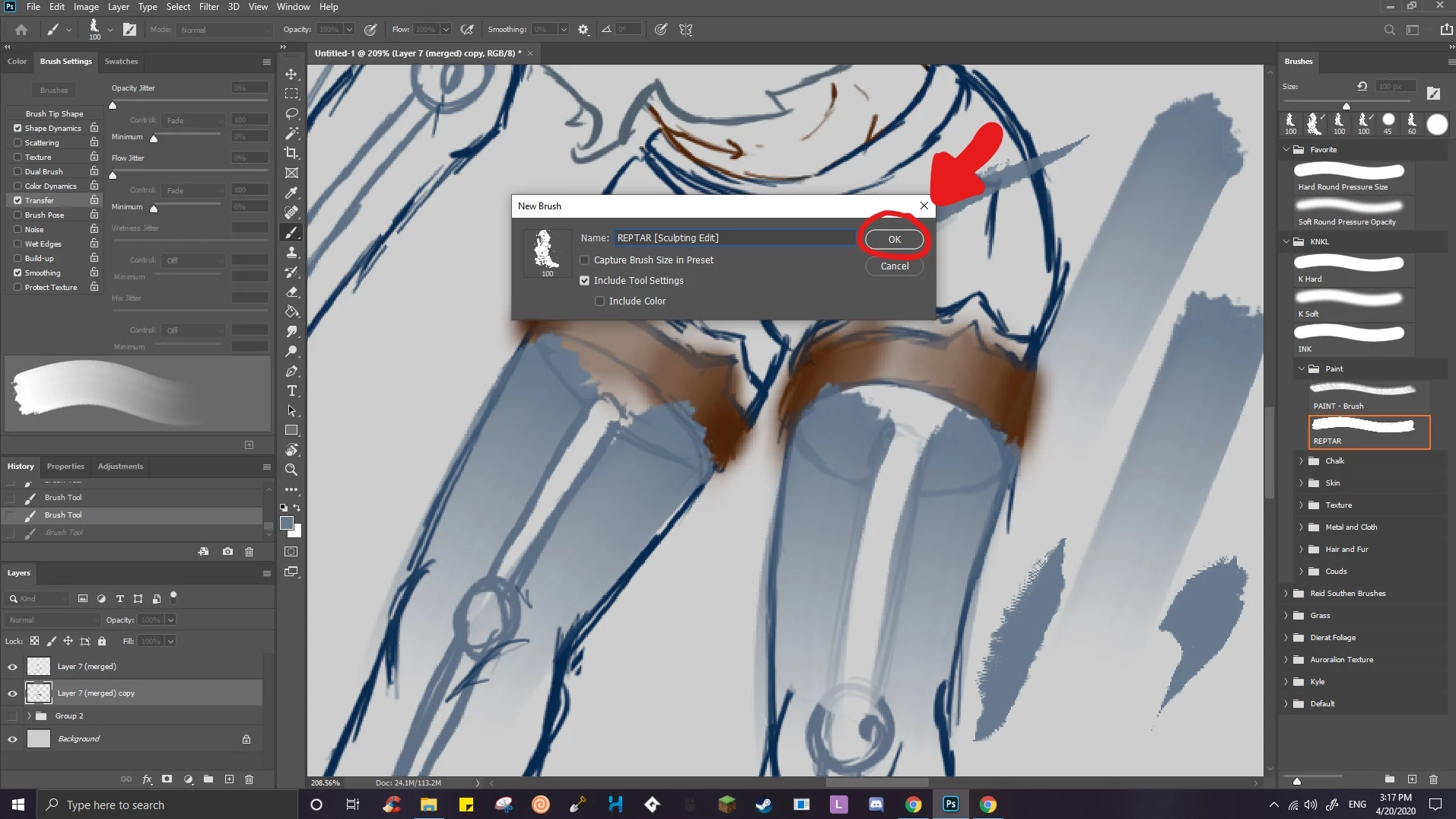
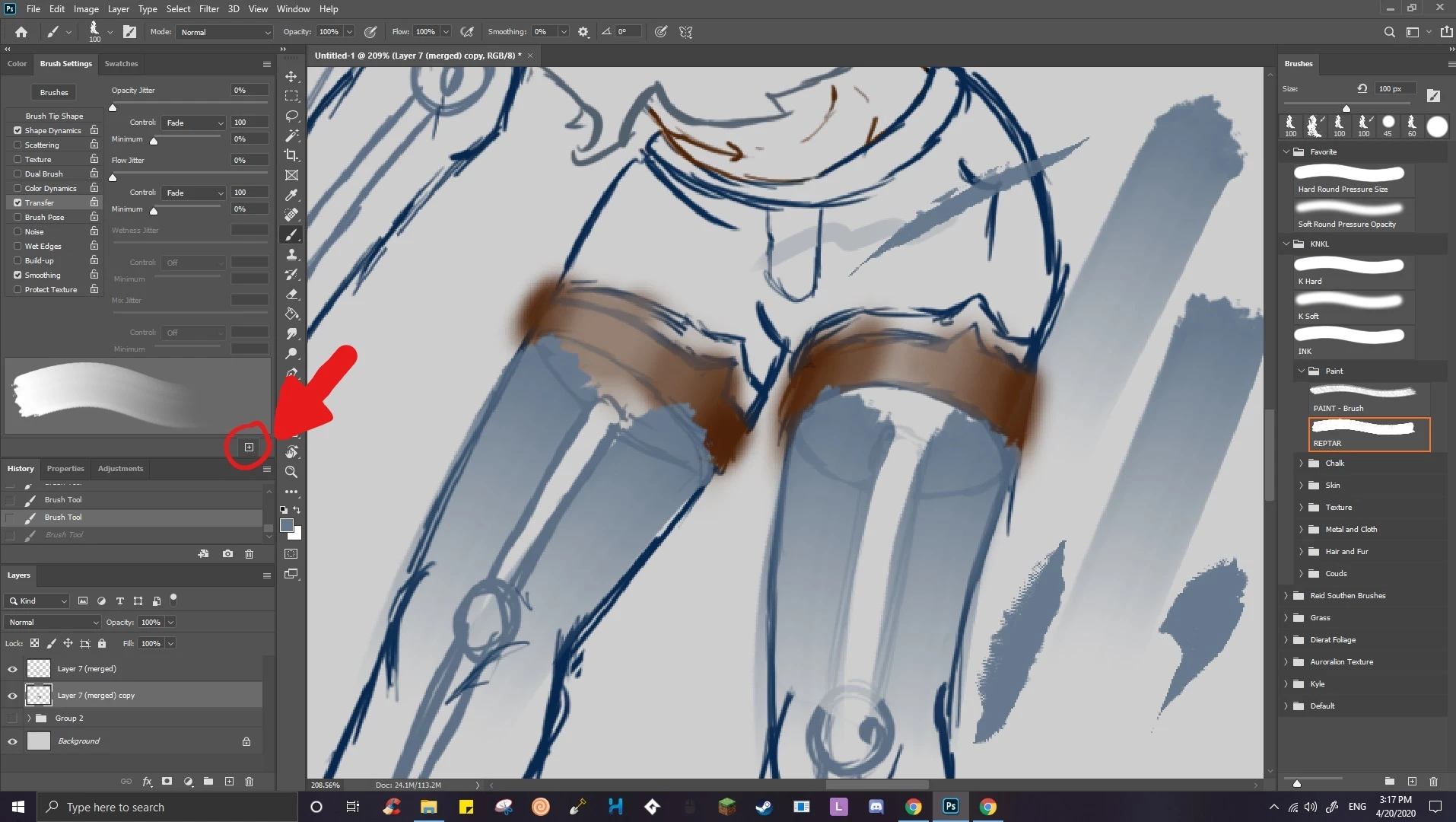
If you like the new settings (edit: and want to save it for re-use) you need to create a new Brush. 

1 reply

c.pfaffenbichler
Community Expert
c.pfaffenbichlerCommunity ExpertCorrect answer
Community Expert
April 20, 2020

You didn’t actually change that Brush, you just made temporary changes, when you selected the Brush again it is loaded as it is (and was before) – the contour colors are the indicator (orange and blue). 

If you like the new settings (edit: and want to save it for re-use) you need to create a new Brush. 

B307
B307Author
Participant
April 20, 2020

Thank you that is correct.
For other people reading this, once you change the "Brush Settings" to how you like it, you have to click the box with a plus sign in it called "Create New Brush" and it will make a new brush with the settings you just adjusted.