
Brush Settings - Shape Dynamics - Size Jitter - Control Issue
Not sure if this is a bug or lack of knowledge.
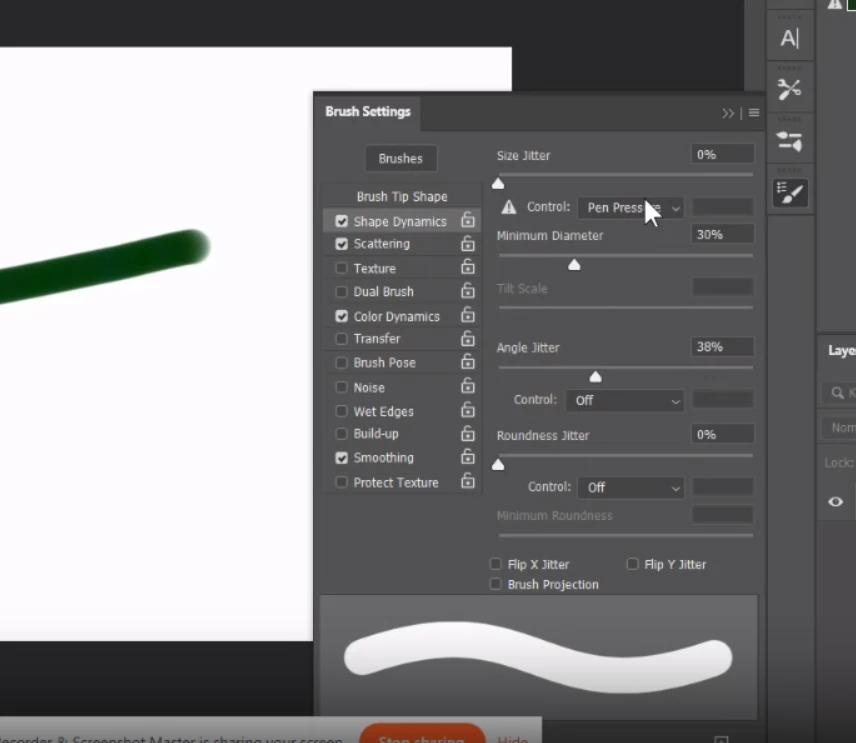
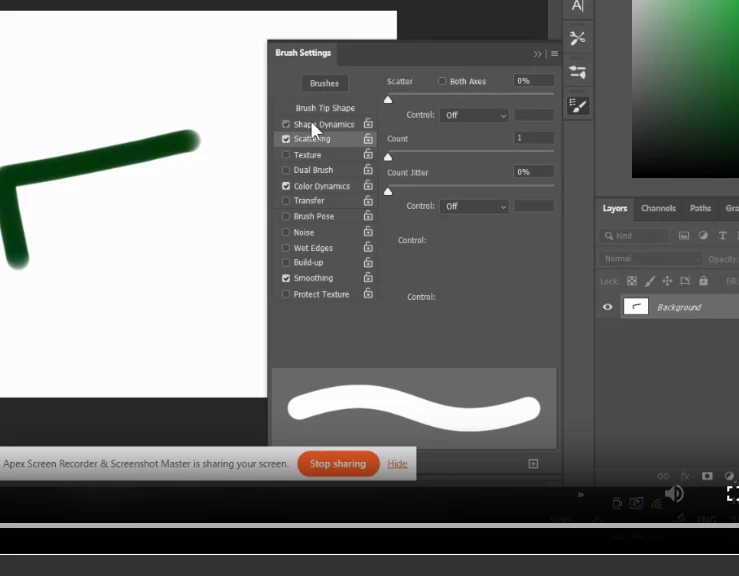
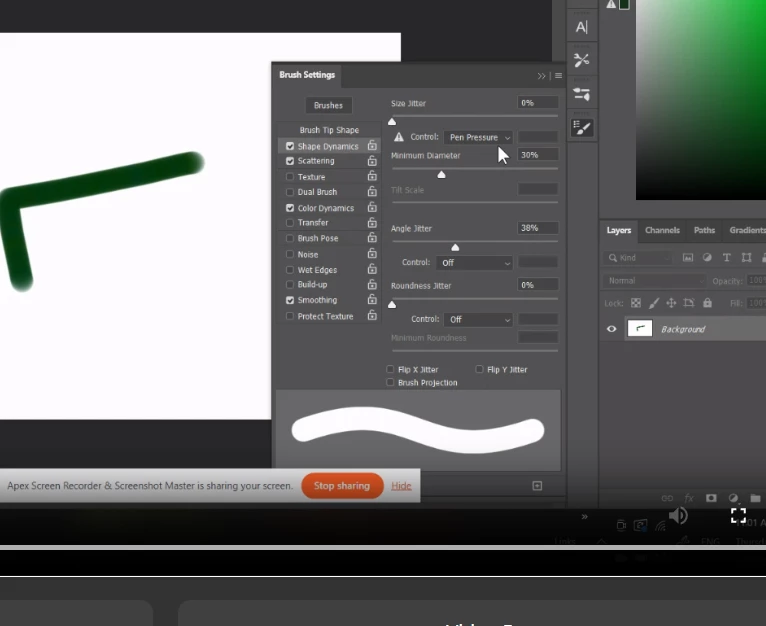
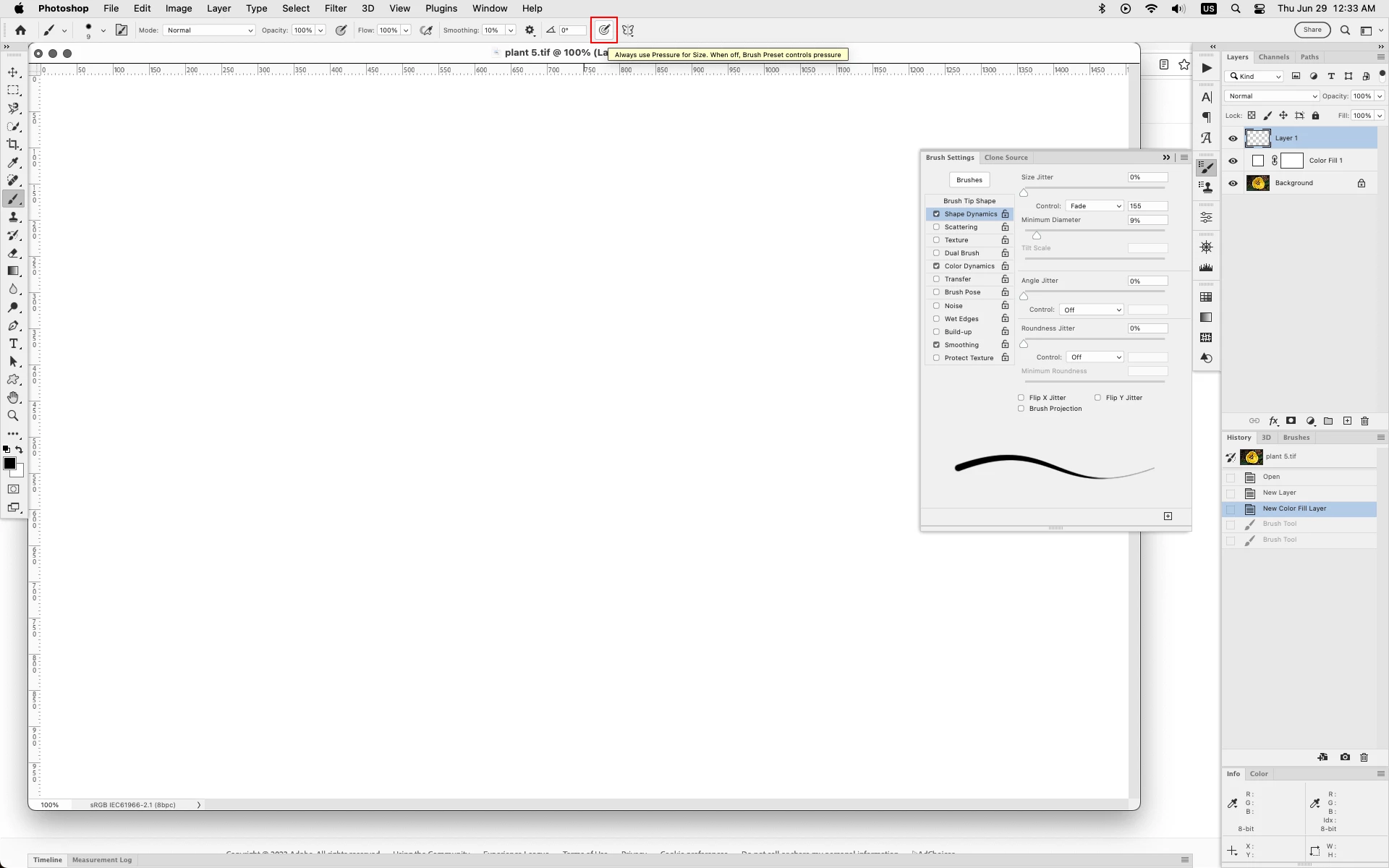
For any paint brush I select, when I go to Brush Settings - Shape Dynamics - Size Jitter - Control, and change Pen Pressure to anything, but what I want is Fade, when I then close settings or look at more settings like Color Dynamics or Smoothing (anything) and then go back to Shape Dynamics, Control is changed back to Pen Pressure.
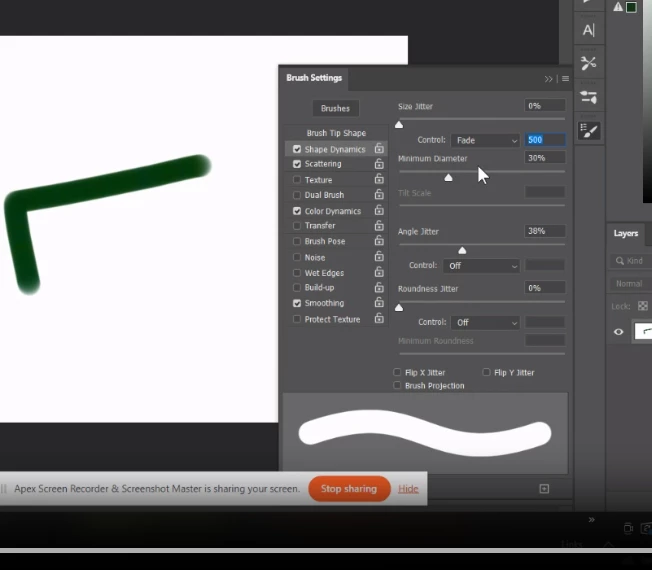
Furthermore, if I'm in the Shape Dynamics window and change Control to Fade, nothing changes in the preview no matter what number I enter for fade 10, 500, 2000.
I was trying to create a brush with a taper as I stroke and a color fade, I'm trying to emulate a paint brush.
I have a Wacom tablet. This isssue persist with the tablet and with the tablet off and using my mouse.
I have attached a series of screenshots, hope it helps. Thank you.
 AdChoices