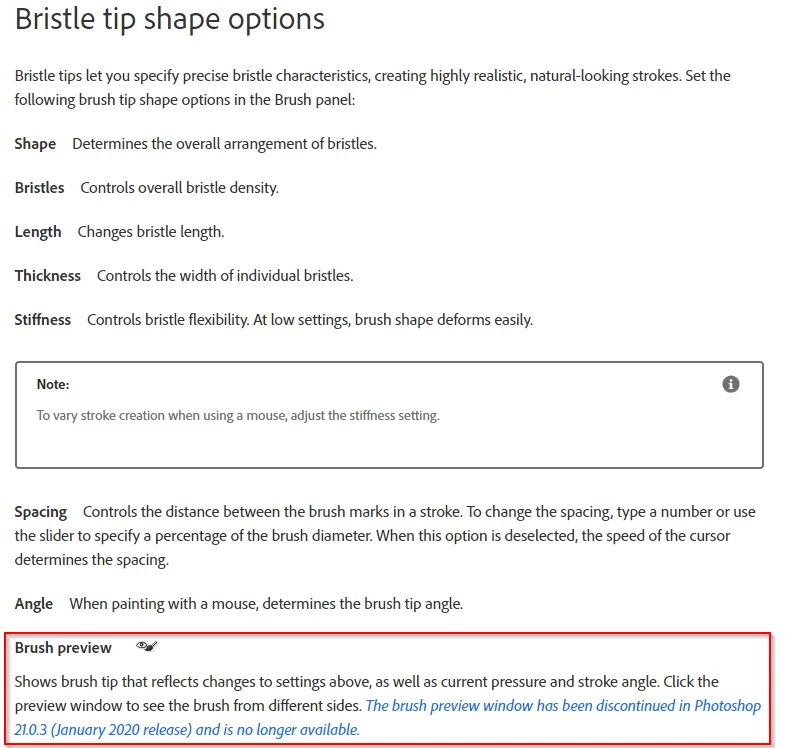
I think you might be referring to the preview panel that was removed in V21.0.3. Check out the help page HERE
and scroll about half way down the page to the section below. I have highlighted the relevent information, but I have no idea why the preview window was discontinued. We had lots of changes to panels when Photoshop moved to HTML5 from Flash, for instance, but I am fairly sure that was earlier than this change.
A couple of this forum's regulars worked with Dave Cross at MAX in 2016 and he told us a cool story about selecting flyaway hair. Apparently he showed what looked like an impossibly good selection of flyaway hair to Scott Kelby and other members of the Photoshop Guys team. Dave later confessed that he had hand painted the fine hair detail back into the selection. That's something I have also done for as long as I can remember.
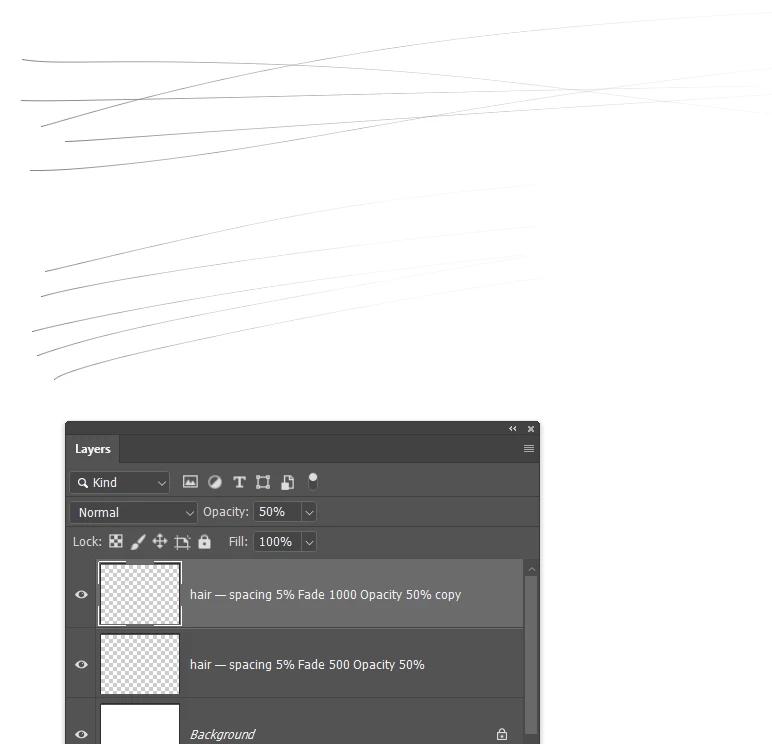
For a long time I used the Hair & Skin Texture Brushes by Castrochew with some additional presets that I made. You can still download that set and it is free. My own presets used fully hard round presets of one or two pixels, with opacity jitter set to fade. That still tend to be too heavy IMO, so I usually reduce the layer opacity to at least 50%.
I still use that set and my own presets, but nowadays I also use a lot of Aaron Blaize sets. They are not free, but typically cost just US$5 and they are outstanding.
ON SALE! Photoshop Brushes & Texture Sets - The Art of Aaron Blaise (creatureartteacher.com)
What adds huge value to his brush sets is that he often has videos describing how to get the best out of them. This is for his Hair & Fur Volume 2
I have a bunch of his brush sets and love them all. His cloud brushes can produce highly convincing skies. Hmmm... I can see he has several new sets since I last checked out his site, so you are going cost me some dollars! LOL.

 AdChoices