
nicoler41866134
Participating Frequently
November 1, 2017
Question

Brush tool comes out pixelated since updating to Photoshop CC 2018 - Bugs
  • November 1, 2017
  • 2 replies
  • 1829 views

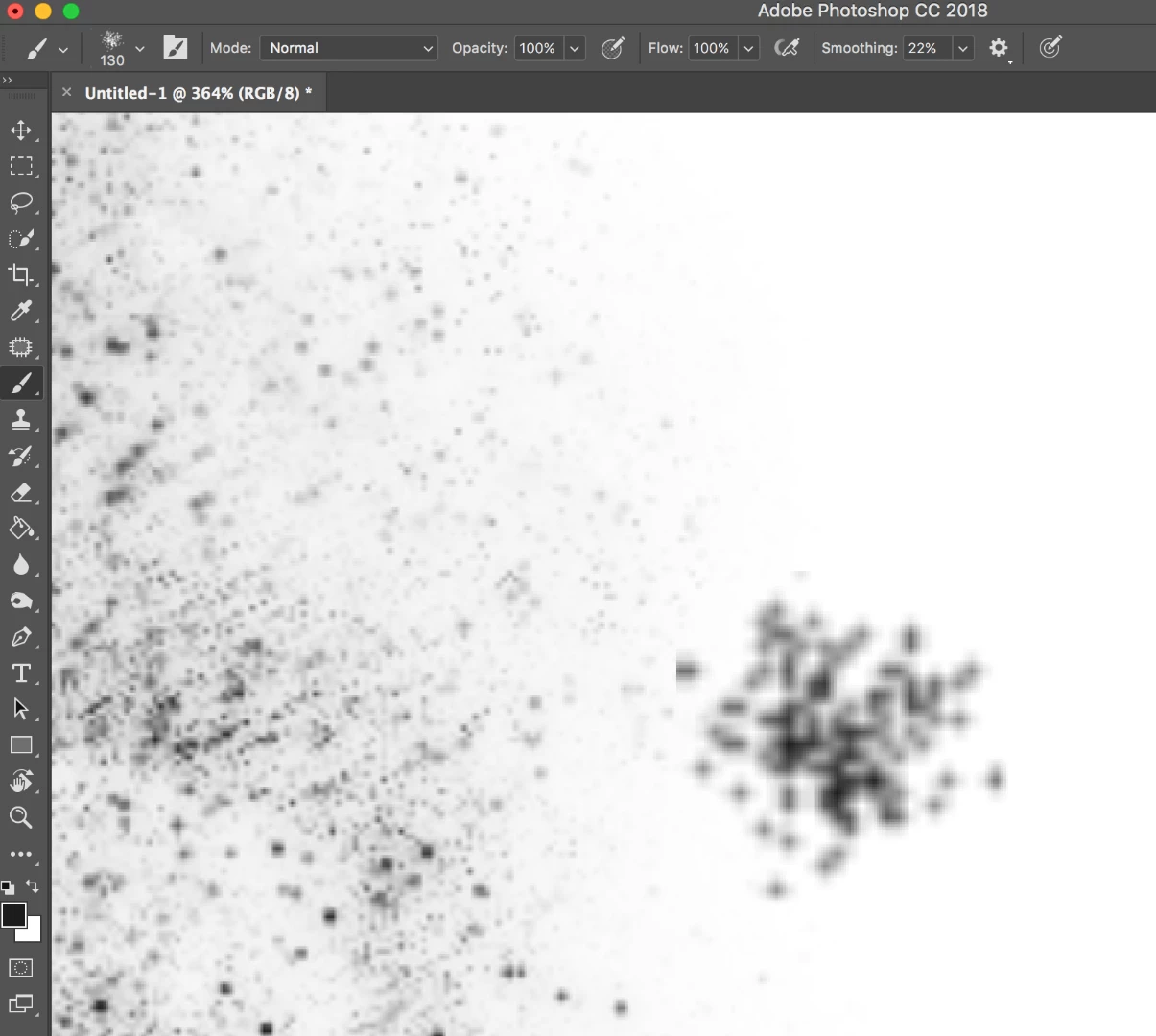
I've been using photoshop for years but since I recently updated my Photoshop, I've been having this issue. Regardless of the brush I use, it is very pixelated. It looks bad zoomed out also. My document is set to 1920x1080 300px rgb. Anyone have any clue what's going on here?? I've messed with the smoothing, it doesnt help at all. I am not using the pencil tool.

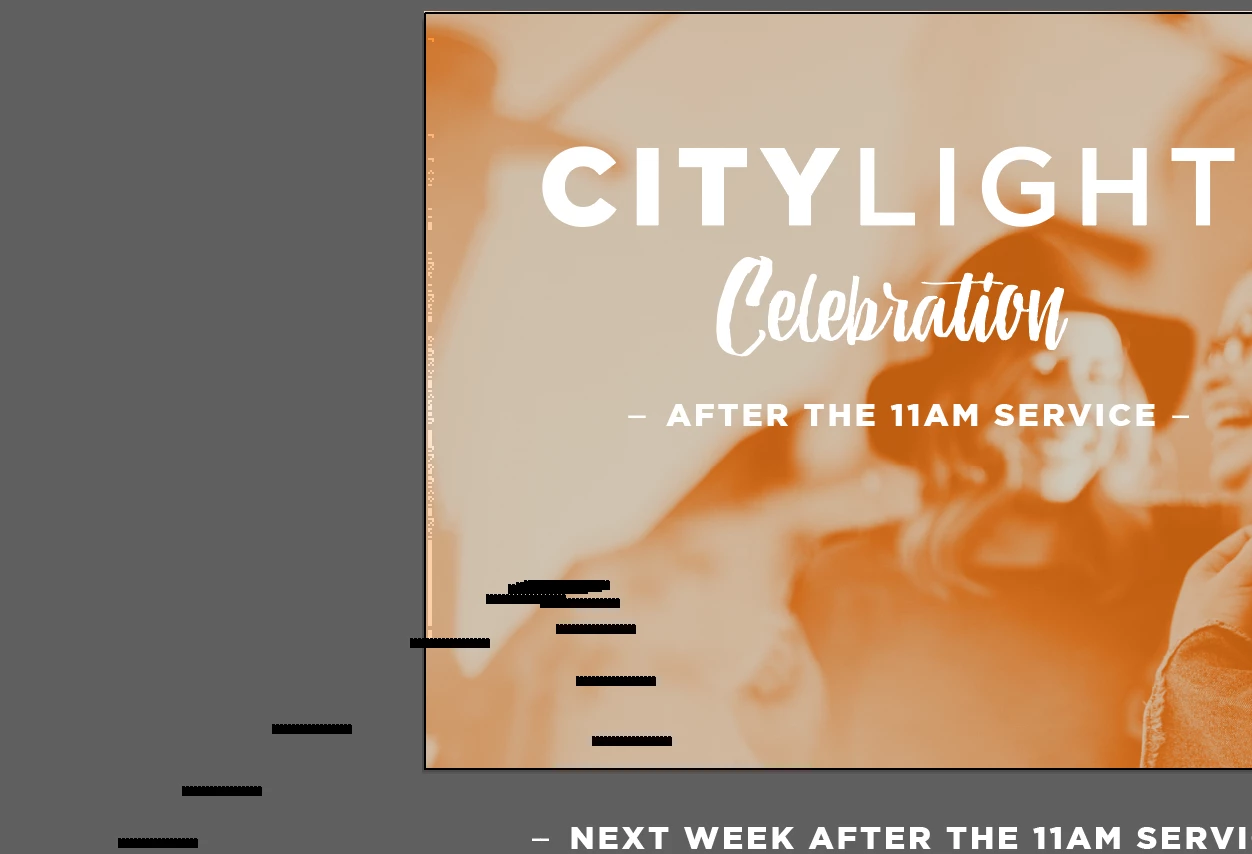
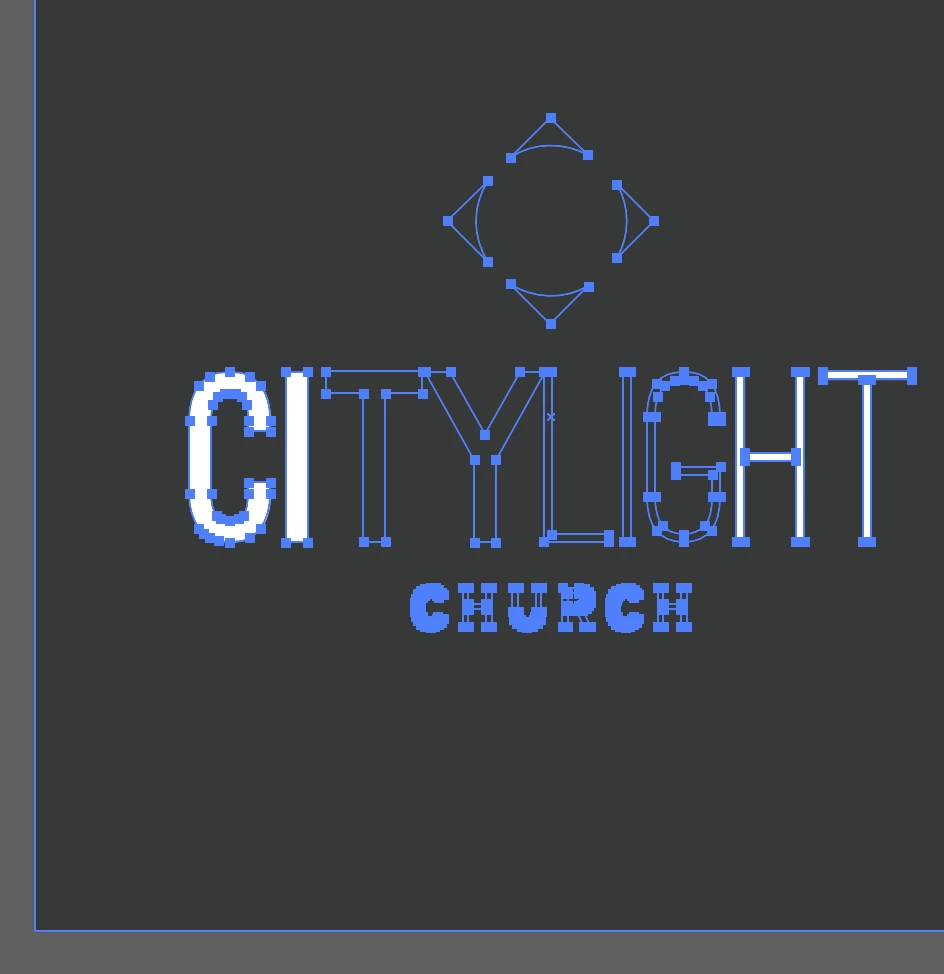
I am also having super annoying issues with Illustrator since updating Illustrator. Such as not being able to select text (when it is not locked) and weird graphics issues like the following: (shapes showing up and not going away unless i zoom in and out a bunch, and artwork disappearing and then coming back once i zoom in and out. It's not a horrible issue, it's just starting to be a real annoyance and making me want to pull my hair out haha.
This topic has been closed for replies.

2 replies

melissapiccone
Community Expert
Community Expert
November 2, 2017

Have you tried resetting them? In the options bar, click on the drop down next to the brush tool, click on the gear icon and reset all tools

Melissa Piccone | Adobe Trainer | Online Courses Author | Fine Artist
nicoler41866134
Participating Frequently
November 6, 2017

I'll give that a try! thanks

davescm
Community Expert
Community Expert
November 1, 2017

Hi

I would suggest raising the illustrator issue directly in the Illustrator forum

Illustrator

For the Photoshop brush issue, your screenshot shows your image is at 364% zoom which will indeed look pixelated. Can you show a screenshot at 100% zoom (which maps one image pixel to 1 screen pixel)

Dave

nicoler41866134
Participating Frequently
November 1, 2017

Here it is at 100%. I also put the Illustrator question in the Illustrator forum, without luck, so I broadened my audience.

See how it looks? Every brush comes out this way, looking fuzzy or soft I suppose.

melissapiccone
Community Expert
Community Expert
November 1, 2017

How big is the brush? If it was created small - like just a couple pixels per spot, then you make the brush bigger - like 100 diameter, it's going to look pixelated.

Melissa Piccone | Adobe Trainer | Online Courses Author | Fine Artist