Inspiring
December 12, 2024
Answered

Brush Tool lags on version 26.1.0

  • December 12, 2024
  • 3 replies
  • 178 views

Version: 26.1.0

Platform: Windows 11


RAM: 128gb
Graphics Card: NVIDIA GeForce RTX 3090 (87.9 GPU memory)


Steps to Reproduce

1. Open blank canvas (example: 1500 x 1500)

2. Select BRUSH tool

3. Click & Drag


Results on Version 26.1.0

Brush is lagging behind mouse


Results on Version 25.12

Brush is not lagging and performs as expected


Troubleshooting Steps

  1. Tested Stamp tool - No lagging
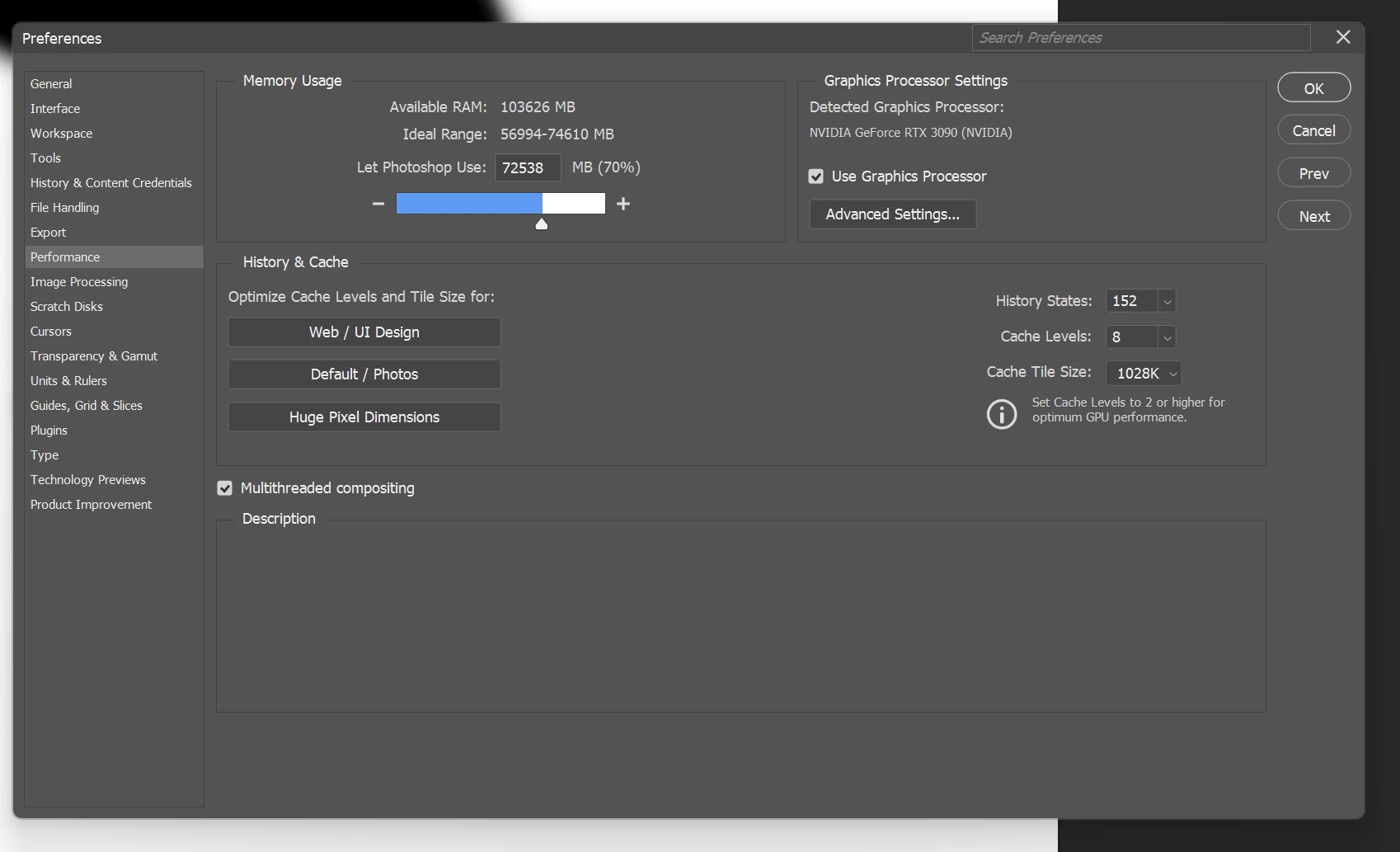
  2. Compared Performance, General, Tools, Image Processing, & Technology Previews settings between V26.1.0 & Version 25.12 - No difference
  3. Verified computer's Task Manager was not displaying any performance issues when running V26.1.0
 

This topic has been closed for replies.
Correct answer Ged_Traynor

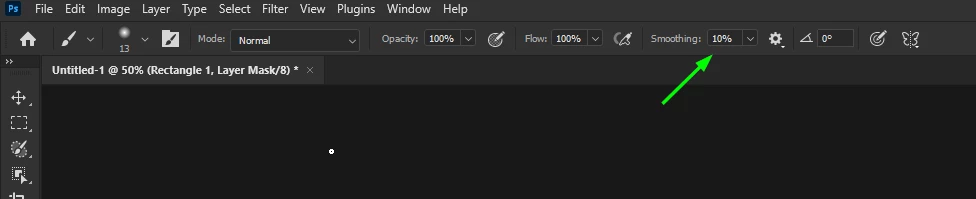
@kdash1228 have you checked this setting in the options bar for the brush tool, it may be set to something other than the default 10%

3 replies

Ged_Traynor
Community Expert
Community Expert
December 12, 2024

@kdash1228 you're welcome

kdash1228Author
Inspiring
December 12, 2024

That was it! Thank you!!

Ged_Traynor
Community Expert
Ged_TraynorCommunity ExpertCorrect answer
Community Expert
December 12, 2024

@kdash1228 have you checked this setting in the options bar for the brush tool, it may be set to something other than the default 10%