

Answered
Brush Tool not working properly
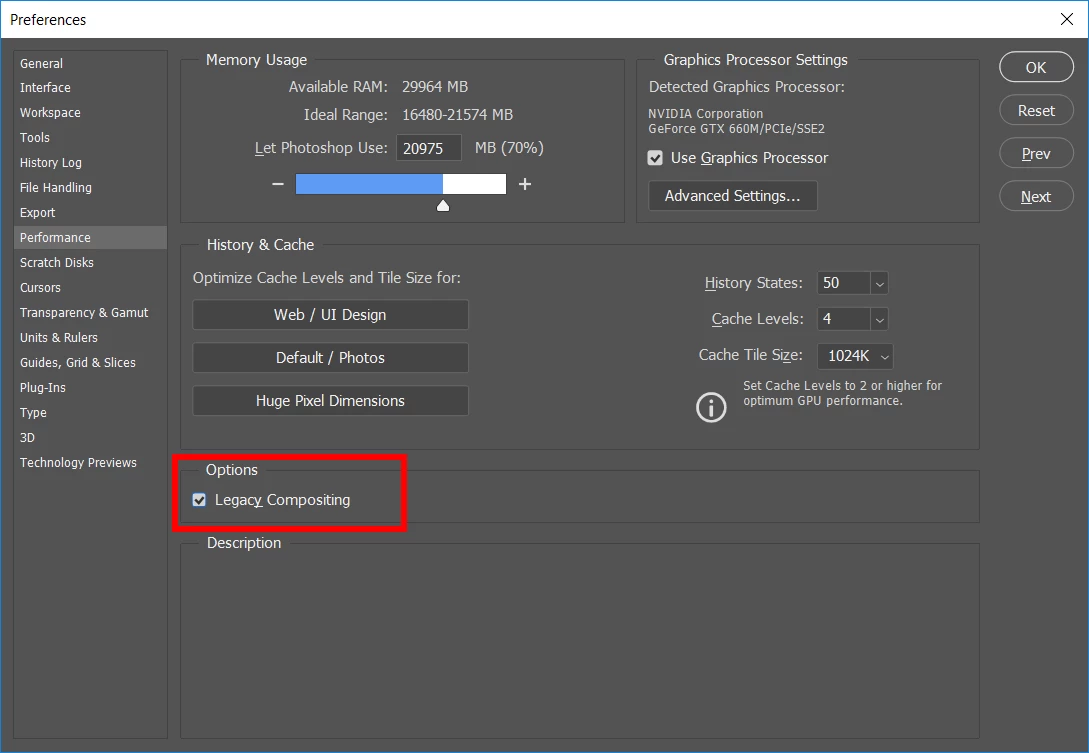
I'm editing a photograph. I added an action to the image and I'm usually able to edit the image with my brush tool. I insured I selected the correct layer to edit, made sure my brush tool is correct with the correct color I need to edit the action color overlay off my subject matter. Here is the issue, when I go to use the brush it creates a large square around my brush. Then it completely takes away the action color overlay. I then can't edit with my action at all.
I have reset photoshop, reset my tools, shut down and turned on photoshop, Insured I have all up today PS. My Mac operating system just updated the other day and that is the only thing I can think of is the issue.
I have a screen show not sure how I can share that.
 AdChoices