

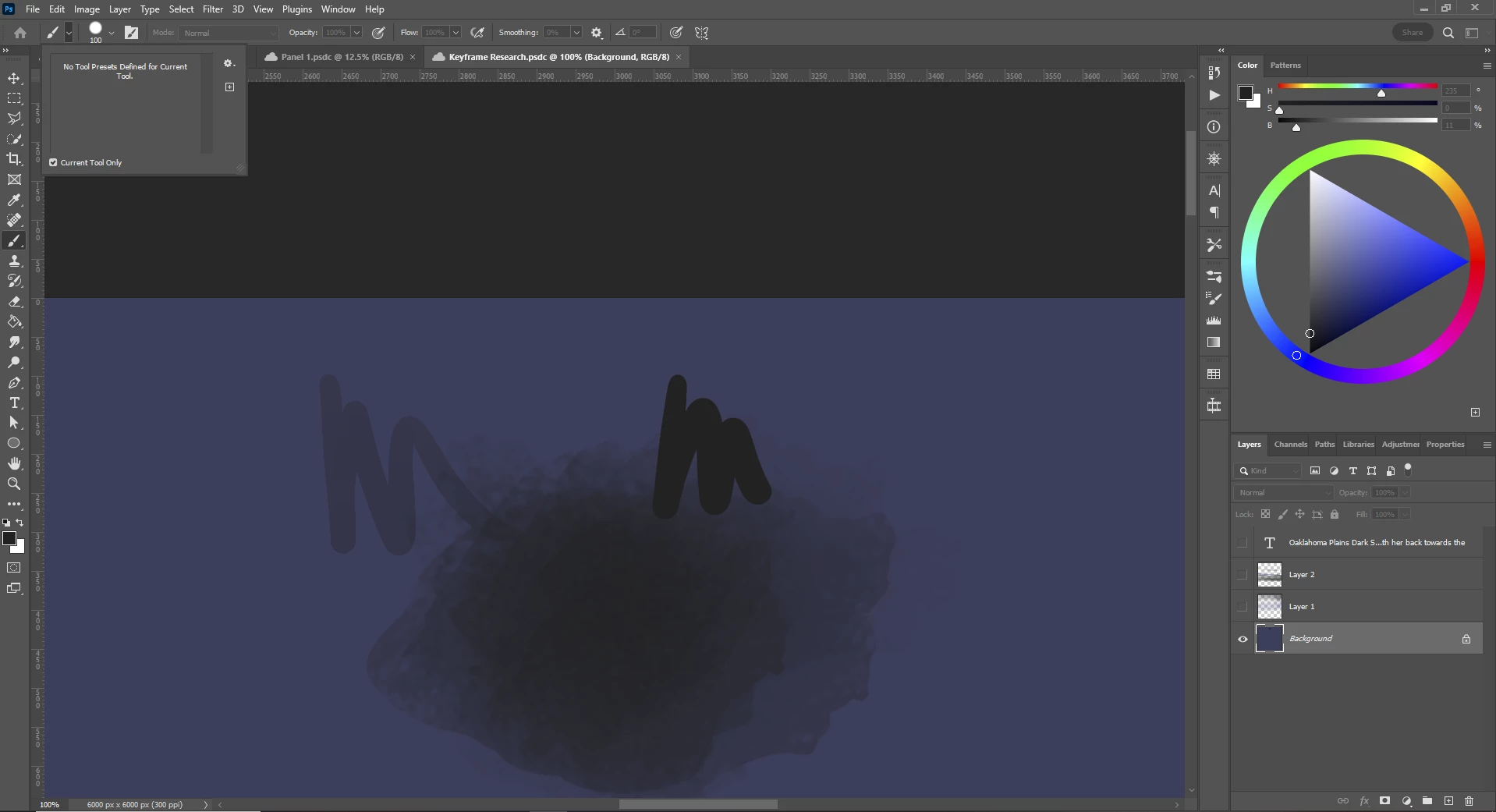
Brush Tool "No presets defined for current tool"
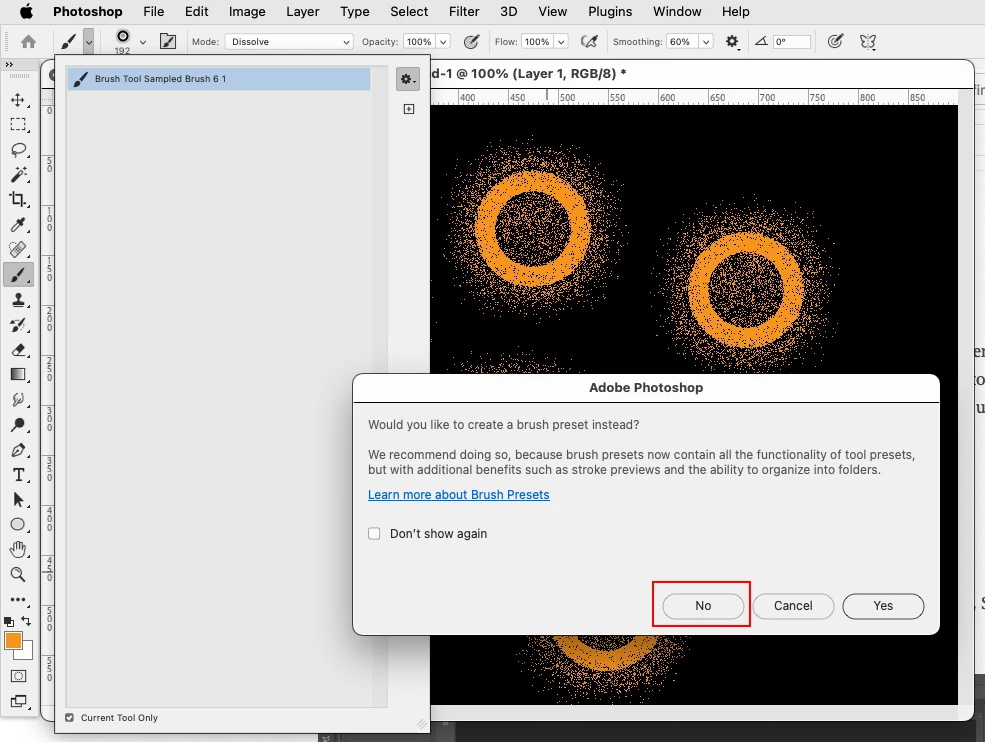
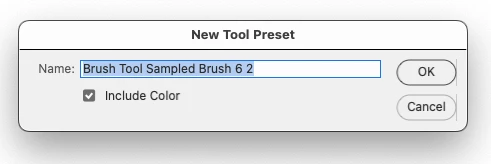
I have been trying to define several brush tool presets with changes to the Pattern, Properties and Shape Dynamics, Each time I have a Brush tool I want to define, I click the "Tool Presets" Button, > "Create new Tool preset" and add them however after I have clicked on the "OK" button it does not show up in the Tool Presets Box, Only instead in the list of brushes.
Adobe Photoshop Version: 24.1.1 20230112.r.238 4bbfa7a x64
Operating System: Windows 10 64-bit
Version: 10 10.0.19045.2486
System architecture: AMD CPU Family:15, Model:1, Stepping:0 with MMX, SSE Integer, SSE FP, SSE2, SSE3, SSE4.1, SSE4.2, AVX, AVX2, HyperThreading
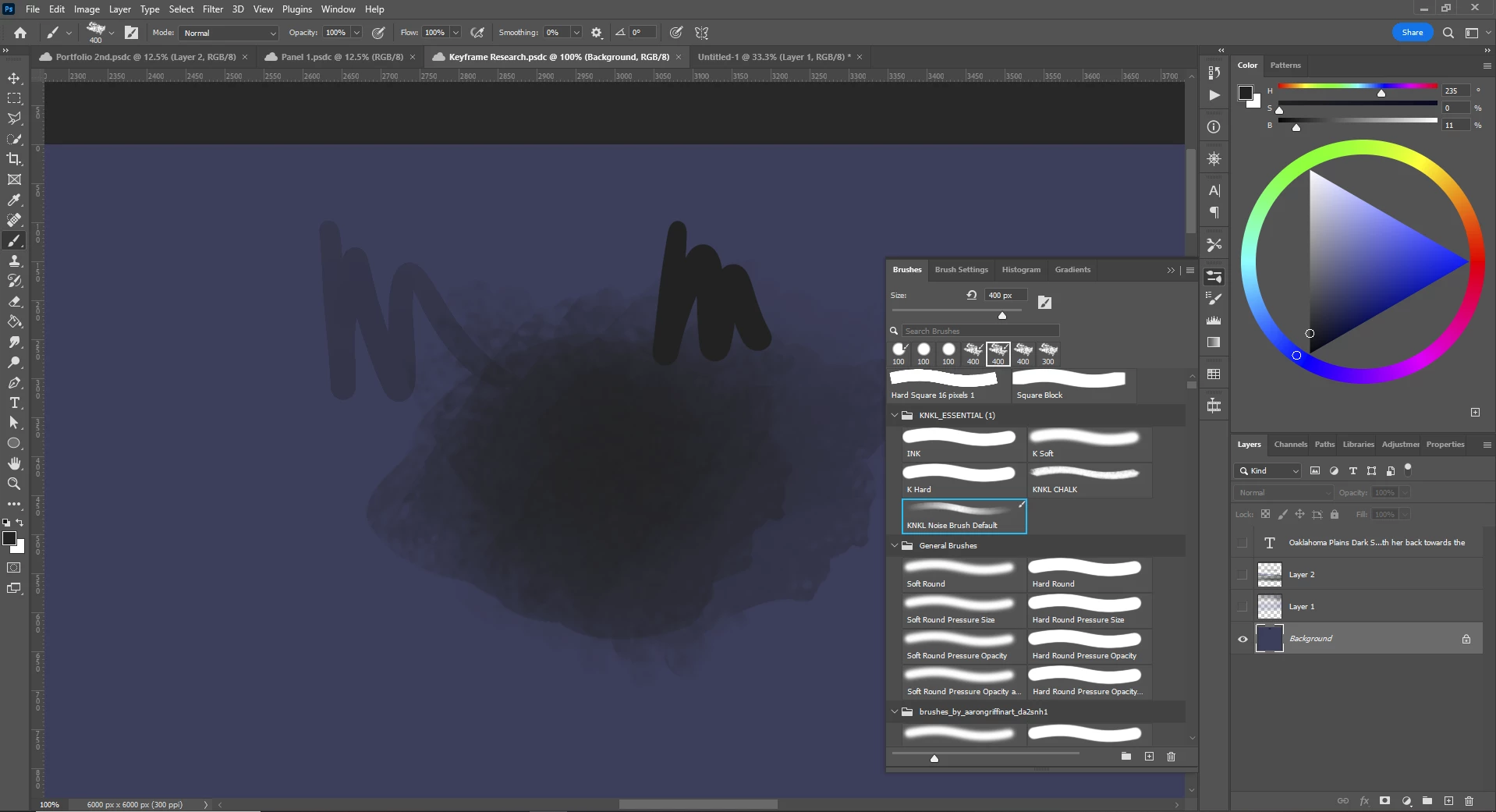
I cannot see any of the brush tools presets in: Adobe>Photoshop>Presets>Tools Files
All that Pop up are the marquee and Crop tools that have been saved (I believe, by default, I don't remember interacting with the brush tool preset box before.)
 AdChoices