
Answered
brushes invert colors
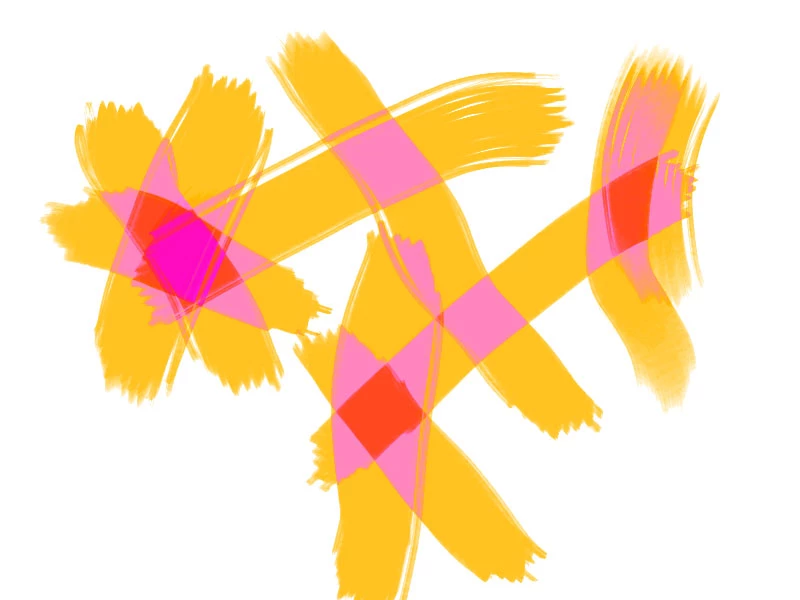 it happens with every brush, if i do a line and draw on top of it , it inverts the color, please help i tried everything.

it happens with every brush, if i do a line and draw on top of it , it inverts the color, please help i tried everything.
Check the blend mode in the options bar
Check the layer blend mode.
Is it the normal brush or the art brush?
Already have an account? Login
Enter your E-mail address. We'll send you an e-mail with instructions to reset your password.
 AdChoices