
Brushes keep 'skipping' or 'making space' between strokes
I noticed suddenly that when I create a stroke in Photoshop, it will make a space between the line of the stroke or basically 'skip in the middle'. I'm not sure what is going on or what is the issue. I have tested different brushes to see if it was specific to only one brush, it was not as seen attached.
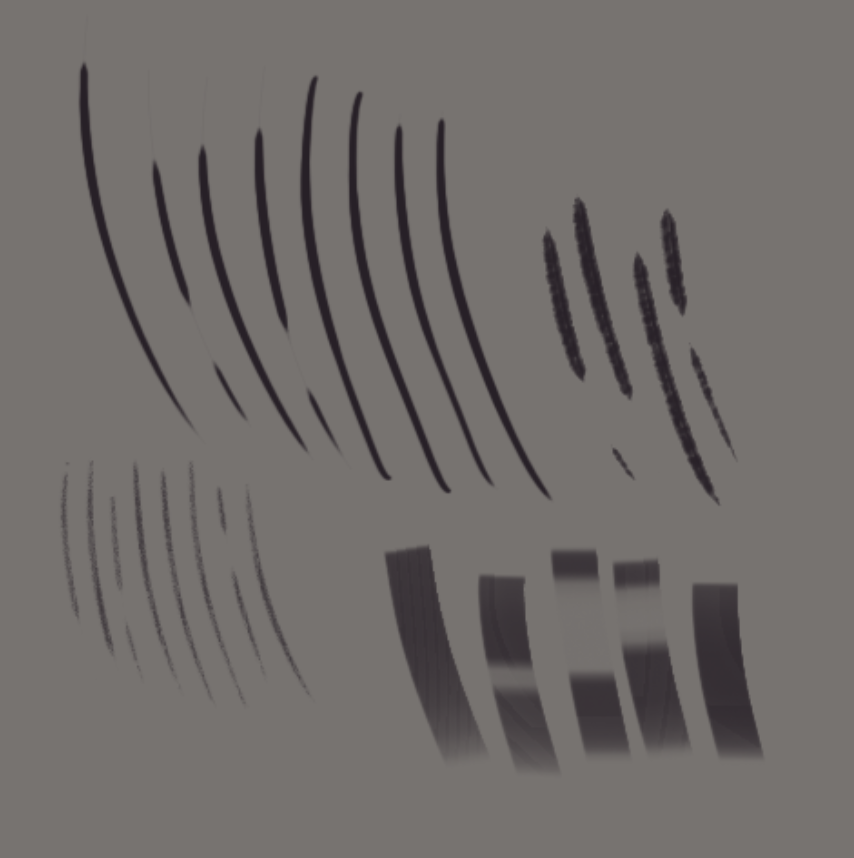
I have tested other art programs and it seems this only happens in Photoshop exclusively. I am using Windows 10 btw. Not Mac/Linux.
- I use a Wacom Intuos Pro and all drivers have been tested from the oldest driver to the latest. This did not work.
- I have uninstalled and reinstalled Photoshop and even increased driver usage or set Photoshop as a 'priority' program. Did not work.
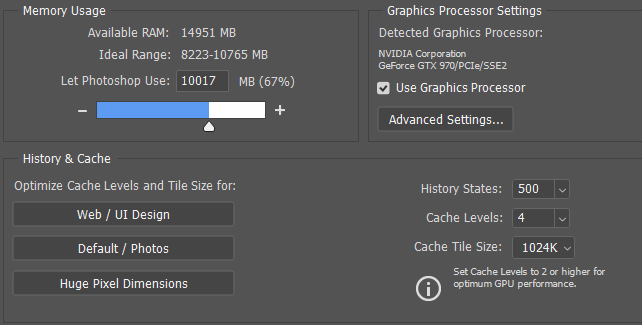
- I have 16GB RAM/i7 core [attached left more details]. Definitely not lagging (only uses 3%+ of my CPU)
I tried my best to troubleshoot to the best of my ability, to no prevail, cannot figure out what is causing these skips between my strokes.
 AdChoices