
Known Participant
April 27, 2023
Question

Bug while panning/zooming (with spacebar) using Wacom Intuos Pro

  • April 27, 2023
  • 7 replies
  • 1065 views

Hello!


I've recently built a new PC and I keep getting this bug. I don't know what triggers it, though. It only starts happening after a while.

I always use spacebar or ctrl+spacepar for zooming and panning around, and it always worked without any problems on my old laptop.
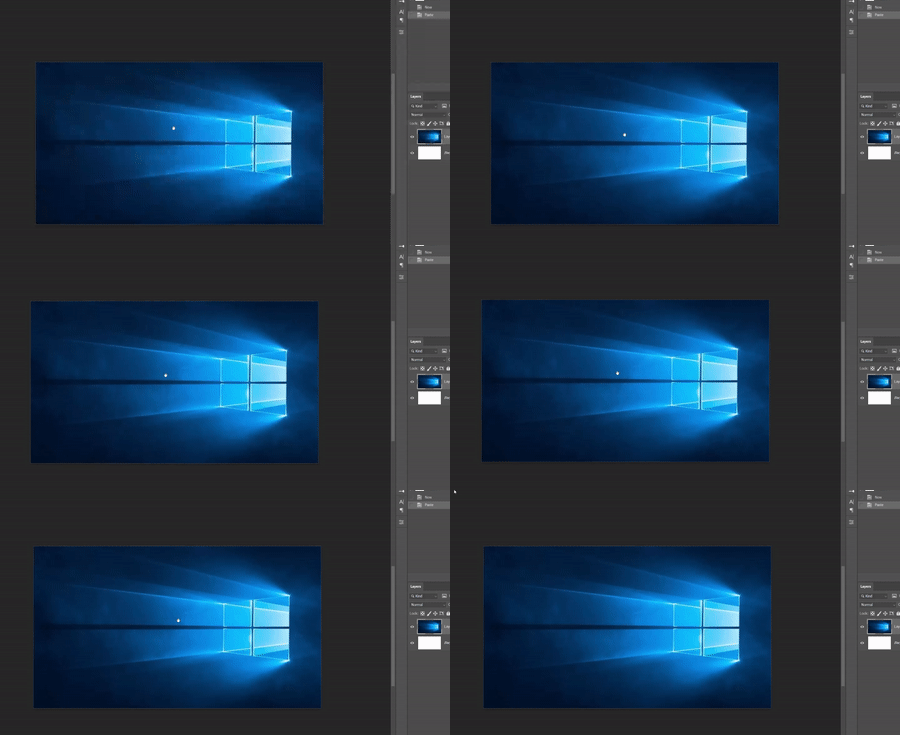
 

The bug:

When I use this feature, I proceed pressing ctrl+spacecbar normally, then touch the pen on the tablet's surface and drag it to move things around; BUT, sometimes, when I release the pen photoshop, doesn't recognize it and keeps moving the canvas, like if I hadn't released.

When this bug happens, even releasing the keys (crtl/spacebar) doesn't help. Things keep moving. The only way to stop it is to touch the pen on the tablet's surface back again.

I have to close and open photoshop to temporarily fix it.


Photoshop version: 41.4.1

Wacom device: Intuos Pro PTH-460

Windows 10 pro


This topic has been closed for replies.

7 replies

AxelMatt
Community Expert
Community Expert
April 28, 2023

Just a idea: Goto to "Preferences" > "Technology Previews" and enabling "Deactivate Native Canvas".

Restart Photoshop and check.


My System: Intel i7-8700K - 64GB RAM - NVidia Geforce RTX 3060 - Windows 11 Pro 25H2 -- LR-Classic 15 - Photoshop 27 - Nik Collection 8 - PureRAW 5 - Topaz Photo
Participating Frequently
September 20, 2023

Doesn't work and I am sick of people asking what the computer config or telling us to reset preferences.  THIS IS A BUG IN PHOTOSHOP.  Doesn't matter what the PC config is, it should work well on any PC right?  This is just a way for Adobe to pretend they are helping without ever helping.  Wacom works fine in everything Adobe except Photoshop where the pen sticks to the screen when moving around the canvas.  I have this happen on two computers, multiple versions of Photoshop.  Maybe use AI to fix it since gimmicks to hike up rental prices is the priority.

Participant
November 2, 2023

Same problem, wacom intuos - photoshop - Mac.

Option-shift does not want to scrub zoom with pen, it does work when I change from pen to mouse. 

CShubert
Community Manager
Community Manager
April 27, 2023

@haaidan 


It may help if we could see your Photoshop System Info. Launch Photoshop, and select Help >System Info...and copy/paste the text in a reply.  


haaidanAuthor
Known Participant
April 27, 2023

@CShubert  as I've mentioned in the post, I'm using an Intuos Pro PTH-460.
I already had flick panning disabled, and I'll test disabling overscroll to see if it is the problem (hopefully not, because having it enabled is really important for my workflow). 

haaidanAuthor
Known Participant
April 27, 2023

Everything was a fresh installation with the latest drivers versions, so I don't think resetting photoshop and wacom prefs to default would do anything, sadly...

Another important point is that it only happens on photoshop. (for example, this bug of not detecting the pen release could also happen while scrolling down in the browser or in a Windows folder, but it doesn't happen). And it only happens while using the panning/zooming using the spacebar. Every other tool/feature detects the pen release as intended every time.

CShubert
Community Manager
Community Manager
April 27, 2023

Hi @haaidan 


Go to Preferences/Tools and disable flick panning and overscroll - does the issue still occur?

Are you using only a mouse or do you also have a graphics tablet/pen?


AxelMatt
Community Expert
Community Expert
April 27, 2023

Please try to reset the preferences of Photoshop using the steps described here:

https://helpx.adobe.com/photoshop/using/preferences.html#reset-preferences

Please backup your settings before resetting the preferences. You can check:

https://helpx.adobe.com/photoshop/using/preferences.html#backup-photoshop-preferences


Is your system up-to-date?  All recent drivers, patches and so on are instelled?

Do you have installed the latest Wacom driver for your tablet?  Drivers (wacom.com)

You can also try to reset the Wacom driver to the factory defaults:

Removing and Restoring Wacom Application Specific Settings – Wacom


My System: Intel i7-8700K - 64GB RAM - NVidia Geforce RTX 3060 - Windows 11 Pro 25H2 -- LR-Classic 15 - Photoshop 27 - Nik Collection 8 - PureRAW 5 - Topaz Photo
haaidanAuthor
Known Participant
April 27, 2023

There's a mistake above.

Actual Photoshop version: 24.4.1


Sorry about that.