Answered
Buttons not displaying correctly!
This has been like it through the last 2 CC updates and it's driving me mad! Any ideas PLEASE! 
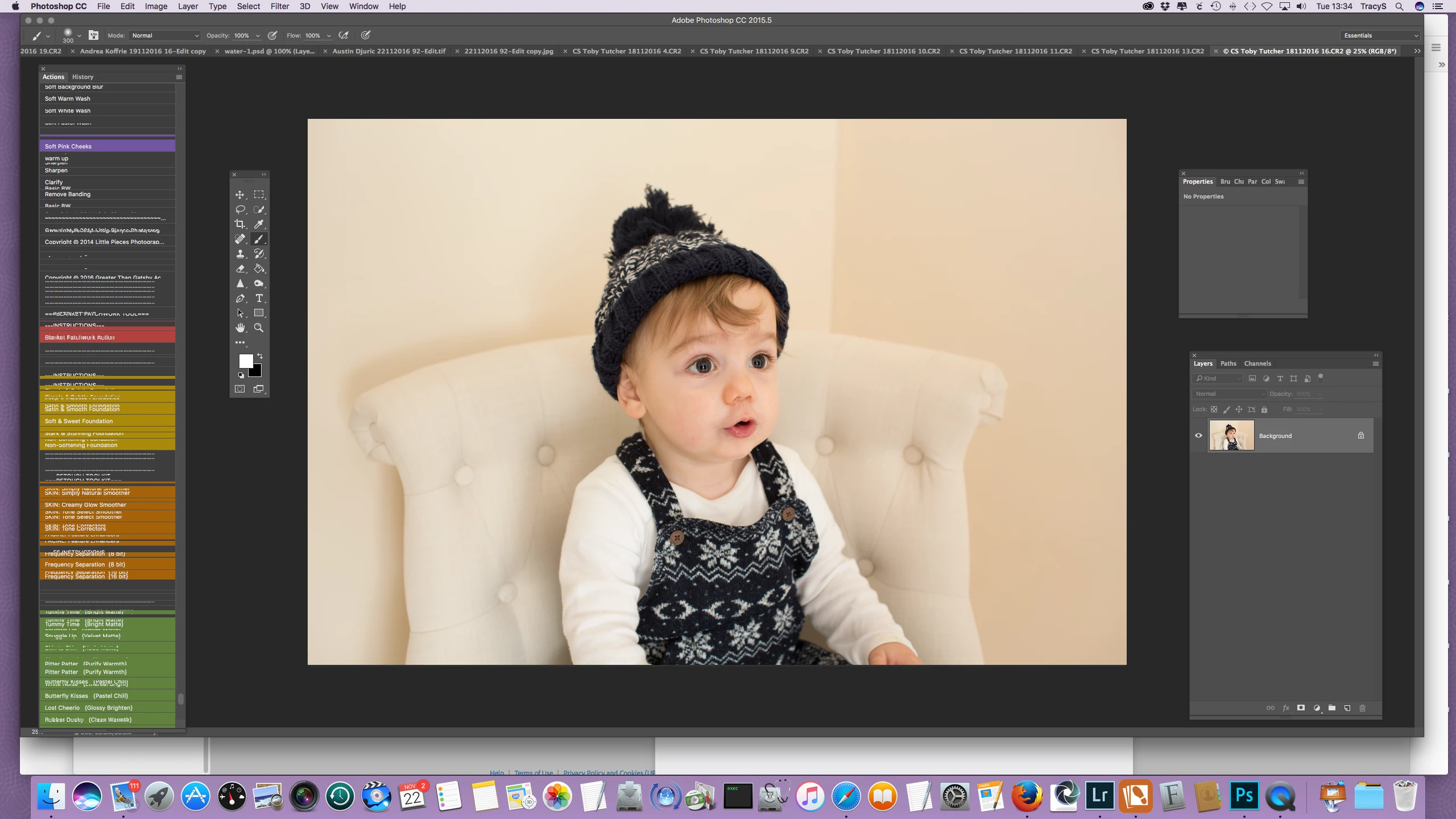

This has been like it through the last 2 CC updates and it's driving me mad! Any ideas PLEASE!
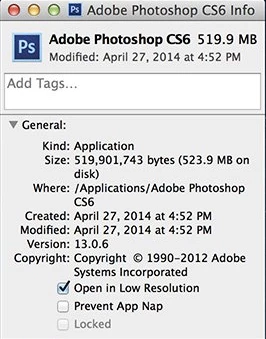
If that fails, be sure "open in Low Resolution" is not checked. Exit Photoshop.
Go inside your Application/Photoshop CC folder. Cmd i (Get Info) on the Photoshop app, and uncheck "Open in Low Resolution".
Restart Photoshop.
Already have an account? Login
Enter your E-mail address. We'll send you an e-mail with instructions to reset your password.
 AdChoices