Participating Frequently
February 8, 2025
Question

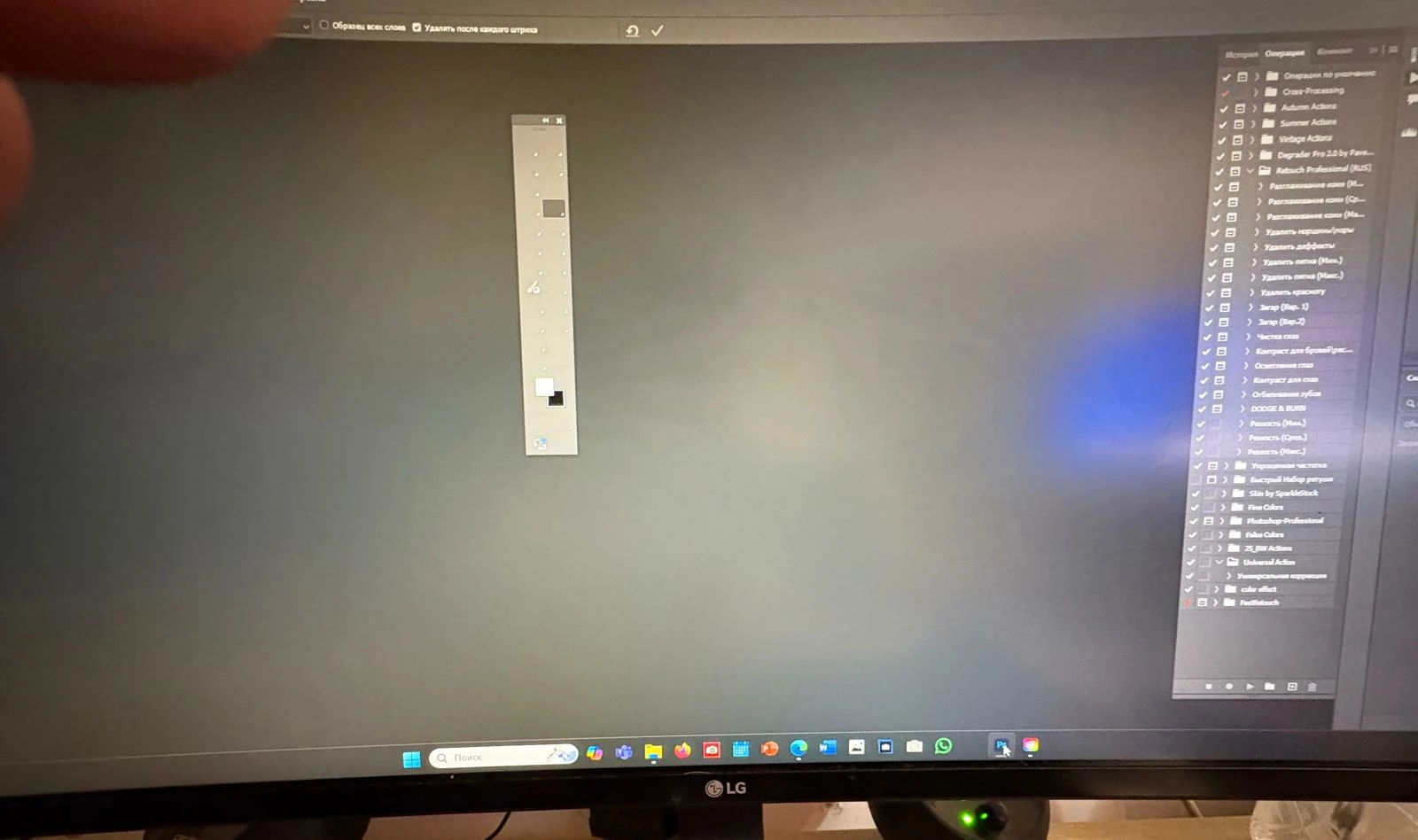
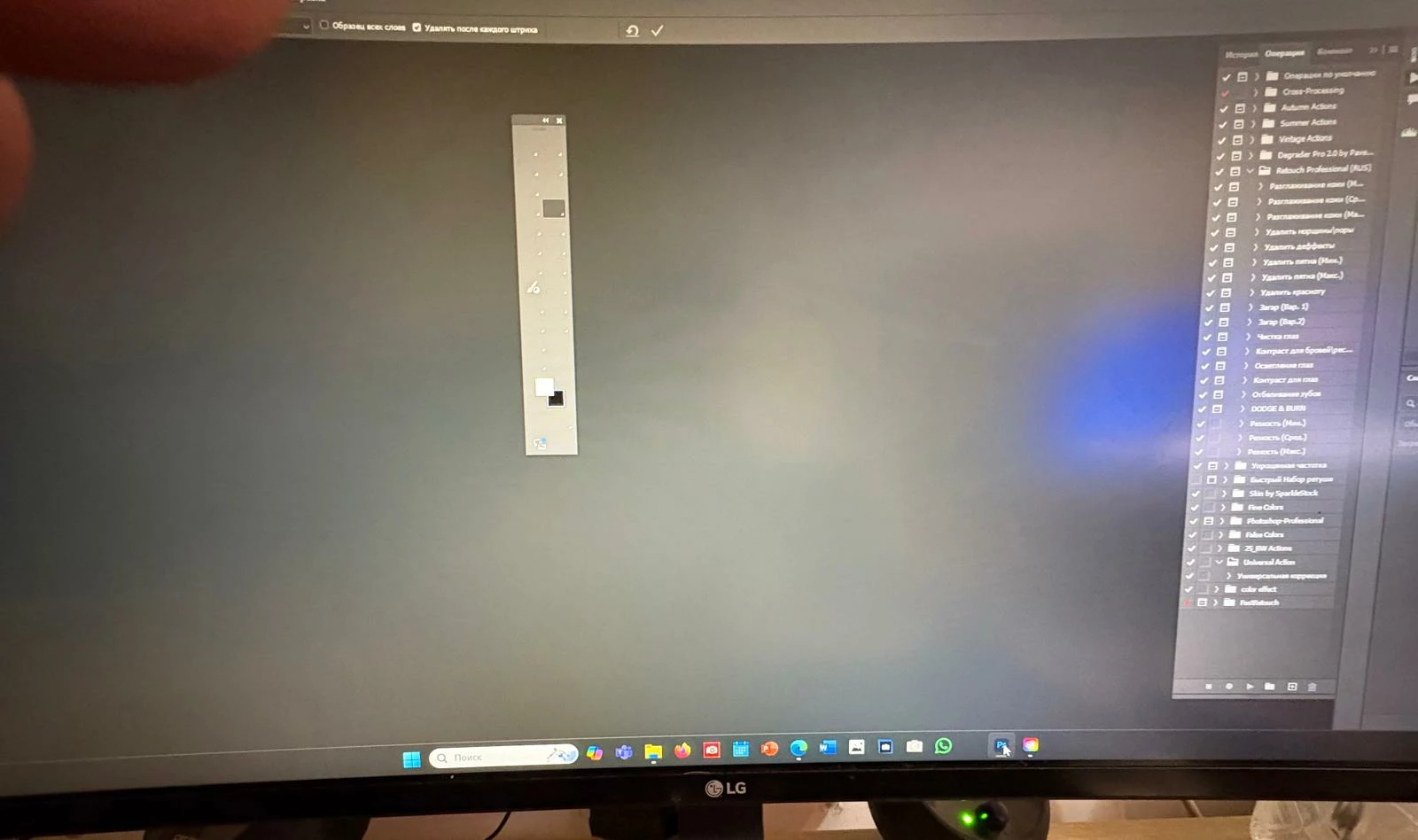
buttons on the toolbar disappeared

  • February 8, 2025
  • 4 replies
  • 582 views
buttons on the toolbar disappeared


4 replies

gener7
Community Expert
Community Expert
February 9, 2025

If none of these suggestions work, uninstall Photoshop and install an earlier version, 25.1.2 for example.

https://helpx.adobe.com/download-install/using/install-previous-version.html Hopefully this guide is in Russian.

grigo0D4DAuthor
Participating Frequently
February 8, 2025

я это уже делал,не помагает

kglad
Community Expert
Community Expert
February 8, 2025

@grigo0D4D 


which of @gener7's suggestions have you done?  (there are several.)

kglad
Community Expert
Community Expert
February 8, 2025

yes


i know you reset your workspace, but did you also reset your preferences?

gener7
Community Expert
Community Expert
February 8, 2025

First, Try Restarting your PC. Seems obviously simple, but if you have not  done so in a while, errors can accumulate.


Hopefully your graphics card meets specs, and drivers are up to date. Check to be sure.

https://helpx.adobe.com/photoshop/kb/photoshop-cc-gpu-card-faq.html


If the GPU checks out, Save your Workspace and Reset your Photoshop Preferences:

Window > Workspace > New Workspace  If you have already saved your Workspace, you use Reset Workspace to recover it after resetting preferences.


How to reset Photoshop Preferences:

https://helpx.adobe.com/photoshop/using/preferences.html

kglad
Community Expert
Community Expert
February 8, 2025

in the future, to find the best place to post your message, use the list here, https://community.adobe.com/

p.s. i don't think the adobe website, and forums in particular, are easy to navigate, so don't spend a lot of time searching that forum list. do your best and we'll move the post (like this one has already been moved) if it helps you get responses.


<"moved from cc desktop bugs">