
Camera RAW CS6 is broken in MacOS High Sierra
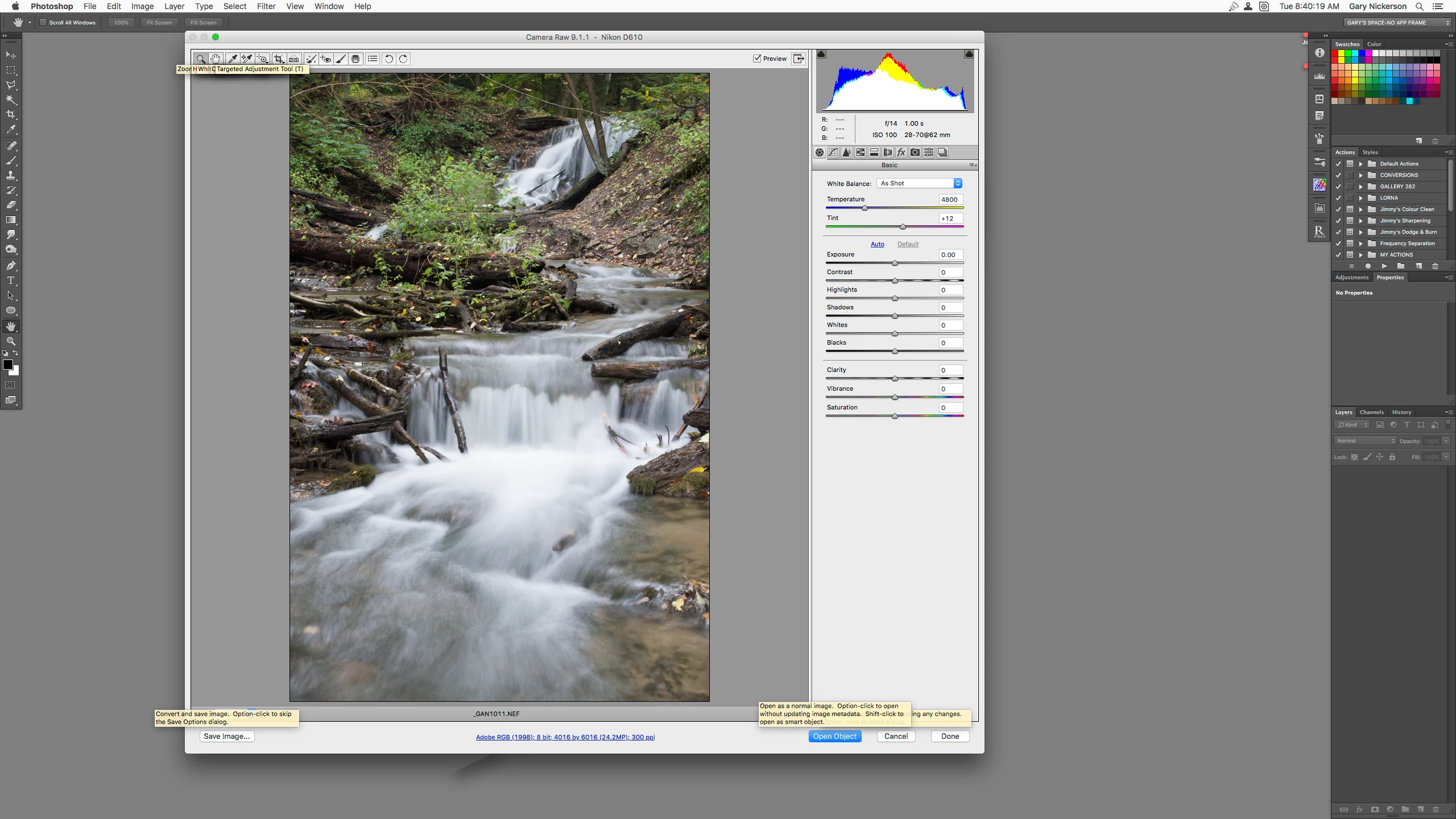
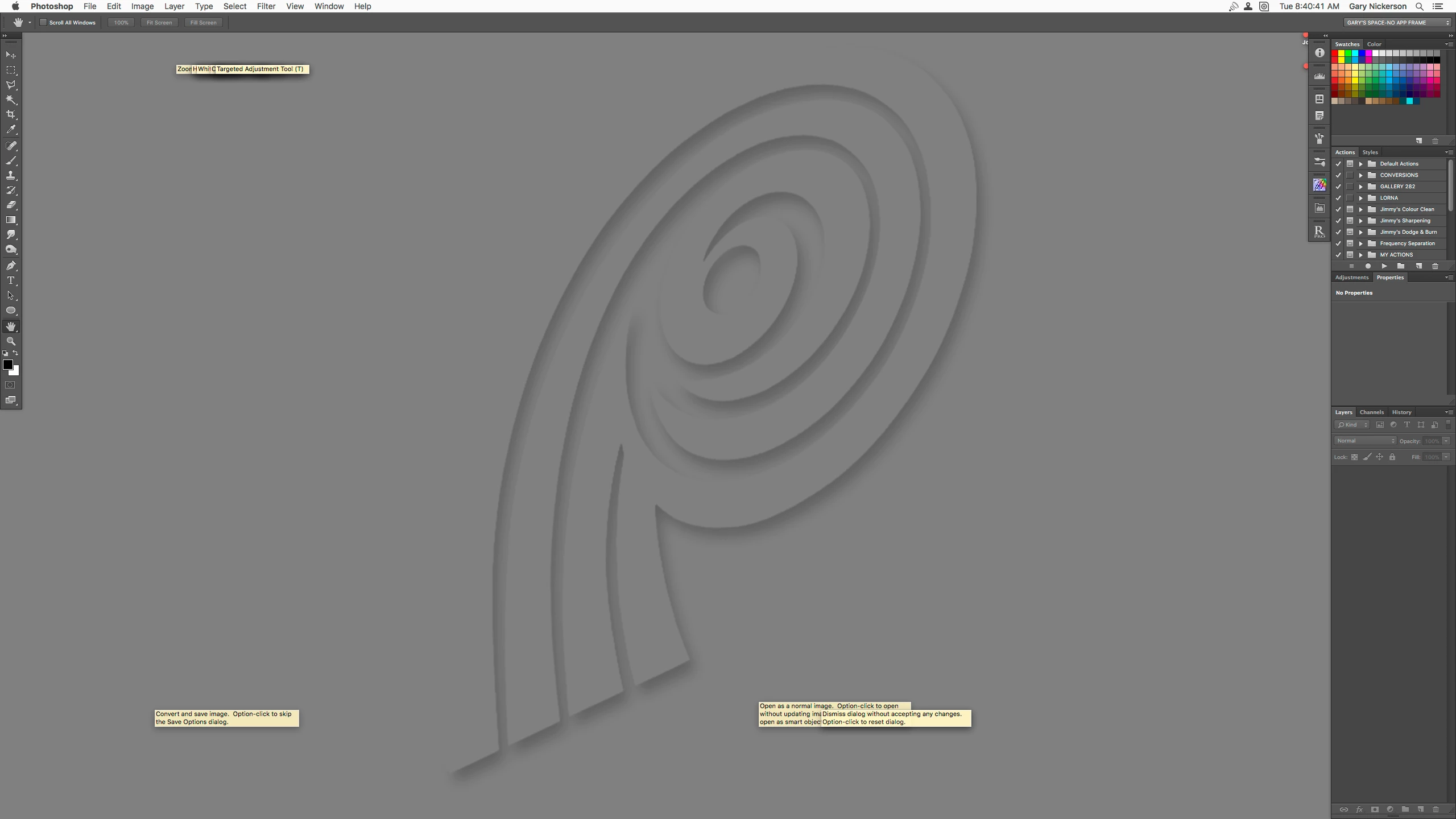
I recently upgraded to High Sierra from Yosemite. Of course the first app I checked was PS CS6, and everything seemed to be working as expected. However, last evening I had a few RAW files to process, so PS opened CR for the job as usual. Problem is, if I hover over one of the tools it immediately opens the info dialog for that tool. by itself that is not a problem, except that the dialog will not close. With a number of these annoying notes present I cannot actually get to the tools I need to use. If I close Camera RAW the notes stay as they were and the only way to get rid of them is to close PS. I have a feeling this is probably not an Adobe issue, but more of an OS issue, but thought i would offer this up here first. I checked and found that the latest version of CR for PS CS6 is 9.1.1, which I have installed, but it only covers up to Sierra. I had initially wanted to upgrade to Sierra, but of course that OS is no longer available for upgrade. One of the recently bad decisions from Apple in my opinion. I am including two screenshots to show the problem, with an without CR active. Hopefully someone might have a bit of advice on this matter.
Thank you
 AdChoices