
Answered
CAMERA RAW KEEPS CRASHING
Hi all,
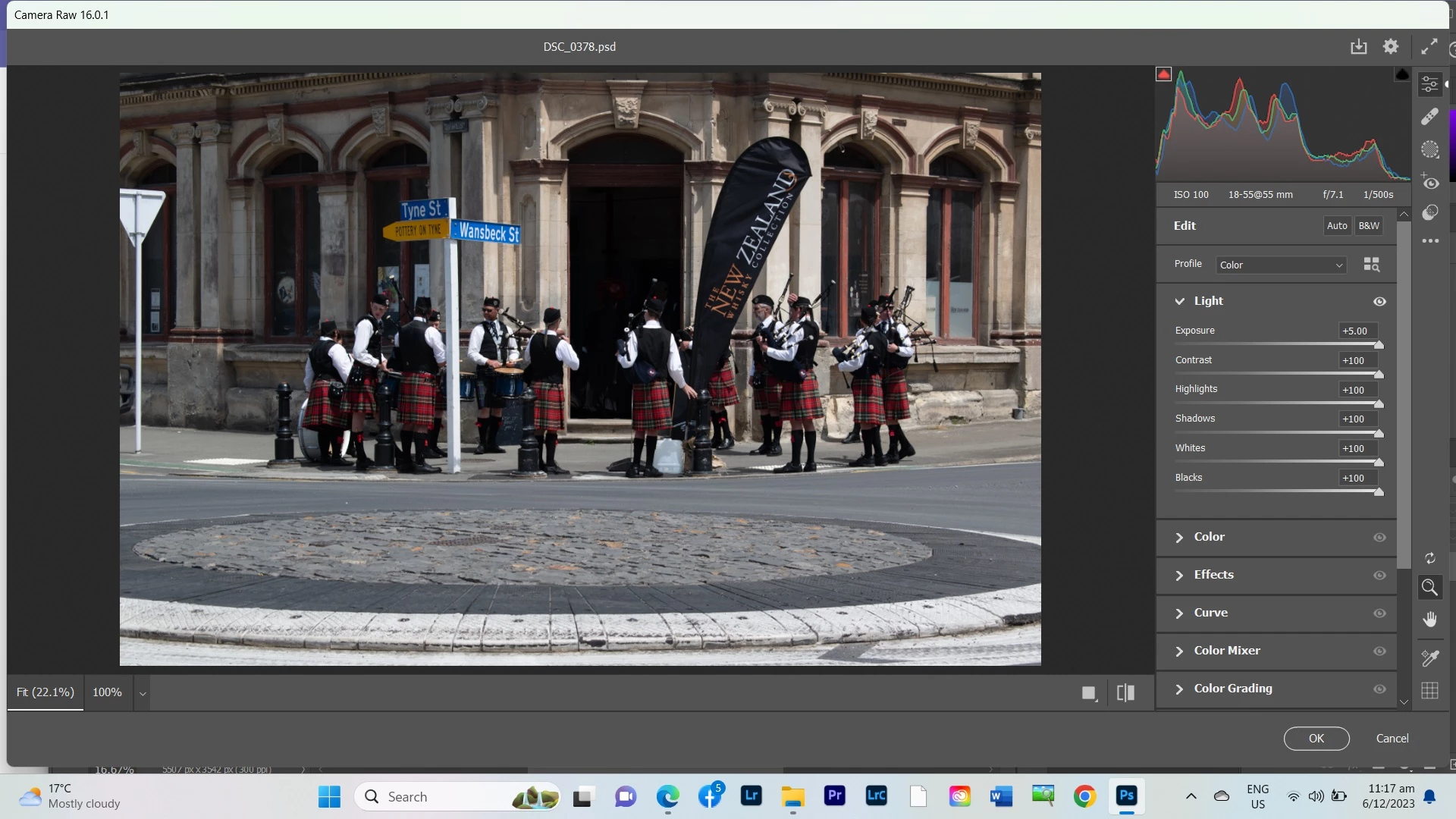
I'm editing some photos for a client (PS 2024) and every so often once I go into the camera raw filter it crashes and it's REALLY getting annoying, especially when time is money.
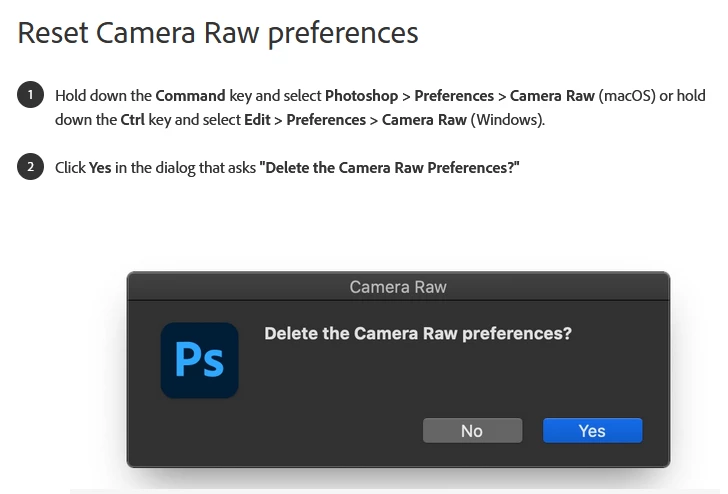
There's one of two problems and the only way to resolve it is to end task via task manager and re-open. Then it's ok for a couple of photos (usually 3 or 4 MAX), then it does it again!
There's one of two problems: either the sliders in the adjustments panel just do not work no matter which way you slide them, or the magnifying glass icon comes up instead of the pointer and none of the buttons will work at all.
Any help or advice muchly appreciated as now I am getting behind and the client is expecting the images soon.
 AdChoices