
Participant
August 10, 2020
Answered

Camera raw modul

  • August 10, 2020
  • 2 replies
  • 425 views

Hello!

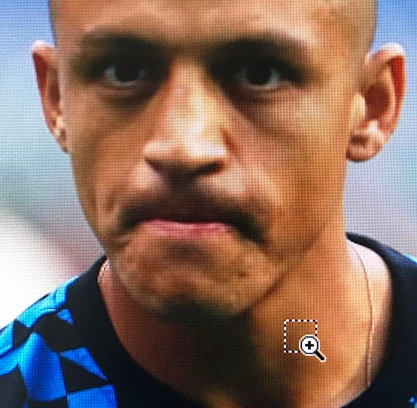
I use camera raw modul to correct pictures. (much pictures) In previous version of PS I used CTRL+space+left mouse click to zoom in and CTRL+ALT+space+left mouse click to zoom out on the picture. Now (in the latest version of camera raw) I can't zoom out with this shortcut. Instead I see zoom icon + a little square.

My question: what is this icon and how can I zoom out? (I need to zoom out... I really need it, and there's no works to go dropdown on the left bottom of the picture or right click+submenu. These are very slow methods for every picture)

Thanks!
This topic has been closed for replies.
Correct answer JJMack

The zoom  shortcuts seem to be the same as  Photoshop's Zoom shortcuts Ctrl++ and Ctrl+-

ACR default keyboard shortcuts 

Z is still the shortcut for the Zoom tool just the Tool Icon is missing you can zoom with the mouse still. Z click hold and move the mouse.


Who knows why Adobe remove the icon perhaps its just an other Adobe bug.

2 replies

JJMack
Community Expert
JJMackCommunity ExpertCorrect answer
Community Expert
August 10, 2020

The zoom  shortcuts seem to be the same as  Photoshop's Zoom shortcuts Ctrl++ and Ctrl+-

ACR default keyboard shortcuts 

Z is still the shortcut for the Zoom tool just the Tool Icon is missing you can zoom with the mouse still. Z click hold and move the mouse.


Who knows why Adobe remove the icon perhaps its just an other Adobe bug.

JJMack
Myra Ferguson
Community Expert
Community Expert
August 10, 2020

In Camera Raw, when you hold Ctrl + Space, the marquee with a magnifier icon lets you drag to create a box where Photoshop zooms. You can release the modifier keys to get the magnifier with a minus symbol that you can use to click and zoom out. Similarly, you can hold down Shift while holding down Ctrl and get the magnifier with the minus symbol to zoom out.