johno37070665
Participating Frequently
February 17, 2018
Answered

Camera Raw Window Size

  • February 17, 2018
  • 2 replies
  • 7259 views

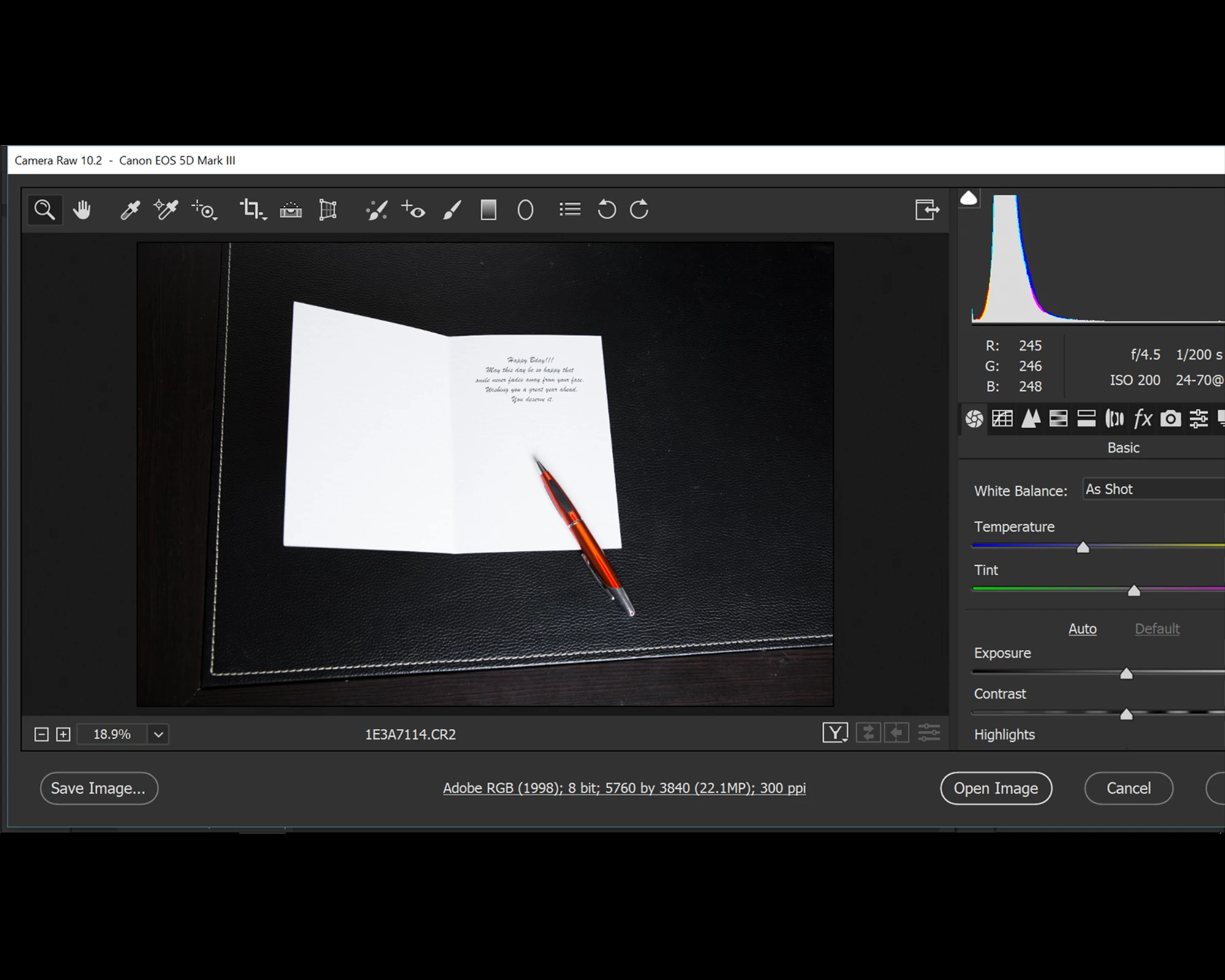
Here is a screen of my camera raw window after the recent update.  I would like for it not to be oversized.

Any help?

Screen res = 1920x1080

Screen size = 15"

Windows 10
    This topic has been closed for replies.
    Correct answer karnikc

    Hi Johno.

    I had the same issue.

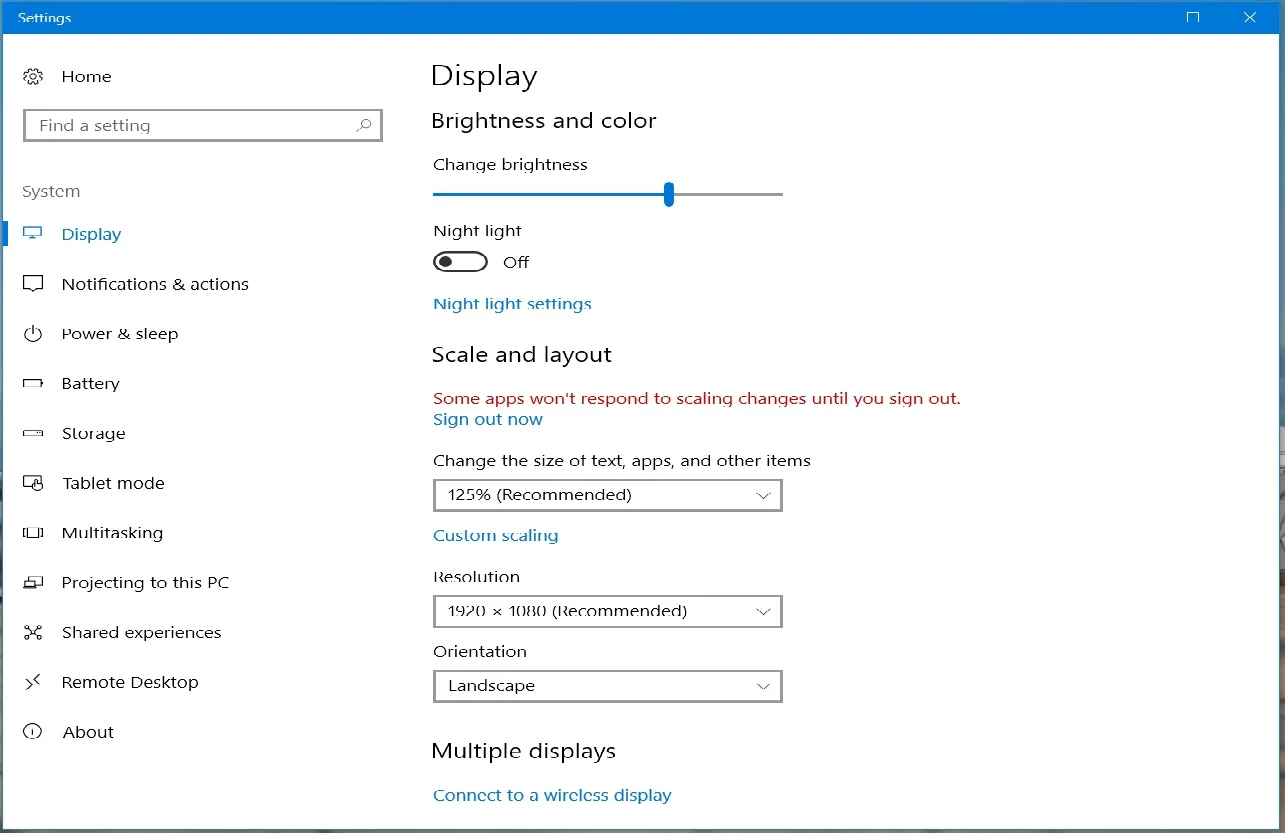
    I went into "system"  "display"  and  "scale and layout" and changed it to recommended size of 125%
    2 replies

    karnikc
    karnikcCorrect answer
    Participant
    February 19, 2018

    Hi Johno.

    I had the same issue.

    I went into "system"  "display"  and  "scale and layout" and changed it to recommended size of 125%

    johno37070665
    Participating Frequently
    February 20, 2018

    karnikc, THANKS!

    That worked.  Must have been reset during an update.

    John

    Barb Binder
    Community Expert
    Community Expert
    February 17, 2018

    Hi John:

    You can drag the lower left corner of the window to make it smaller, then reposition it by dragging the title bar at the top.

    ~Barb

    ~Barb at Rocky Mountain Training
    johno37070665
    Participating Frequently
    February 17, 2018

    I can, but it only sizes down a small bit.  Still oversized.

    Barb Binder
    Community Expert
    Community Expert
    February 17, 2018

    Hi John:

    Has the sizing changed for all of Photoshop, or just the ACR dialog box? Are you on Windows?

    ~Barb

    ~Barb at Rocky Mountain Training
