Thanks for guiding me to vector shape possibilities in adobe library. I'm still getting some glitches, which I'll research.
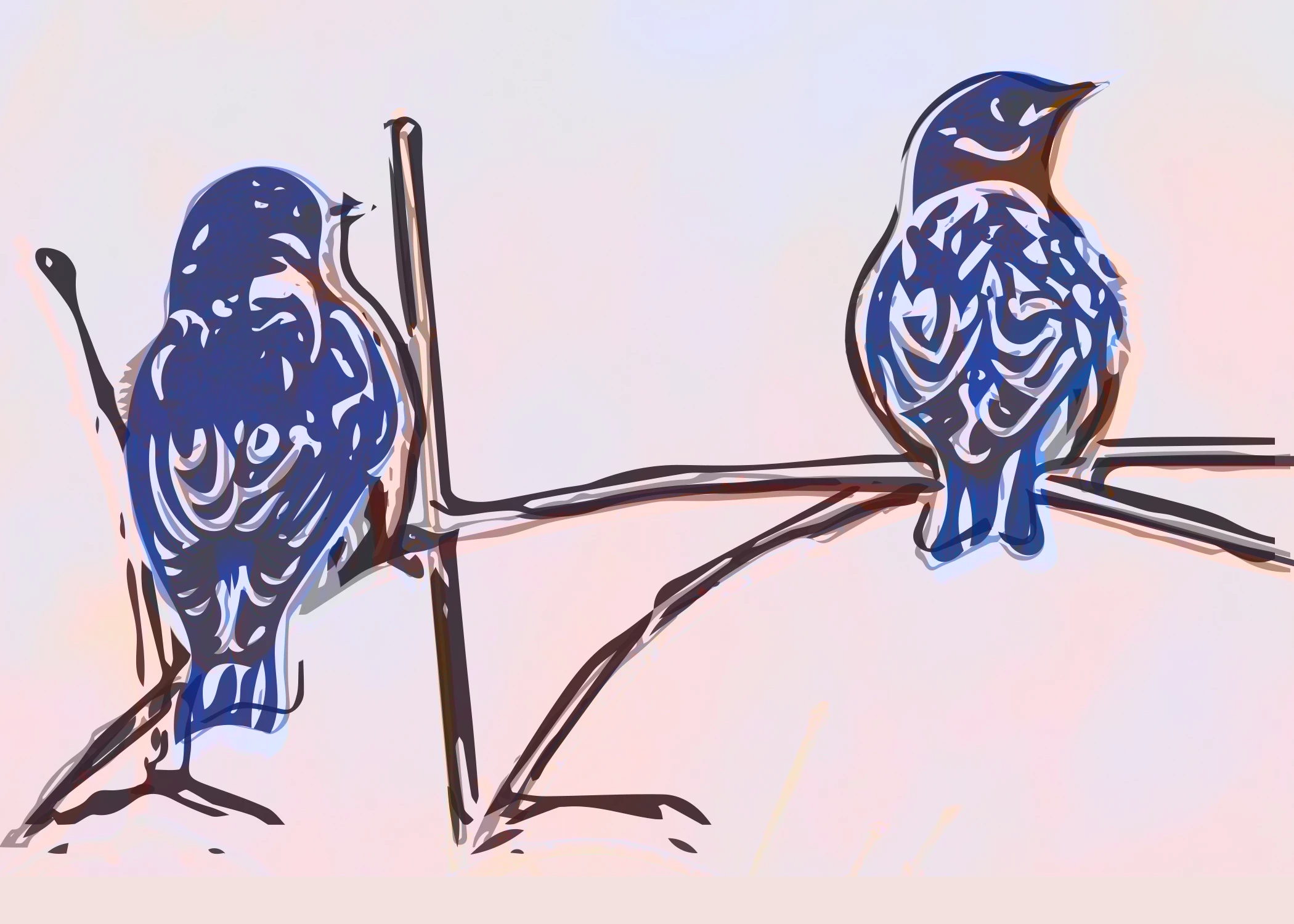
I see how she stacks contrasting vectors. But I can't understand how the shapes turn colors immediately after she stacks them. I got this with clipping masks, which didn't flow like hers. I was a little lose aligning the layers, but didn't mind the effect. The red/brown color came from the original on top then a pink fill mask below.
Just an aside, but you can also use Adobe Capture directly within Photoshop., although it is a well hidden feature.
With an image open in Photoshop, turn on the libraries panel (Window>Libraries) then click on the + symbol at the bottom of the panel. A small menu will open and the top item in that menu is 'Ca Extract from Image'. That is Adobe Capture.
You can process the capture and when done, it saves your capture to the library and you can drag it back into your image, where it appears as a new shape layer.
Dave




 AdChoices