

Jqqerry
Inspiring
July 8, 2021
Question

Can I increase the UI and font scale Photoshop only?
  • July 8, 2021
  • 1 reply
  • 674 views


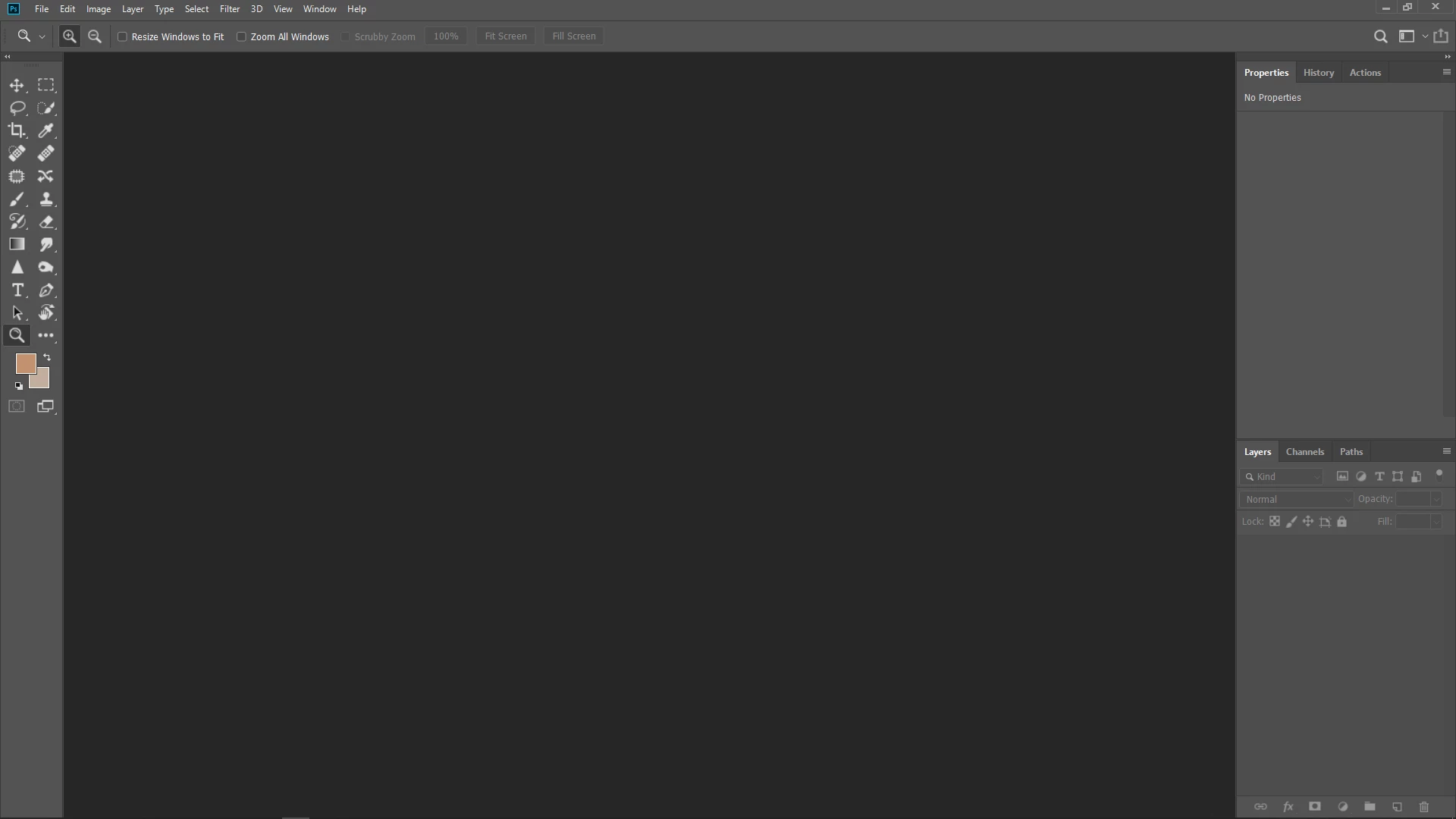
As you can see from the picture, this is the typical working environment of FHD(1920x1090). Increasing font size from the interface menu is not satisfactory. Because I have bad eyesight.
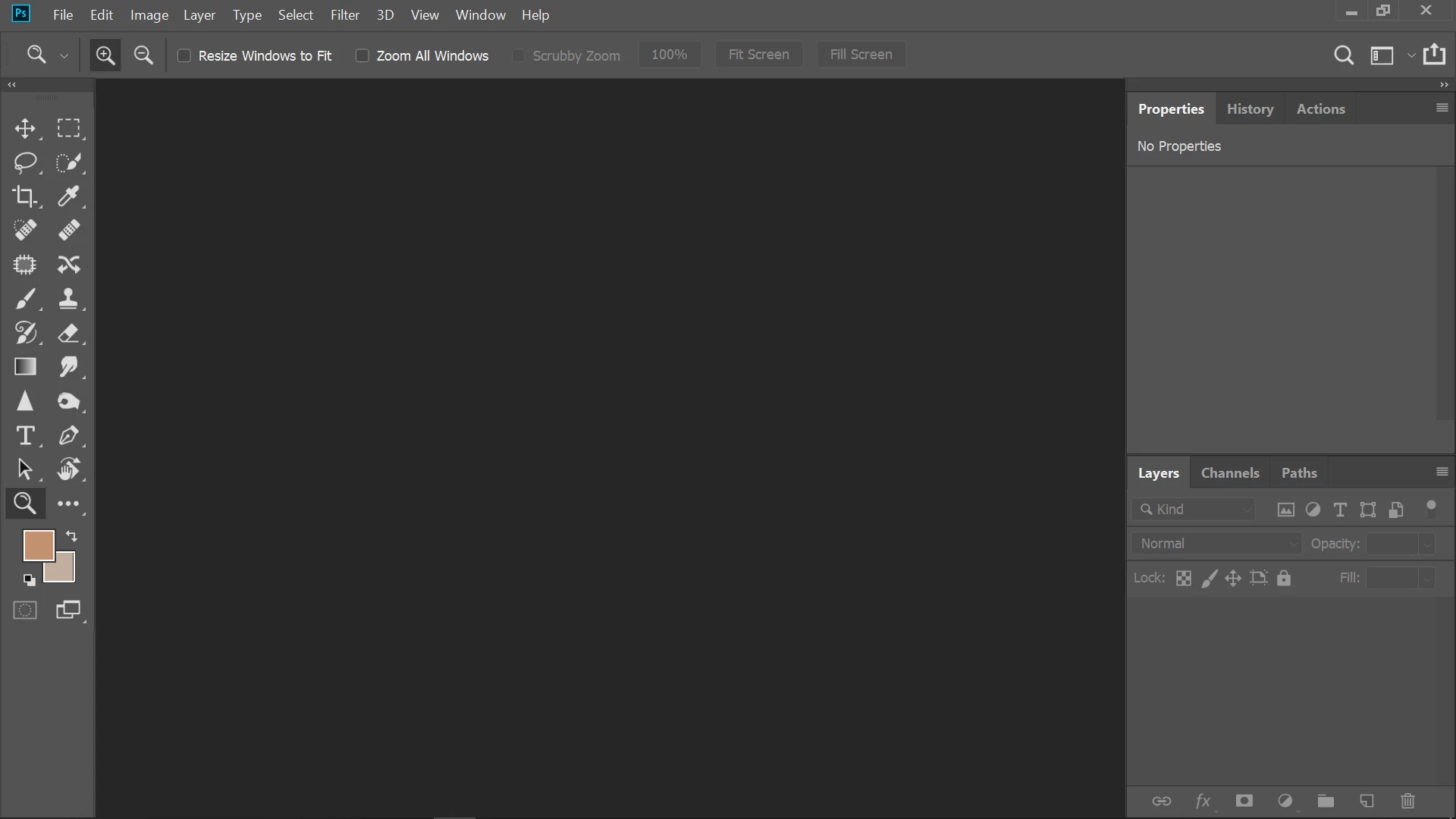


However, it is very satisfying to set the display scale of Windows 10 to 150%. I can see iKON very well and it's great. But everything else is burdensome except Photoshop.

Can the setting of Windows 10 be applied only to Photoshop like this?
Or can you adjust the scale by modifying the Photoshop's own registry?

Please help me if you know anyone.

This topic has been closed for replies.

1 reply

JJMack
Community Expert
Community Expert
July 8, 2021

On Windows Photoshop Display scaling only scales  Photoshop UI items the Panels Sizes icon sizes the Font size.    Photoshop  Image zooming uses your Displays native high resolution pixels.  Photoshop  uses your Windows display Scaling Setting you set for each of your machine's displays.   Not all Applications have a UI scaling  option. These application will either use  your systems Display scaling for all they display or use your display high resolution.  It depends on how the application manifest is set.  If you have Applications that are displaying everything to small for your eyes because the manifest  is set to use your displays native resolution.  You can force  Windows Display scaling onto those application by editing their Desktop Launching Icon Short properties.  For example Old CS2 does not have a UI Scaling feature.  It will use your display's native high resolution  everything that CS2 Displays will be too small for your eyes.  If you force Windows scaling everything  Photoshop displays will be scaled to a low resolution the includes Photoshop image display it is scaled also to a low resolution.


JJMack