
February 6, 2023
Answered

Can not run the action.

  • February 6, 2023
  • 2 replies
  • 1006 views

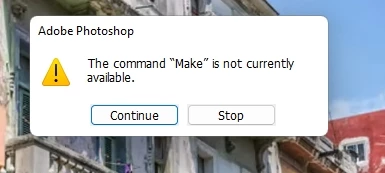
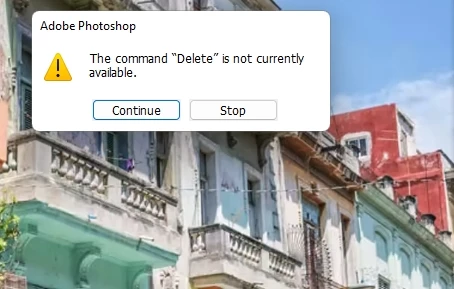
I've installed a Watercolor Artist Action Set but couldn't run it because I got 'The command SELECT is not currently available. And it showed again with DELETE, CONTRACT, MAKE, STROKE, ...

I don't know what to do now. Please help.
https://creativecloud.adobe.com/discover/article/transform-photos-into-watercolors-with-a-free-photoshop-action

This topic has been closed for replies.
Correct answer c.pfaffenbichler

I just recorded my screen while running the action. Please have a look at the attachment.


After applying »Setup« aren’t you supposed to do something? 

2 replies

Inspiring
February 11, 2024

I am having a similar issue. I've used this a lot in the past but it no longer works in v2024. 

There are notes on the page to say download the newest version, but those links don't work.


The current install instructions point to options that are no longer available.


This is the best watercolour action I've ever found and I would love to be able to use it again.


I am using the correct layers. It is hanging on mask1 and goes no further.


There are no error messages. Is there a new version I can access?

Thanks.

c.pfaffenbichler
Community Expert
Community Expert
February 11, 2024

Could you please post screenshots with the pertinent Panels (Toolbar, Layers, Actions (with the expanded Action at the point of failure), Options Bar, …) visible? 

c.pfaffenbichler
Community Expert
Community Expert
February 6, 2023

Could you please post screenshots with the pertinent Panels (Toolbar, Layers, Options Bar, …) and the expanded Action in the Actions Panel visible? 

February 6, 2023

I don't really know what should be captured  😞

c.pfaffenbichler
Community Expert
Community Expert
February 6, 2023

Please shoot the whole screenshot (the Layers Panel and the Actions Panel should definitely be visible) at the moment of the error. 

That way it should be possible to see which step in the Action trips up and which Layer is selected at that time. 


In the screenshot the active Layer (»External 1.1«) seems to be empty so it would be important to know what was supposed to happen.