
Participant
April 14, 2018
Answered

Can't add different photos into timeline, animation

  • April 14, 2018
  • 1 reply
  • 851 views

Hello everyone, today i was going to make an animated gif with photoshop 2018(tried cs6 also), but when i try to add another photo to the timeline it doesn't

like this:
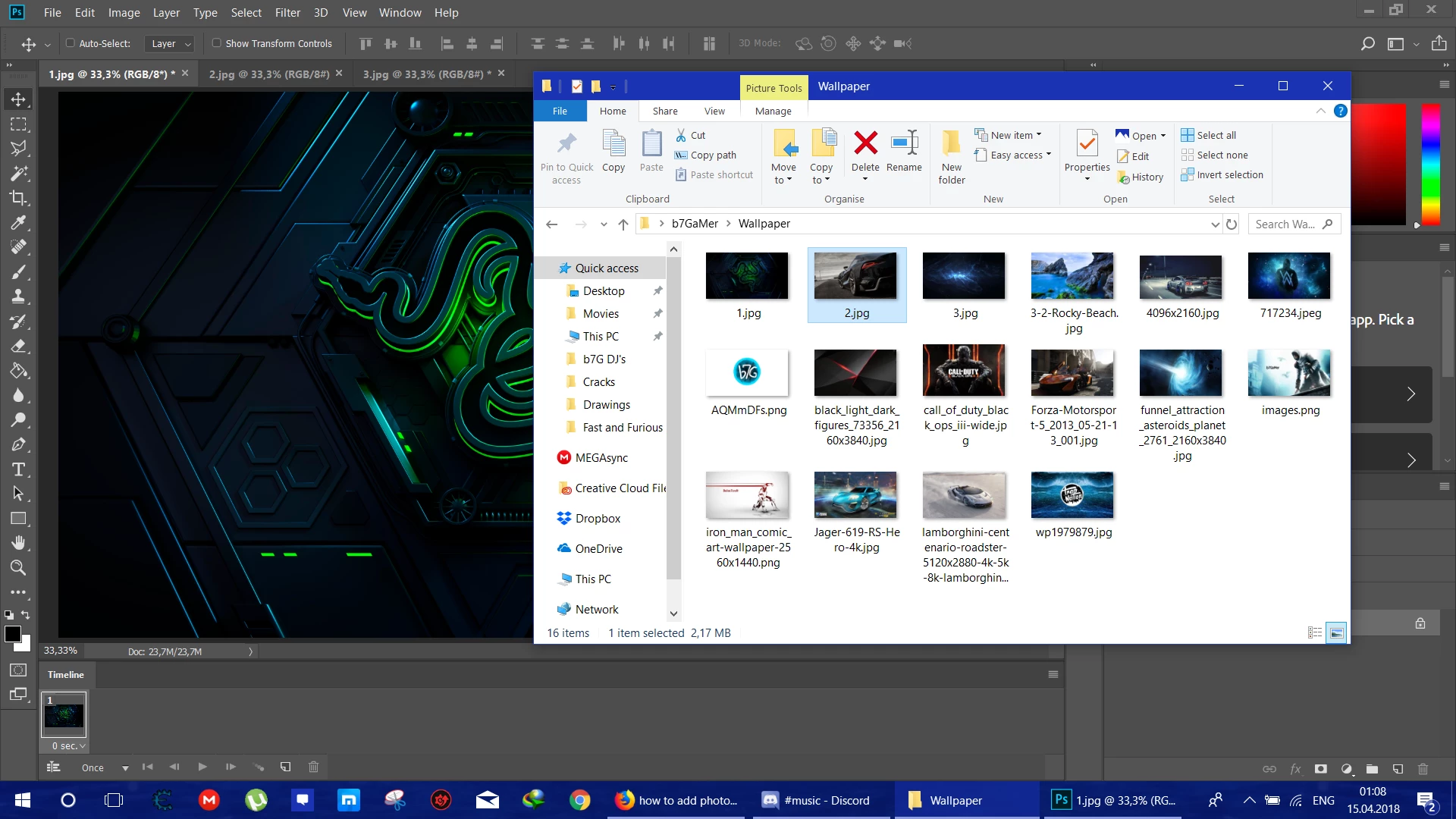
as you see i tried to add number 2 photo to the timeline but when i try to add it:
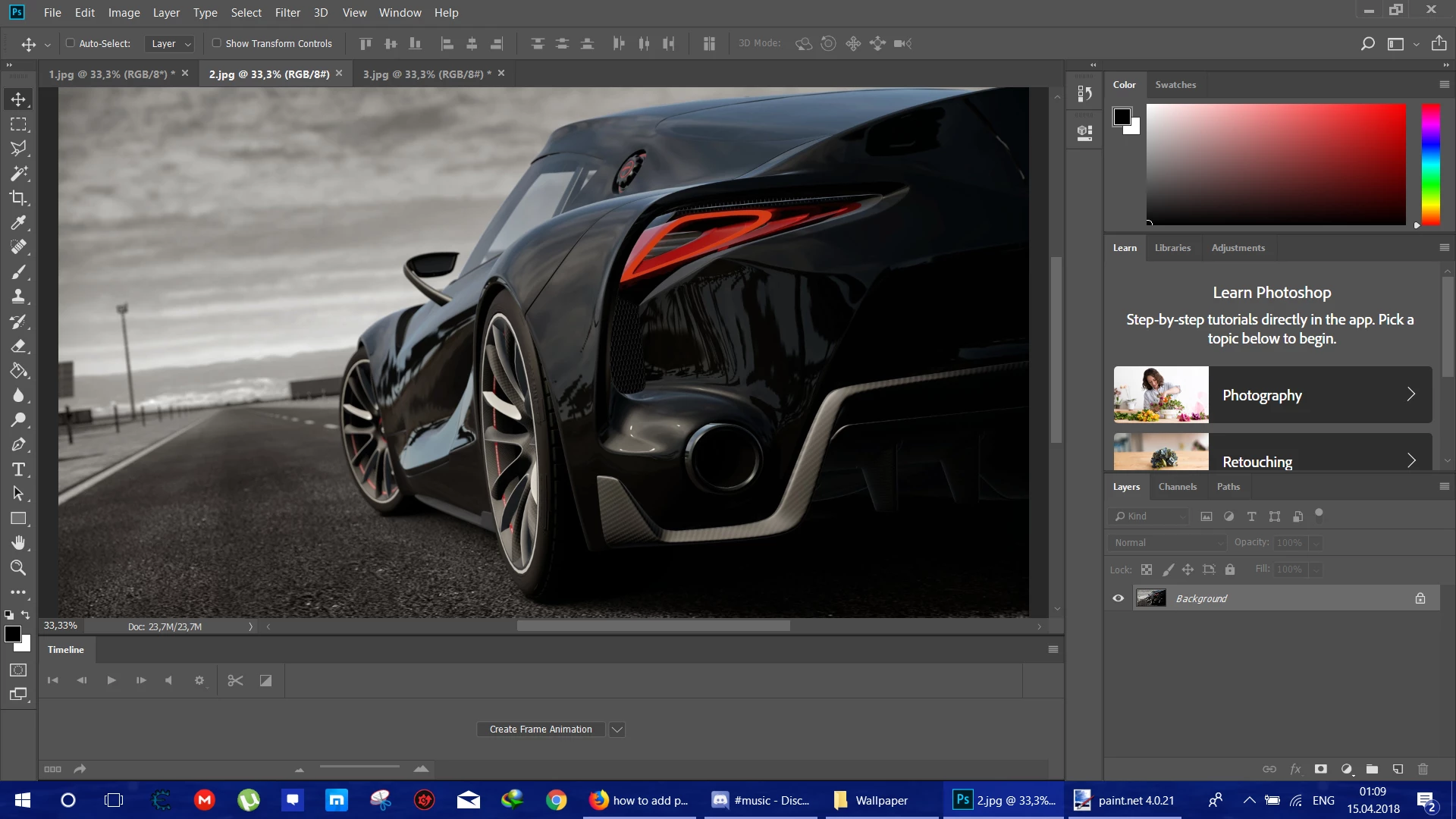
it just opens as a new window, i searched for this for hours man and so tired and i have work to do so please can some one help me, i know that the photos aren't related to each other but why it doesn't add the photos to the timeline like a [Profanity removed by moderator] normal thing

thanks alot

    This topic has been closed for replies.
    Correct answer davescm

    Place the images into layers in the same document (file >Place Embedded) then in the top right of the timeline open the menu and use Make frames from Layers

    Dave

    1 reply

    JJMack
    Community Expert
    Community Expert
    April 15, 2018

    You have not create a timeline yet. Click the Create Frame Animtion button to Create the Frams animation timeline and the first frame.

    JJMack
    Participant
    April 15, 2018

    As you can see in the first pic i created an animation timeline, so…

    davescm
    Community Expert
    davescmCommunity ExpertCorrect answer
    Community Expert
    April 15, 2018

    Place the images into layers in the same document (file >Place Embedded) then in the top right of the timeline open the menu and use Make frames from Layers

    Dave