
Participant
June 24, 2022
Answered

Can't change brush settings; they change back

  • June 24, 2022
  • 2 replies
  • 427 views

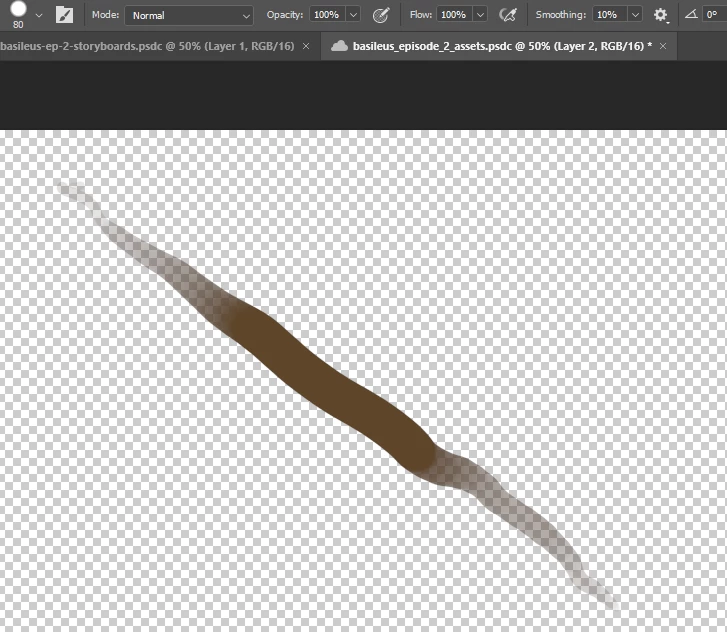
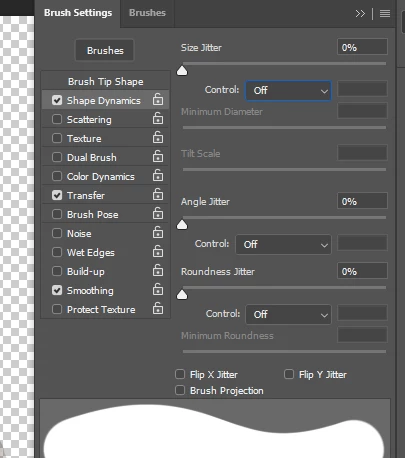
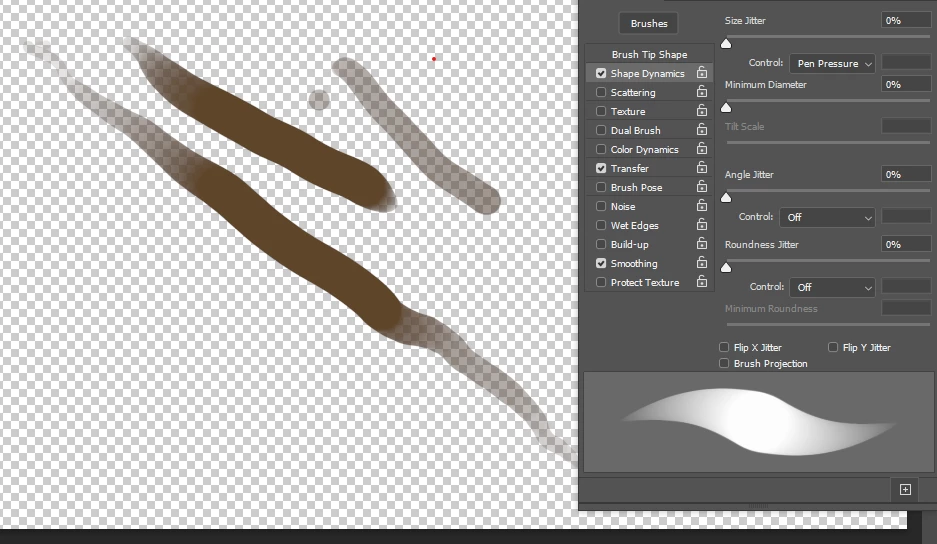
My brush currently changes opacity and size with pen pressure. I want to use pen pressure for opacity, but not for size. I change the brush setting "Controls" to "Off." As soon as I make another stroke, it sets itself back to "Pen Pressure." Can someone help me fix this?
Starting point:
Set to Off:
Result:
This topic has been closed for replies.
Correct answer Sam Hodak

Ok, I found a tutorial on youtube that explained this, and it worked:
This worked for me as of 06/23/2022
Create a file called PSUserConfig.txt
Add this line to it (not including the quotation marks): "UseSystemStylus 0"
Go to C:\Users\{yourusername}\AppData\Roaming\Adobe\{your version of photoshop}\Settings\
Put the text file in that folder
The Settings folder might be called something else, like "Adobe Photoshop 2022 Settings"
And if you can't see AppData in your user folder, make sure to show Hidden Items (try the View menu)

2 replies

Community Expert
June 26, 2022

Hi, thank you for your feedback!

Sam HodakAuthorCorrect answer
Participant
June 24, 2022

Ok, I found a tutorial on youtube that explained this, and it worked:
This worked for me as of 06/23/2022
Create a file called PSUserConfig.txt
Add this line to it (not including the quotation marks): "UseSystemStylus 0"
Go to C:\Users\{yourusername}\AppData\Roaming\Adobe\{your version of photoshop}\Settings\
Put the text file in that folder
The Settings folder might be called something else, like "Adobe Photoshop 2022 Settings"
And if you can't see AppData in your user folder, make sure to show Hidden Items (try the View menu)