Participant
January 8, 2020
Question

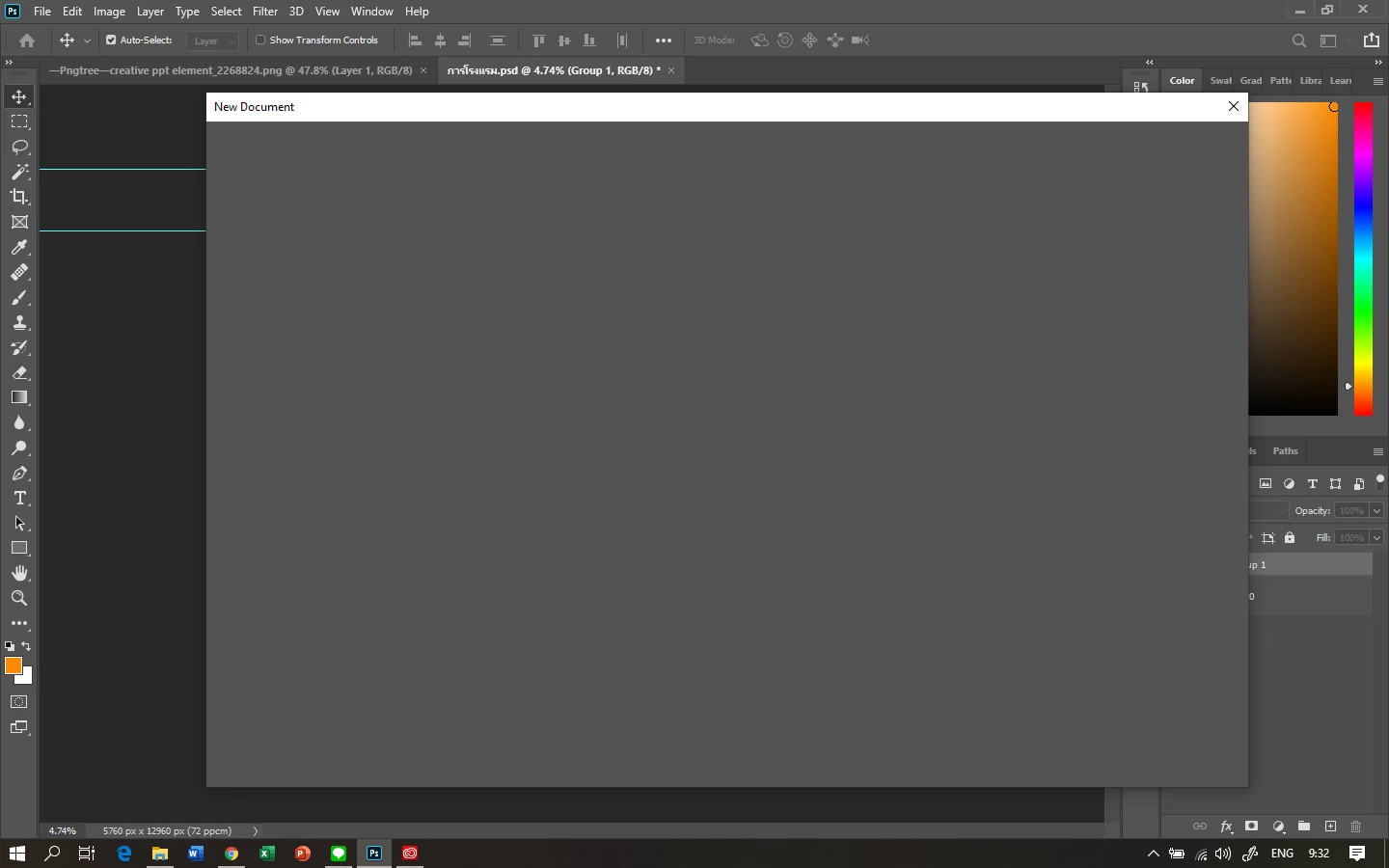
Can't create / Open new file Photoshop 2020

  • January 8, 2020
  • 2 replies
  • 20403 views

I can't create new document on Photoshop 2020 


This topic has been closed for replies.

2 replies

marcial12567567
Participant
January 30, 2021

Same problem using 22.1.1.  on Catalina and old lady not well versed in repairing software.  Please be patient and help me.

Akash Sharma
Legend
January 8, 2020

Hi there,


Sorry that you cannot create a new file in Photoshop 2020, let us help make it right. Would you mind checking the solution mentioned in this similar article https://community.adobe.com/t5/photoshop/can-t-create-open-new-file-photoshop-cc/td-p/5467343 and let us know if that helps? 


Thanks,

Akash

Participant
January 8, 2020

I have the same problem and the workaround with the old interface works. I hope Adobe will fix the problem because the "new" interface already worked.

Participant
May 4, 2020

That didn't help, friend 


This is what worked for me.  


Open photoshop > edit > preferences > general.  from here you're changing settings in three tabs: scratch disk, performance, general 

1. General > check on "use legacy new document interface"

2. Performance > uncheck "use graphics processor" 

3. Scratch disk > IF you are using the disc on your PC where windows is also installed, as photoshop's scratch disc, disable this and check a box next to a different drive.
