
nicolehat
New Participant
December 18, 2018
Answered

Can't edit pixels because selected layer is 'empty' but it's not!

  • December 18, 2018
  • 1 reply
  • 21445 views

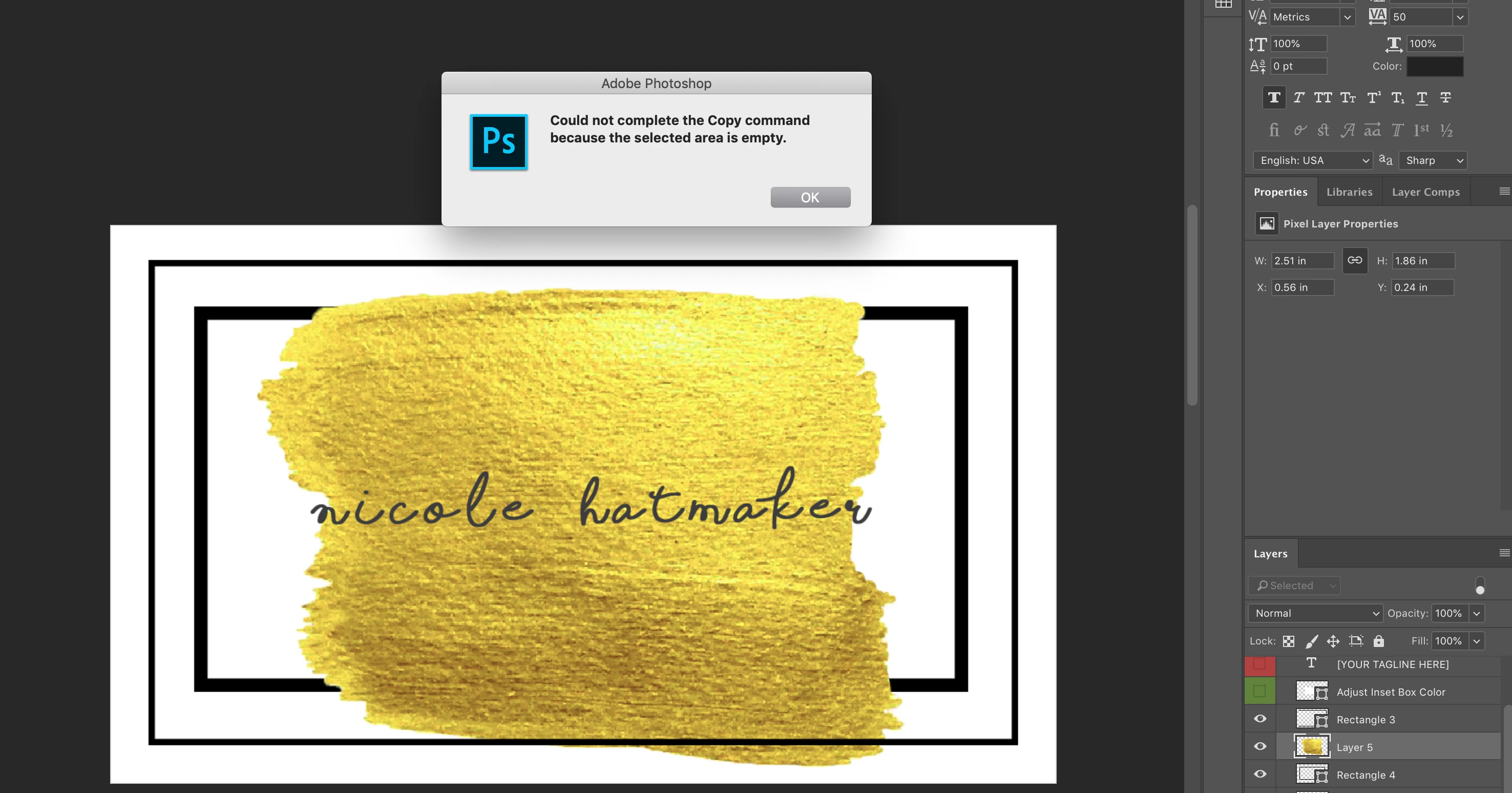
I am unable to transform/copy my layers. I have definitely messed something up. I know I am clicking on the correct selected layer while trying to edit. This even happens on my text layers (lets me edit and move the text/whatever layer I am working on but not transform the text/content box).
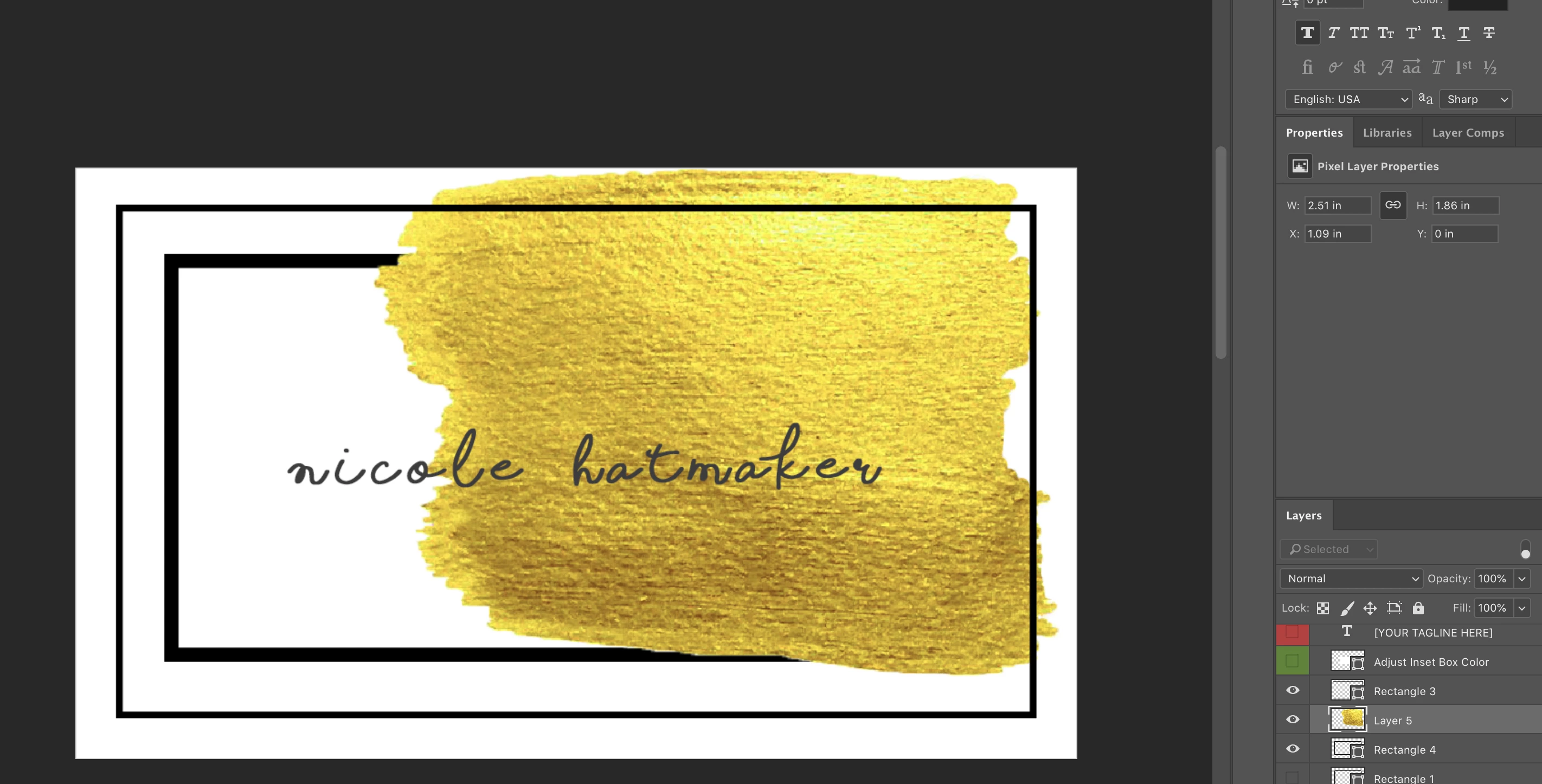
Moved around-----
This topic has been closed for replies.
Correct answer michelew83603738

Do you perhaps have a selection? Good trouble shooting technique is to always try to deselect even if you don't think that you have one. Cmd+D

1 reply

michelew83603738
michelew83603738Correct answer
Community Expert
December 18, 2018

Do you perhaps have a selection? Good trouble shooting technique is to always try to deselect even if you don't think that you have one. Cmd+D

macpawel
Participating Frequently
December 18, 2018

Or just select your pixels - using CTRL/Cmd +A command

you can also press CTRL/Cmd key and click your Yellow Layer 5 Thumbnail to load exact selection based on your pixels

New Participant
August 2, 2024

Thank you it's working