Answered
Can't explain but Photoshop is messed up (check image)
I can't explain the problem so I hope this image can:
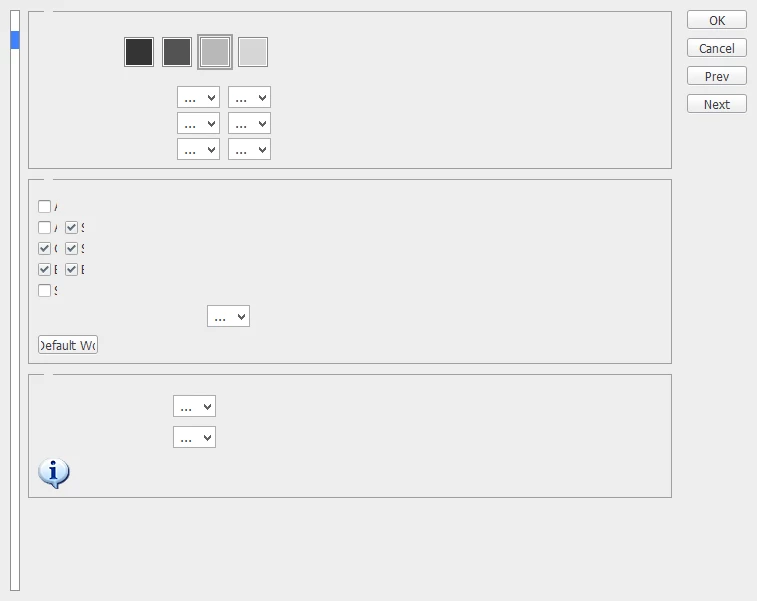
This is (meant to be) Edit>Preferences>Interface

I can't explain the problem so I hope this image can:
This is (meant to be) Edit>Preferences>Interface
Hi
When Photoshop clearly misbehaves in some unusual way , then it is worth resetting preferences. These can get corrupted.
When you can't get to the button in the Preference dialogue, and you clearly cannot, then you can reset by closing Photoshop then holding down Alt+Control+Shift (Windows) or Option+Command+Shift (Mac ) whilst you click to start Photoshop. You will get a dialogue asking if you want to delete settings. Click on yes and Photoshop will rebuild its default settings.
Dave
Already have an account? Login
Enter your E-mail address. We'll send you an e-mail with instructions to reset your password.
 AdChoices